AI Video Guides for AI Avatars, AI Voices, PPT to Video, Text to Video and More
Explore practical guides, tutorials, product updates, and industry insights on AI Video, Prompt to Video, Document to Video, and modern video creation workflows built for marketers, creators, educators, and SaaS teams.

AI Video
Strategy & Growth

AI Avatars

AI Voices

Text to Video
You have an MP4 export from last week’s webinar, course lesson or product demo and you need captions — fast, accurate and editable — without rebuilding the whole project. Upload
Upload a PowerPoint, drop in a Word document or paste a link and vidBoard parses the content into an editable canvas: text, shapes and images remain objects you can change,
You just finished a 12-slide product deck in landscape for a product demo. Now the marketing brief asks for a vertical short for Reels and a square clip for the
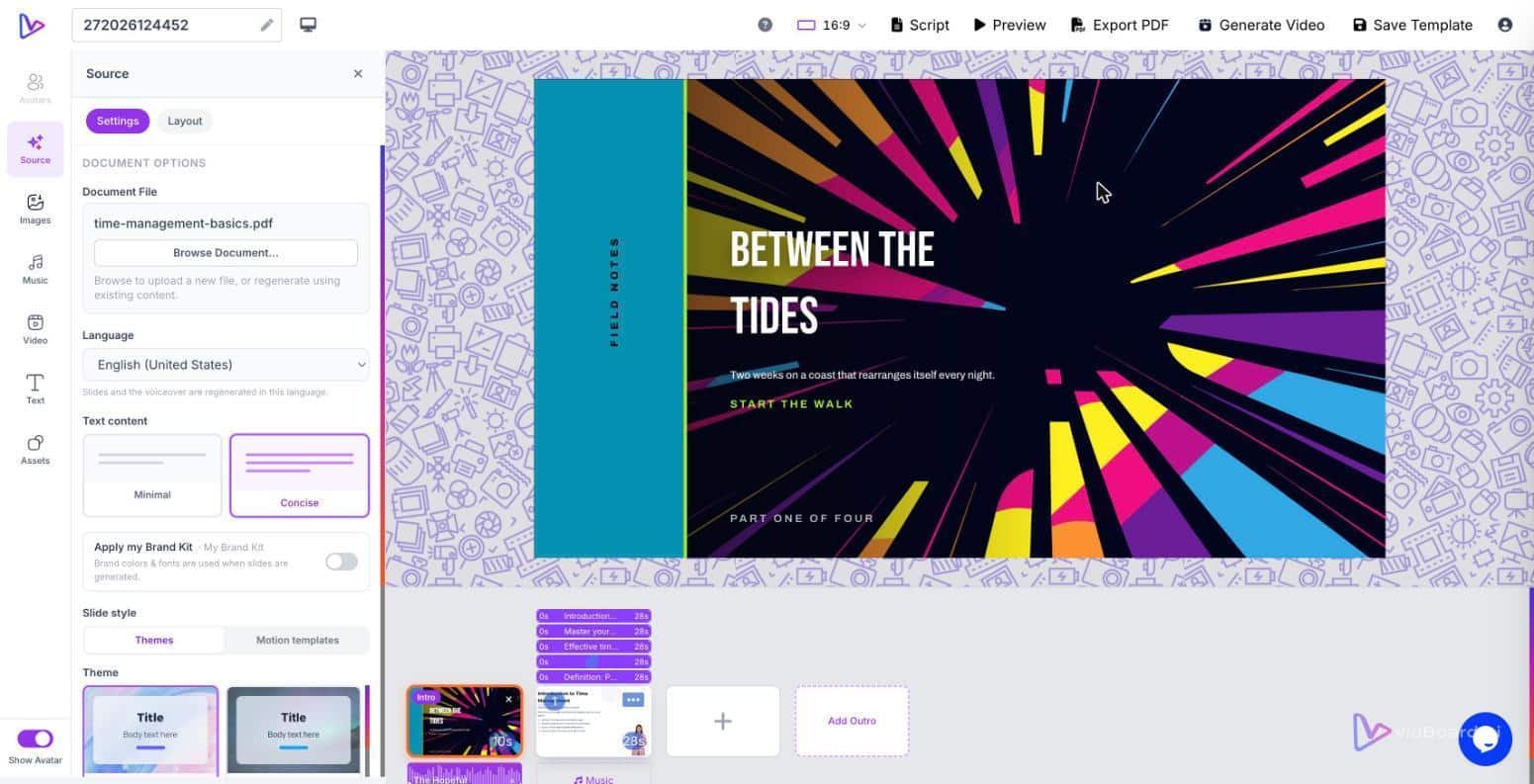
You drag a ten-page onboarding document into vidBoard, the platform splits it into slides, writes narration and places matching images. On the slide that lists the SLA metrics, a headline
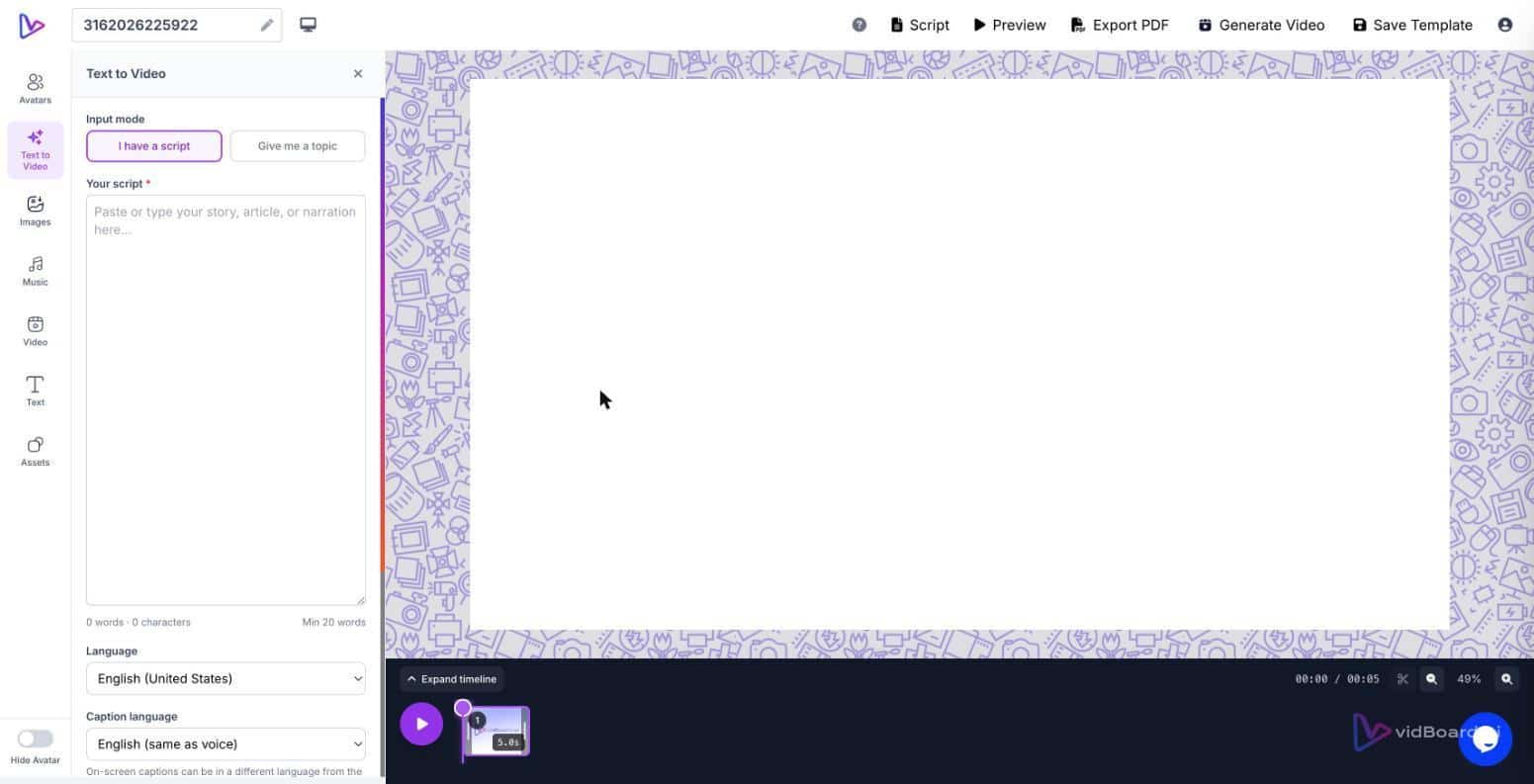
Open a PowerPoint or drop a PDF into the vidBoard editor and the platform turns each slide into an editable scene. You do not land on a blank timeline: you
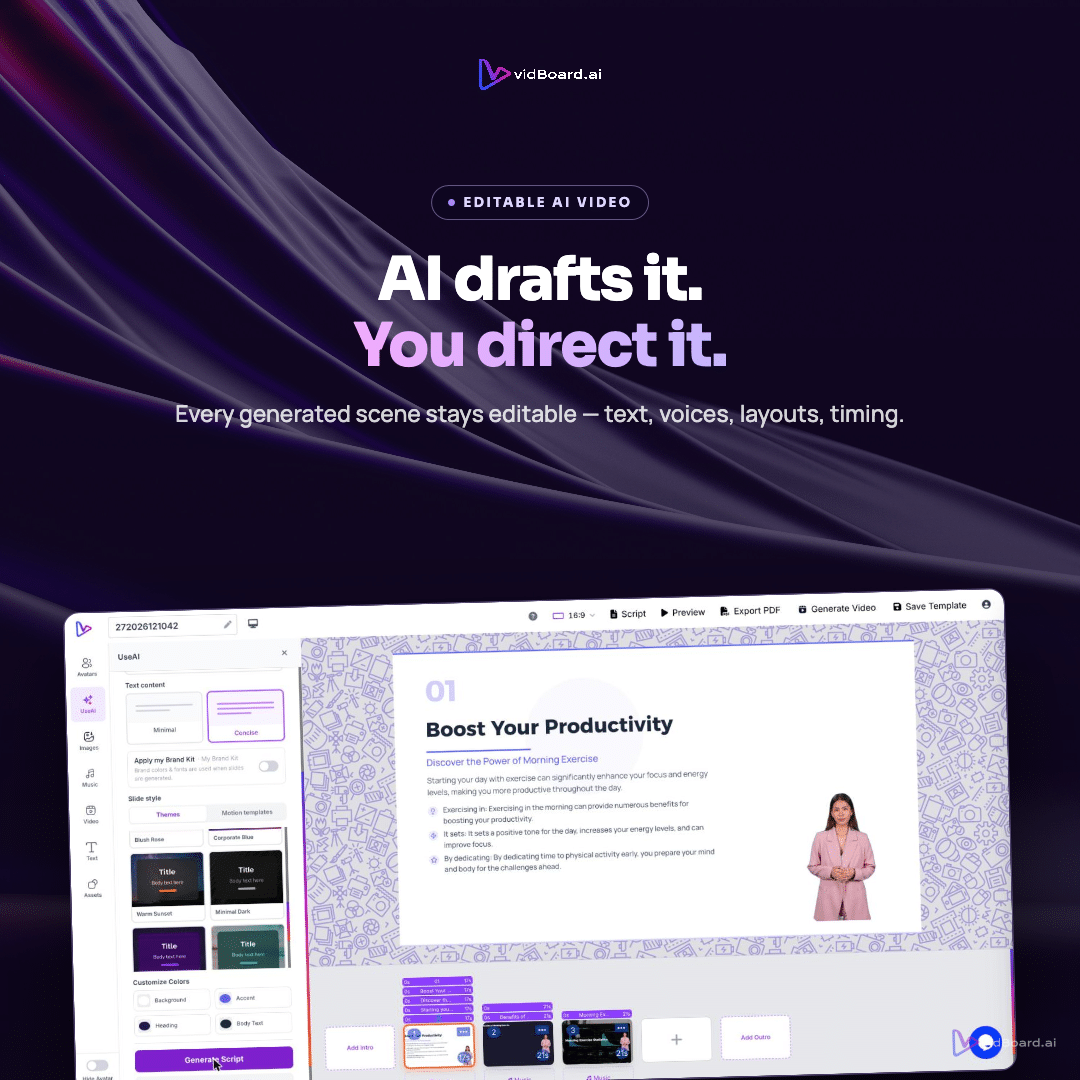
You upload a PowerPoint or drop a PDF into vidBoard and the platform parses your slides and text into editable objects: text, shapes and images remain selectable, the system writes
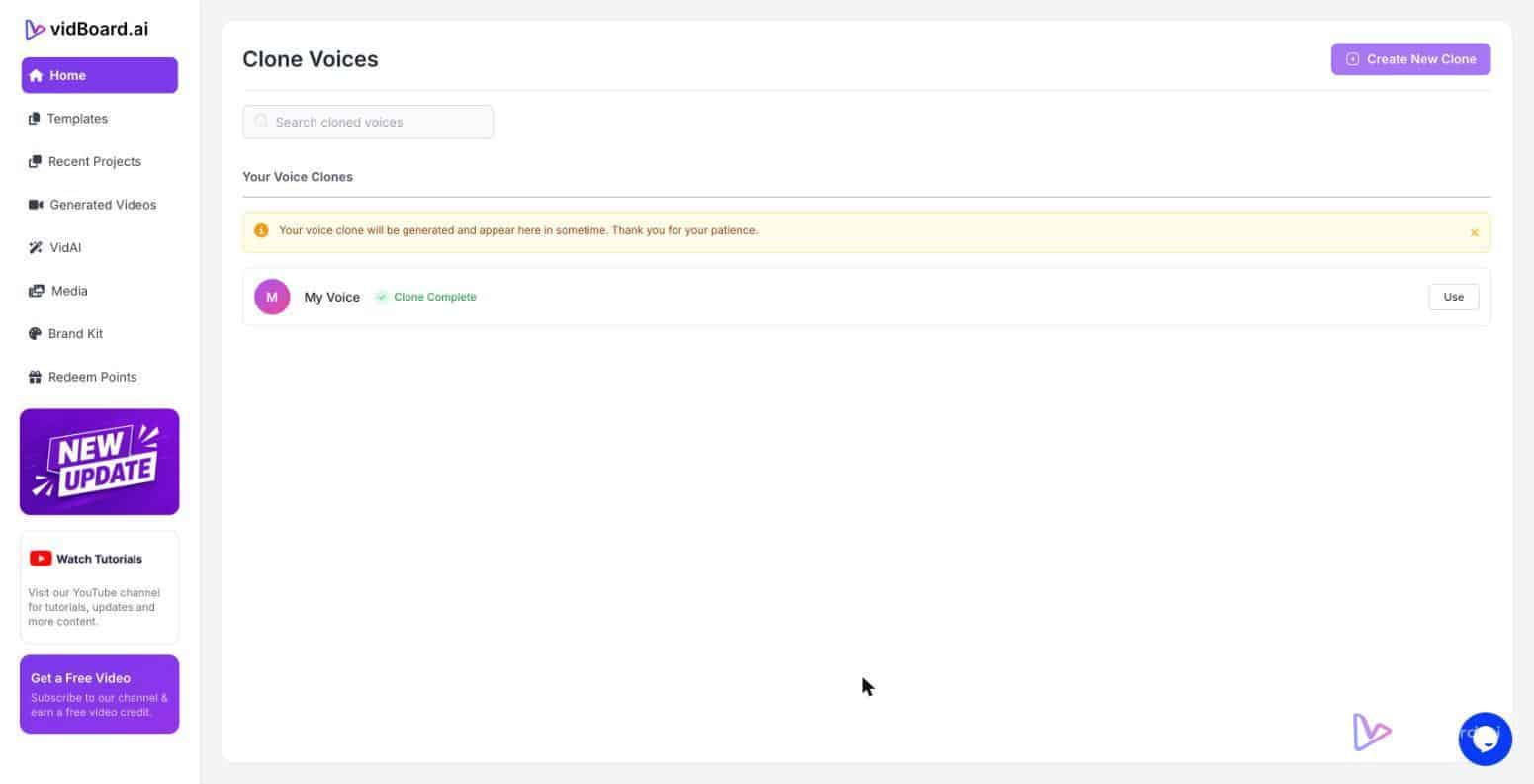
A learning manager uploads a company SOP and, without filming, produces a narrated module that uses a cloned instructor voice, the organisation’s Brand Kit and a motion template — and
A marketing team has a folder of written product pages, a Brand Kit, and a tight deadline for social. They don’t have time to script, book a voiceover, or film
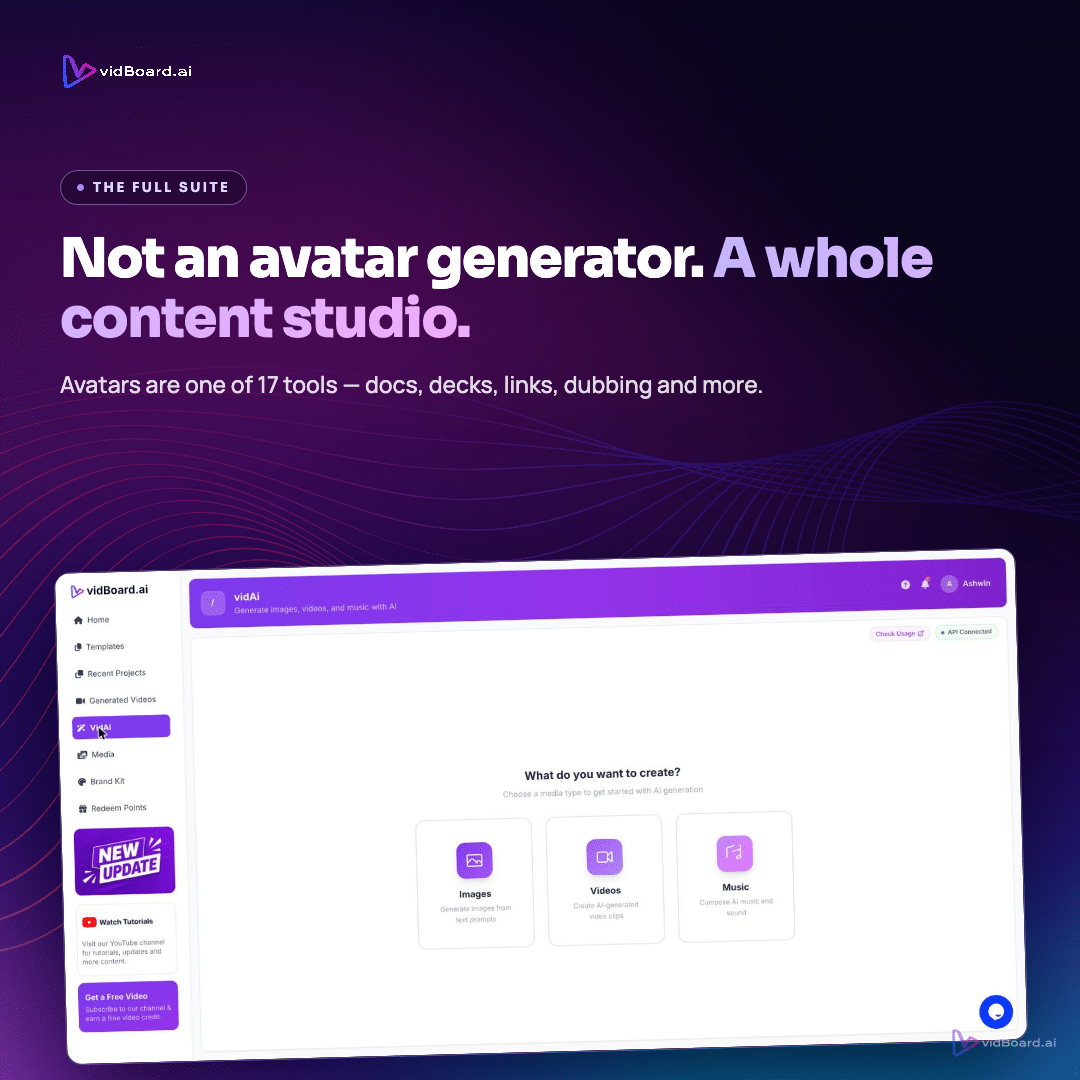
Drop a PDF or paste a blog link into vidBoard and the platform reads the source, keeps the real facts, splits the material into scenes, writes narration and proposes visuals
You have a 30-slide onboarding deck, a folder of training PDFs and a shortlist of social clips to produce. The decision you make about narration — use a generic AI
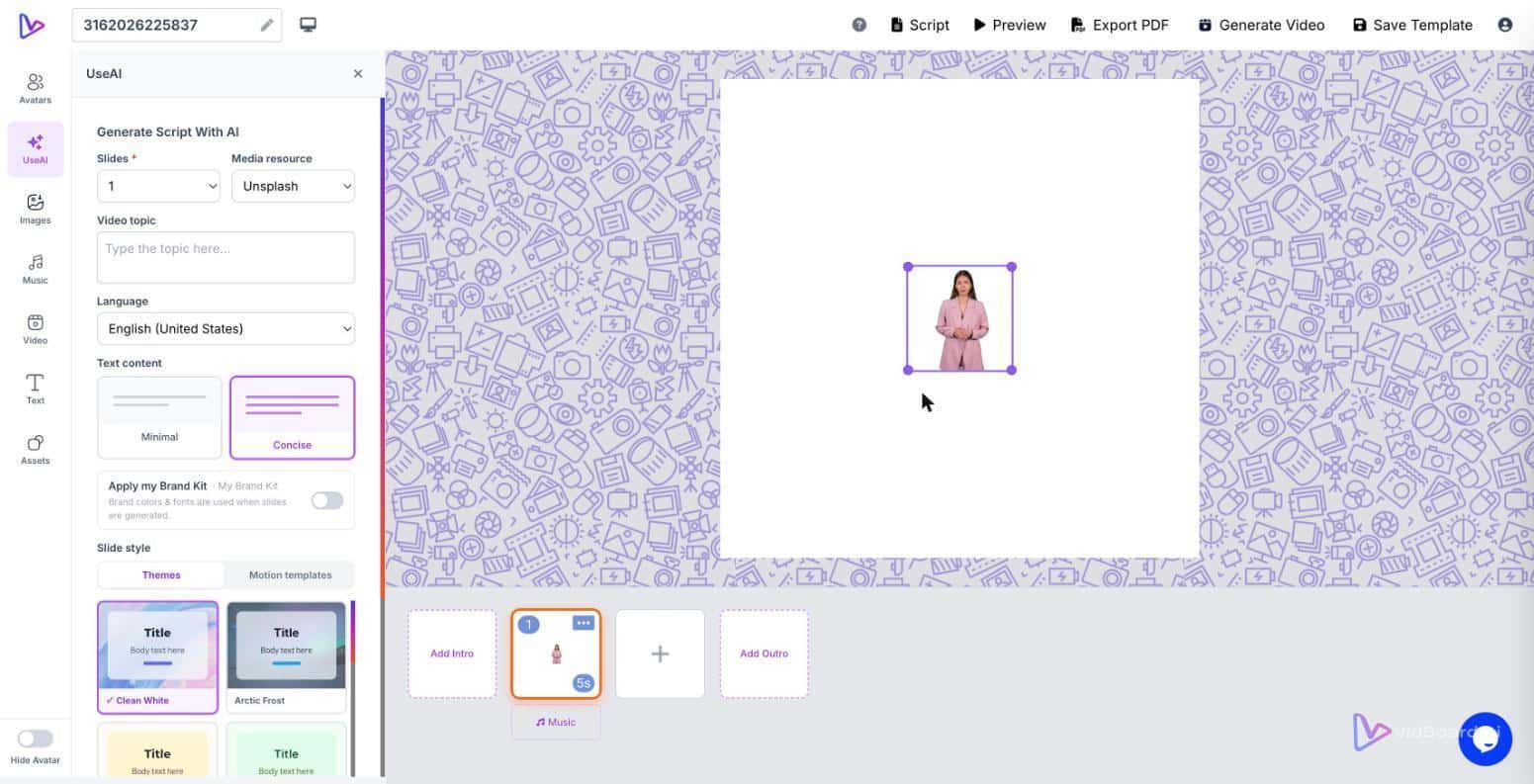
When an L&D team turns an onboarding manual into video, they must choose how the information will be delivered: a visible presenter—an AI avatar or a digital twin—or a faceless,
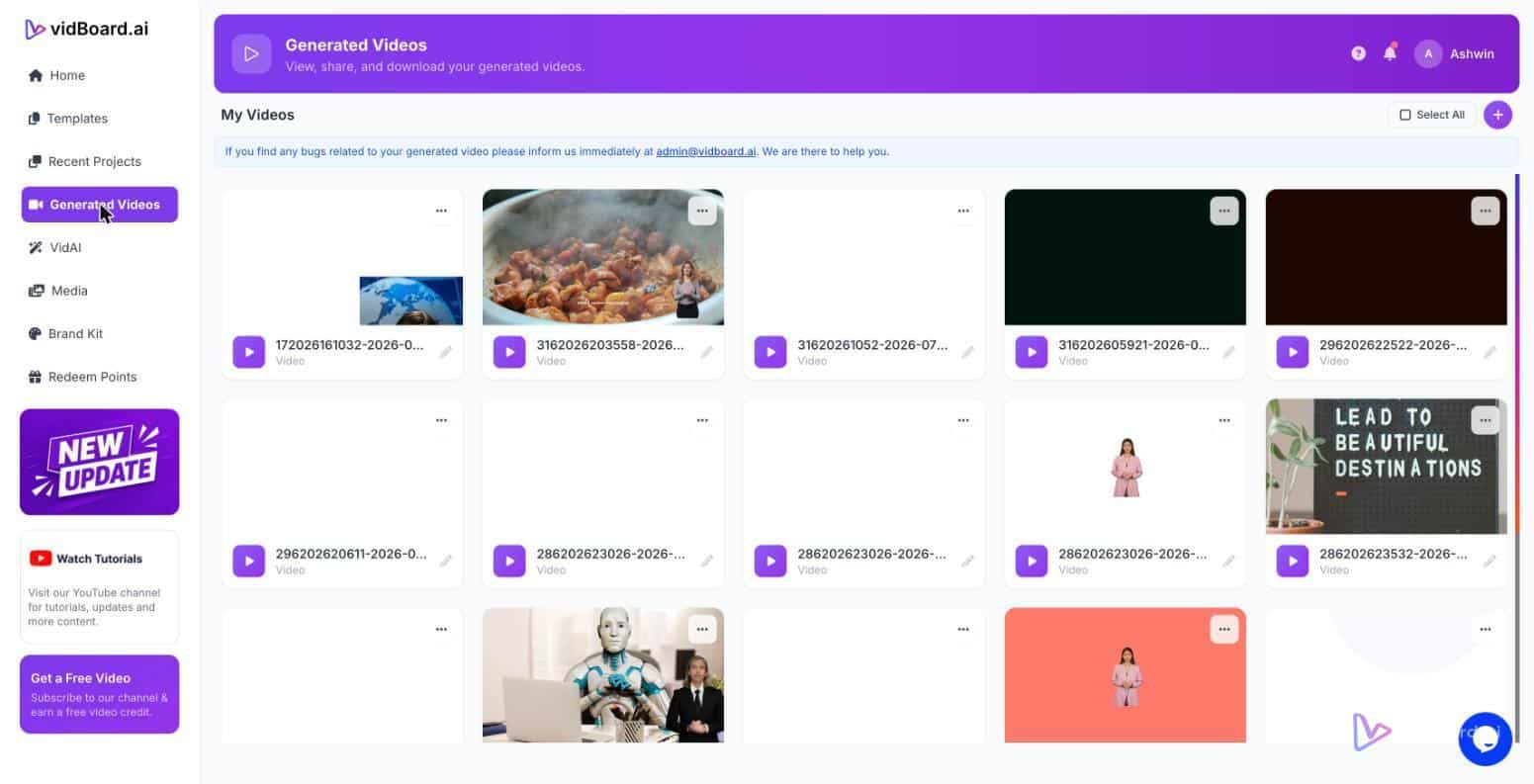
You have a set of finished videos — training modules, product demos or conference talks — recorded in a single language and sitting on a drive or in a channel.