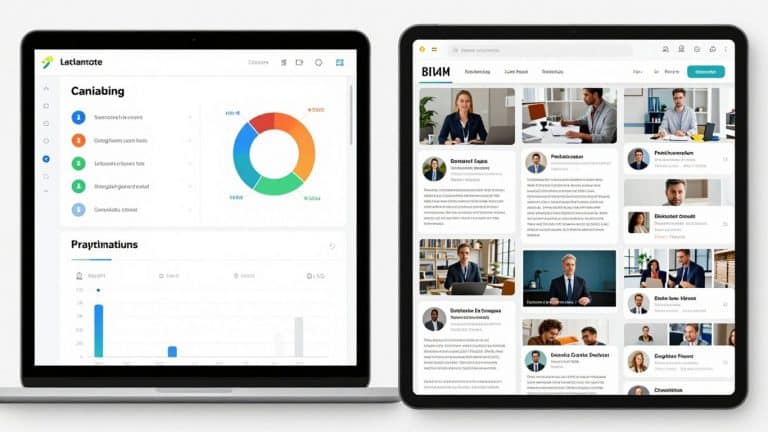
11 Best Cloud-Based Learning Management Systems for Growing Teams
By Tushar Bhatnagar · Updated 10 Apr 2026

Picking the right learning management system (LMS) can feel like a never-ending task, especially with so many cloud-based options out there. Most teams today need something that works from anywhere, updates itself, and doesn’t need a whole IT department just to keep it running. That’s why cloud-based LMS platforms are so popular—they’re easier to set up, cost less in the long run, and keep up with your team as it grows. In this list, we’ll break down 11 of the best cloud-based learning management systems for growing teams, whether you’re a small business or a big company. Each one has its own strengths, so you can find what fits your needs without the headache.
Key Takeaways
- Cloud-based Learning Management Systems update automatically and don’t need extra IT support.
- These platforms are easy to use for remote and hybrid teams.
- Most cloud-based LMSs scale quickly as your team grows, with no extra hardware.
- They usually cost less over time compared to self-hosted options.
- Choosing the right LMS depends on your team’s size, needs, and how much control you want over customization.
1. Rippling
Rippling stands out among cloud-based learning management systems because it takes a lot of the manual work out of managing team training. Forget chasing people for course completions—Rippling automates the whole process, from assigning training based on employee events to tracking compliance without anyone lifting a finger. This is especially helpful if you’re tired of double-checking which employee needs to take what course or sending endless reminder emails.
Key points about Rippling for growing teams:
- Course assignments trigger automatically (such as when someone is hired or starts a new role).
- Tracks completions and attaches them to each employee’s profile—no more separate spreadsheets.
- Includes built-in compliance training—important for US-based companies needing things like anti-harassment or workplace safety training.
- Integrates learning with payroll, HR, and benefits, making everything easier to manage in one place.
Here’s a quick look at Rippling’s LMS basics:
| Feature | Description |
|---|---|
| Automated Assignments | Yes (onboarding, role changes, etc.) |
| Compliance Offerings | Pre-built for US requirements |
| Mobile Accessibility | Fully responsive |
| Reporting | Completion rates, enrollment data |
| Integration with HR/Payroll | Full |
| Pricing | Custom, based on modules & headcount |
One thing that sets Rippling apart is how simple it is for managers. Once you’ve set it up, the system just keeps running—new hires get what they need, right away, and completion tracking takes almost no extra work.
Of course, if you need advanced analytics or highly customized learning modules, Rippling might not go as deep as a specialized LMS. Still, for fast-growing teams needing compliance, onboarding, and ongoing training to run smoothly, it can be a real time-saver.
2. Workday
Workday’s learning management system is part of its bigger human capital management (HCM) suite. It’s a cloud-based option that aims to weave learning right into your company’s daily operations. Think of it as a system that knows what your employees do and can suggest training that fits their job or career path.
It’s pretty good at handling different kinds of learning materials, like videos and quizzes. Plus, it can manage training for people outside your company, like contractors or partners. Compliance tracking is built-in, which is handy for making sure everyone stays up-to-date on required training.
Here’s a quick look at what it offers:
- Personalized learning suggestions based on employee data.
- Support for various content types, including video and interactive quizzes.
- External learning management for vendors and partners.
- Integrated compliance tracking.
- Learning activities tied into everyday work.
Workday’s system is best suited for larger companies that are already using Workday for their HR needs. Trying to use it without the rest of the Workday platform might not give you the full picture or the best experience. It’s designed to be a central hub for managing your people, and learning is just one piece of that puzzle.
Some users find that Workday can be a bit tricky to get the hang of. It’s not always the most straightforward system to use, and getting the most out of it often means you’re already invested in their whole HCM setup. If you’re looking for something simple and separate from your main HR software, this might be more than you need.
3. Dayforce
Dayforce isn’t just another cloud-based system for training—it’s a tool for companies that want to tie learning closely with HR tasks. This platform stands out because it links learning with payroll, benefits, and time tracking all in one space. Let’s say you’re already using Dayforce for HR, adding the learning side makes sense because courses link up with your team’s profiles and career steps without any extra clicks or confusion.
Here are a few things that make Dayforce unique for growing teams:
- Learning is built into the employee journey, from onboarding to ongoing development.
- AI gives personalized content suggestions instead of just blasting everyone with the same stuff.
- You can map out custom training tracks and integrate materials from other sources—ideal if you want some outside content, not just your own.
- Built-in compliance tools help keep everyone up to date, and there’s real-time tracking, so you know who’s completed what.
Here’s a quick table showing how Dayforce stacks up:
| Feature | Dayforce |
|---|---|
| Cloud-Based | Yes |
| Mobile Learning | Yes |
| HR Integration | Native |
| Custom Content Creation | Yes |
| Compliance Tracking | Yes |
| Real-Time Progress Data | Yes |
When your learning and HR tools are in sync, managers and teams can see skill gaps faster and put training to work right away, not weeks later.
The only real challenge? If you’re not already using Dayforce for HR, it might feel like a lot to set up just for training. But if you’re looking to really blend learning with everyday HR operations, take a closer look at the full Dayforce platform. It’s especially fitting for teams that want an all-in-one experience rather than bouncing between different apps.
4. TalentLMS
TalentLMS is built for teams that want a stress-free, fast setup without any training headaches. This platform stands out for organizing training across different groups and brands with its unique multi-portal feature. That means if you’re running multiple locations or businesses under one umbrella, you can customize the learning experience for each one—down to branding and group rules—while still managing everything from a single place.
Here are some features that growing teams usually appreciate:
- Drag-and-drop course builder makes adding new content a breeze.
- Gamification tools, like points and badges, keep learners interested.
- Automated reminders for recertifications and progress follow-ups save a ton of manual work.
- Useful reporting dashboards to track who’s on track and who needs a nudge.
| Plan | Max Users | Price per Month (Annual) |
|---|---|---|
| Free | 5 | $0 |
| Starter | 40 | $109 |
| Basic | 70 | $229 |
| Plus | 100 | $399 |
| Enterprise | Custom | Custom |
Security isn’t just an afterthought—there’s data encryption, regular backups, and two-factor authentication. You can even set up feedback surveys to get a sense of how your team feels about the training.
Setting up TalentLMS is pretty quick, and you won’t need an IT pro for the rollout. The interface isn’t flashy, but it just works—most folks get comfortable navigating it fast.
TalentLMS lines up well with what’s important in a modern LMS, such as engagement and custom reporting. It’s a practical pick for teams looking for growth without the usual technical hassle.
5. Docebo
Docebo stands out as a cloud-based learning platform built for teams that need a smart, adaptable training hub. The big thing here is how Docebo uses AI to recommend learning paths and automate the stuff that takes up too much time, like enrollment and course reminders. If your team is scattered across different regions or works for different business units, this LMS helps keep everything together—and makes it easier to train employees, customers, and partners all in one place.
Here’s what usually gets people to choose Docebo:
- AI suggestions for training courses, making it feel like each user is on their own path
- Integration with tools like Salesforce or video platforms, cutting down the hassle of switching apps
- Mobile app that lets you learn on the go—handy for remote teams or anyone who hates sitting at a desk
- Reports and analytics to see who’s taking courses, finishing them, and where the gaps are
- Multi-language and multi-tenant setup, which makes it good for global teams
A quick price snapshot for context:
| Plan | Price (approx.) |
|---|---|
| Engage | $25,000/year |
| Elevate | $40,000/year |
| Custom plans | Contact sales |
If you need something that scales as your business grows—even as you launch in new countries or have to support multiple brands—Docebo’s flexible setup and automation can save so much manual work. There are a few admin quirks but for big, distributed teams, it’s one of the more hands-off options out there.
In the end, this is a platform for companies ready to invest in something stronger than the basics. If you’re handling a mix of audiences or want everything to feel less chaotic as you add more staff, it’s worth looking at.
6. LearnUpon

LearnUpon is a cloud-based learning management system that really focuses on making training simple and effective, especially for companies that need to manage different groups of people. Think employees, customers, or partners – you can keep their learning separate and branded for each group, all within one system. It’s built with the user in mind, so it’s pretty straightforward to use, which is always a plus when you’re trying to get people to actually engage with the training.
One of its big selling points is the multi-portal setup. This means you can have distinct learning environments, each with its own look and feel, for different audiences. This is super handy if you’re training, say, your internal sales team differently than you are training your external distributors.
Here’s a quick look at what it offers:
- Multi-portal functionality: Keep different audiences separate and branded.
- Automated processes: Handles enrollments, reminders, and even certifications automatically.
- Reporting and analytics: Gives you a clear picture of who’s learning what and how they’re progressing.
- Integrations: Connects with other tools you might already be using, like HR or CRM systems.
LearnUpon makes it easy to track progress with detailed reports that go beyond just completion rates. You can see who’s started, who’s in the middle of a course, and who’s finished, plus filter by things like enrollment date to see who hasn’t even logged in yet. This helps you figure out where people might be getting stuck.
While LearnUpon is great for managing multiple audiences and offers solid reporting, some users have mentioned that it might not have as many course creation tools built-in as some other platforms. Also, the number of integrations available might be a bit limited compared to competitors if you need to connect to a very specific set of tools.
7. Absorb LMS
Absorb LMS is a solid choice if you’re looking for a cloud-based system to handle your team’s training. It’s designed to make delivering courses, keeping track of who’s done what for compliance, and seeing how people are learning pretty straightforward. The interface is clean, which is a big plus for both the people managing the system and the learners themselves.
One of the standout features is its reporting capability. Absorb Analyze, their business intelligence tool, lets you dig into data and get insights without needing to be a tech wizard. This can really help when you need to show progress or identify areas where more training might be needed. They also have a library of pre-made courses, which can be a quick way to get started on common topics like workplace safety or data privacy.
Here’s a quick look at what it offers:
- AI-powered learning paths: The system can adjust training based on what an individual learner already knows or needs to learn.
- Automation: Things like scheduling training, sending reminders, and managing enrollments can be automated, saving admin time.
- Customizable dashboards: Admins can set up views to easily see the information they care about most.
- White-labeling: You can brand the platform to look like it’s part of your own company, which is nice for consistency.
While Absorb LMS generally gets good marks for being user-friendly, some users have mentioned that certain functions can take a few extra clicks to complete. Also, the options for customizing how courses look or how reports are laid out can sometimes feel a bit limited, which might be a drawback if you have very specific tracking or presentation needs.
Overall, Absorb LMS seems like a capable platform, especially if you need to manage compliance training and want good reporting tools without a steep learning curve for your admins.
8. 360Learning
360Learning really leans into the idea that the best training often comes from within your own company. Instead of relying solely on a central training department, it makes it easy for anyone, like a sales rep who found a new way to handle objections, to quickly create a short course. This knowledge then gets shared with the rest of the team. It’s a pretty neat way to keep training current, especially in businesses that change fast.
The platform is built around collaborative course creation, letting subject matter experts easily build and share content. This means training materials can be updated and distributed much faster than traditional methods. It’s all about getting practical, up-to-date information to the people who need it, when they need it.
However, this approach does depend on a few things. Your team needs to be willing to create content, and there needs to be a level of trust so that peer-created material is taken seriously. If your company culture is very top-down, or people are generally skeptical of training, this collaborative model might be a tougher sell.
Here’s a quick look at what it offers:
- Collaborative Course Authoring: Tools that let multiple people work on courses together.
- Peer Feedback: Built-in ways for learners to give input on courses.
- Gamification: Features like points and badges to keep learners engaged.
- User Groups: Ways to manage permissions and content for different teams.
While 360Learning is great for getting knowledge out quickly, some users find the admin side a bit more complex than expected. It might take a little time to get used to all the backend features, especially if you’re used to simpler systems. But once you get the hang of it, the ability to have your team create content is a big plus.
9. iSpring LMS
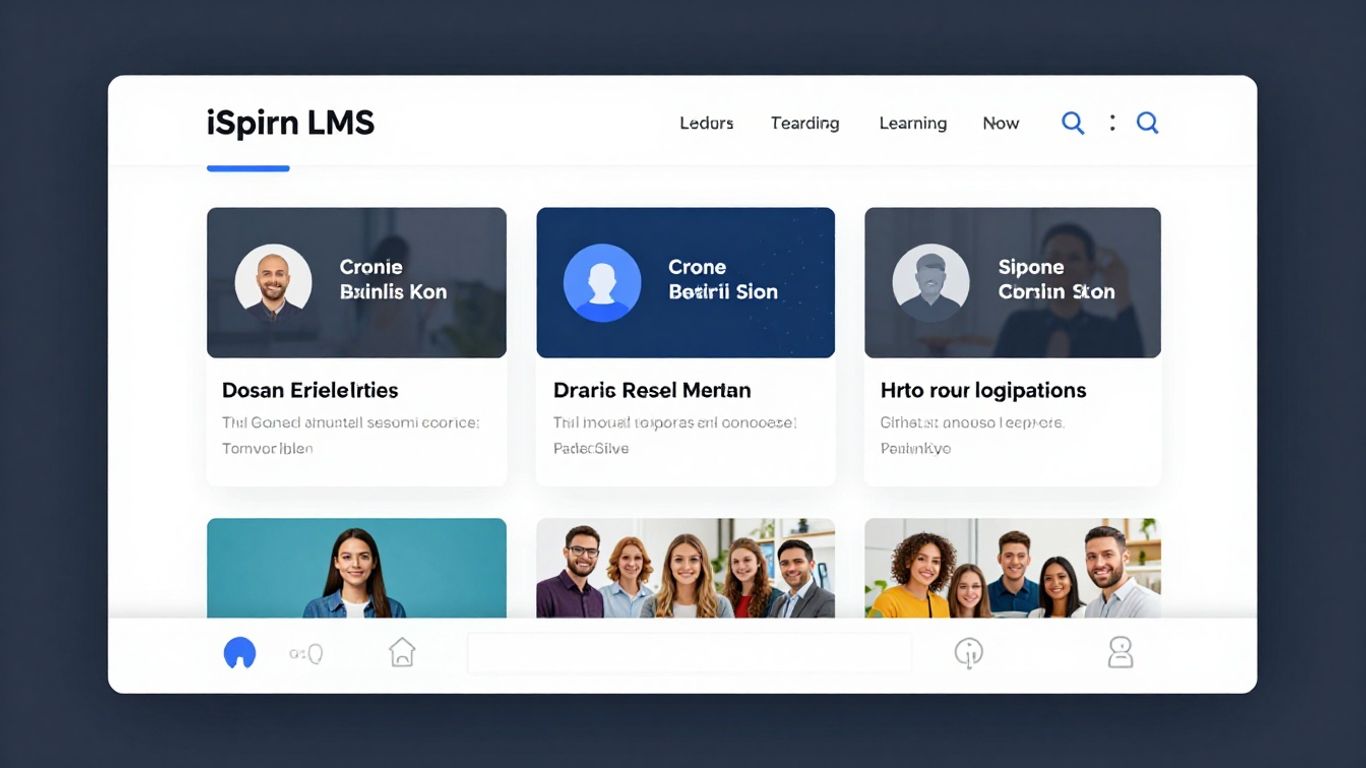
If you need a learning platform that goes way beyond the basics, iSpring LMS is one name that keeps coming up. It’s built for teams that want to make custom content but also need something that’s easy to manage and reliable. This LMS lives in the cloud, running on Amazon AWS, so you don’t have to worry about downtime or losing your team’s progress.
iSpring LMS stands out because it comes with a built-in authoring tool that lets you build interactive courses right from PowerPoint. You can add quizzes, branching scenarios, and even simulations, which is great if you want your training to actually stick instead of just dumping videos at people. If you grab the full iSpring Suite (which is their extra package), you can seriously up your content quality, but that does mean you’ll have to learn some new tools. Still, a lot of folks say it’s worth the effort.
Here are a few things that make iSpring LMS useful for growing teams:
- Quick rollout of training, thanks to ready-made courses in the iSpring Academy
- Detailed progress tracking, so managers know who’s on track and who’s falling behind
- Easy certifications—either use templates or create your own
- Integrations: connect iSpring LMS to tools like Zoom, Salesforce, BambooHR, and more
- Strong mobile support, letting people learn anywhere, even offline
Pricing is pretty flexible. It starts at around $3.70 per user per month if you pay for a year upfront. There’s also unlimited video storage, which is great if your team loves video learning.
| Feature | Available in iSpring LMS |
|---|---|
| Built-in Authoring | Yes |
| SCORM Support | Yes |
| Mobile App | Yes |
| Ready-made Content | Yes |
| 360° Feedback | Yes |
| Custom Branding | Yes |
| Price (annual plan) | $3.70/user/mo |
Most teams using iSpring LMS say it’s a real time-saver, especially during onboarding and regular skills training. If you’re serious about building your own courses and keeping everything in one place, iSpring makes it all feel pretty simple.
10. Moodle Cloud
Moodle Cloud stands out as a hosted version of the popular open-source Moodle LMS, which means you don’t have to mess with servers or backend IT stuff. You still get the flexibility that Moodle is famous for, but now it comes in a package that’s way simpler to manage. Small businesses and schools find it especially good for getting started with online training, since there’s no need for special tech skills to get things running.
Some of the key features you’ll find with Moodle Cloud are:
- SCORM-compliant course delivery, so you can use industry-standard eLearning content
- Built-in video conferencing that supports live classes or meetings
- Syncs with Google Drive and Dropbox for adding files and docs
- A PDF converter to easily turn content into downloadables
- Basic branding—add your logo and use your own domain
Here’s a look at how the main pricing tiers line up:
| Plan Size | Users | Annual Price | Storage |
|---|---|---|---|
| Starter | 50 | $130 | 1 GB |
| Mini | 100 | $220 | 2 GB |
| Small | 200 | $400 | 4 GB |
| Medium | 500 | $920 | 5 GB |
| Large | 750 | $1,740 | 5 GB |
Some people like how easy it is to set up and use, but others find the dashboard a bit clunky. If you want lots of plugins or deep custom features, you might run into limits compared to self-hosted Moodle—but for quick launches and low hassle, Moodle Cloud is a solid pick.
What really makes Moodle Cloud handy is the combo of open-source flexibility and almost zero need for IT involvement. It isn’t perfect, but it makes LMS setup way less complicated for most growing organizations.
11. SkyPrep
SkyPrep is a cloud-based learning management system that really focuses on making online training simple for growing teams. If you’re looking to get training up and running without a lot of technical headaches, this might be worth a look. They emphasize ease of use and provide solid customer support, which is always a plus when you’re trying to get things done quickly.
What SkyPrep does well:
- Course creation tools: You can build courses with assessments and knowledge checks to make sure people are actually learning.
- Tracking progress: They have reporting and analytics so you can see how your team is doing.
- Handling different groups: If you have various audiences or clients, their multi-tenant setup can help manage that.
- Automating tasks: Things like signing people up for courses can be automated, saving you time.
- Connecting with other tools: It can link up with other business software you might already be using.
SkyPrep is a good choice for organizations that want straightforward online training and value strong customer support.
Some users mentioned that while the implementation works, it could be more structured. They wished for more templates or guides to help set things up, especially when they weren’t sure what questions to ask. Even though their support team is great, the initial setup might feel a bit like a Q&A session if you’re not sure where to start. It seems like more guided resources would make it even better for those who prefer a step-by-step approach.
They also have features like interactive message boards for learners to connect and share, and gamification elements like badges and leaderboards to keep things interesting. Plus, it’s SCORM compliant and offers mobile access, so people can learn on the go.
Wrapping Up Your Search for the Right LMS
So, we’ve looked at a bunch of cloud-based learning management systems. It’s pretty clear why so many companies are ditching the old ways and going with these online tools. They’re just easier to handle, especially if you don’t have a big IT department. Plus, your team can actually learn stuff no matter where they are, which is a huge deal these days. Picking the right one might seem like a lot, but think about what your team really needs. Do you need something super simple to get started, or a platform with all the bells and whistles? Take your time, try out a few demos, and you’ll find the system that helps your team grow without adding a ton of headaches.
Frequently Asked Questions
What is a cloud-based learning management system (LMS)?
A cloud-based LMS is software you use online to create, share, and track training or learning programs. You don’t need to install anything on your computer or set up special servers. Everything is stored and managed on the internet, so you can access it from anywhere.
How is a cloud-based LMS different from a traditional LMS?
A traditional LMS is installed on your company’s own servers and needs IT people to set up and keep it running. A cloud-based LMS works through a web browser and updates itself automatically. You don’t need to worry about maintenance or upgrades.
Why are more companies choosing cloud-based LMSs?
Companies like cloud-based LMSs because they are easier to use, cost less to maintain, and let people learn from anywhere. They also grow with your team, so you don’t have to buy new hardware or worry about running out of space.
Can a cloud-based LMS be used for remote or hybrid teams?
Yes! One of the best things about cloud-based LMSs is that your team can access training from anywhere—at home, in the office, or even on a phone while traveling. This makes them perfect for remote and hybrid teams.
Are cloud-based LMSs secure?
Most cloud-based LMSs use strong security features like data encryption and two-factor authentication to protect your information. They also have regular security checks to keep your data safe. Always check what security options your LMS offers.
What should I look for when choosing a cloud-based LMS?
Look for an LMS that is easy to use, works on different devices, and has features your team needs, like course creation, progress tracking, and good customer support. Try a demo or free trial to see if it fits your needs before you decide.