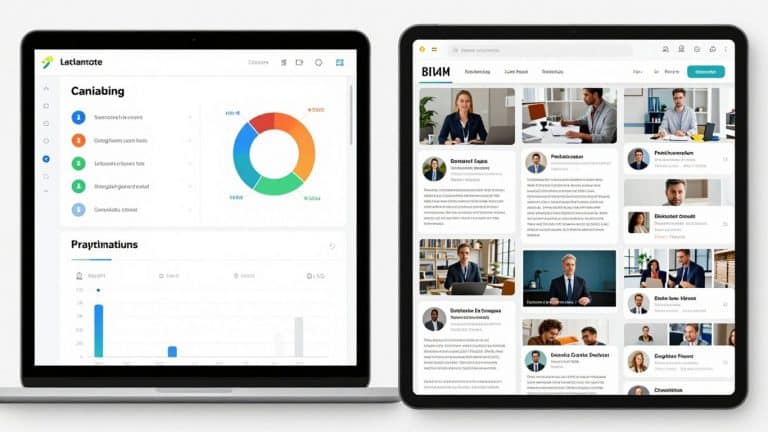
AI eLearning Video Creator: Build Training Videos Faster
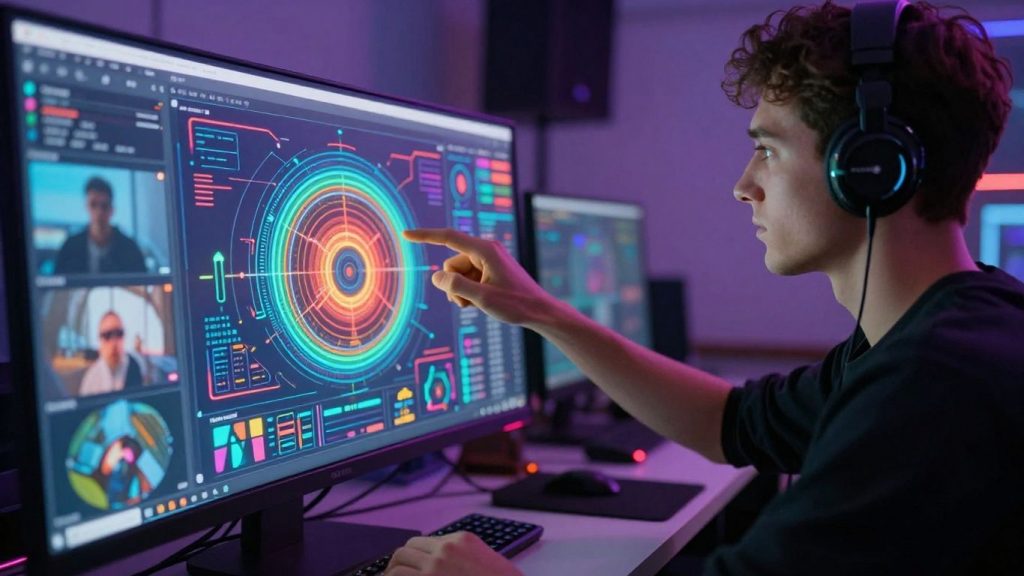
Making training videos used to take ages, right? You’d spend hours writing scripts, finding footage, recording audio, and then editing it all together. It was a whole production. But now, things are changing. There’s this new wave of AI tools, specifically for creating eLearning videos, that are making the whole process way faster and simpler. Think of it like having a personal video assistant who can handle a lot of the heavy lifting. We’re talking about turning your text into polished videos with AI presenters, generating voiceovers, and even translating them into different languages, all without needing a film crew. This article is all about how these AI eLearning Video Creator tools can help you build better training videos, quicker than ever before.
Key Takeaways
- An AI eLearning Video Creator can turn text or slides into training videos quickly, cutting down production time significantly.
- These tools often include features like AI-generated scripts, automated voiceovers, and virtual presenters (avatars) to streamline content creation.
- Many AI eLearning Video Creator platforms offer easy ways to update existing videos and support batch creation for scalability.
- Features like automatic subtitles and multilingual support make training content more accessible and reach a wider audience.
- Using an AI eLearning Video Creator can help reduce costs associated with traditional video production while improving efficiency.
Revolutionize Training With An AI eLearning Video Creator
Creating good training videos used to take ages. You’d need a whole team, a studio, and a lot of patience. But now, things are changing fast. AI is stepping in, and it’s making video production for training way simpler and quicker. For anyone in Learning and Development, instructional design, or HR, this is a big deal. It means you can get high-quality training content out there without the usual hassle and expense.
Transforming Content Creation for L&D Professionals
Think about how much time goes into making a single training video. You have to write a script, find visuals, record audio, edit everything together, and then maybe translate it. It’s a lot. AI tools are changing this by automating many of those steps. Instead of spending weeks on one video, you can now get a solid draft done in hours, sometimes even minutes. This frees up L&D pros to focus more on the actual learning content and less on the technical production side.
Faster, More Efficient Video Production
This is where AI really shines. Tools can now take a simple script and turn it into a video with a virtual presenter, complete with voiceover and visuals. Some platforms can even generate a full video from just a text document or a set of slides. This speed means you can react to training needs much faster. Need to update a policy? Create a quick tutorial on a new software feature? AI makes it possible to produce these videos rapidly.
Here’s a look at how much time AI can save:
| Task | Traditional Method | AI-Powered Method | Time Saved (Approx.) |
|---|---|---|---|
| Script to Video | 2-3 Weeks | 1-2 Days | Up to 90% |
| Voiceover Recording | 1-2 Days | 1 Hour | Up to 80% |
| Video Editing | 3-5 Days | 2-4 Hours | Up to 70% |
Engaging Content at Scale
Producing training content for a large or global workforce used to be a massive undertaking. AI video creators make it possible to produce content at scale. You can create a core video and then easily adapt it for different regions or languages. This means everyone in your organization, no matter where they are or what language they speak, can get consistent, high-quality training. It’s about making sure your training reaches everyone effectively.
The ability to quickly generate and update video content means training materials can stay current with business needs, rather than falling behind.
Key Features Of AI eLearning Video Creators
AI eLearning video creators come packed with tools that really speed things up. They’re designed to take the heavy lifting out of video production, letting you focus more on the content itself.
AI-Powered Scripting and Storyboarding
This is where the magic really starts. You can feed the AI a topic, some bullet points, or even a full document, and it’ll help draft a script. Some tools can even suggest a basic storyboard, laying out the visual flow of your video. It’s like having a brainstorming partner who’s always ready.
- Content Input: Provide text, outlines, or URLs.
- Script Generation: AI drafts narration and scene descriptions.
- Visual Suggestions: Get ideas for images or video clips to match the script.
This feature alone can cut down the initial planning phase significantly. Instead of staring at a blank page, you get a solid starting point to build upon.
Automated Voiceovers and Narration
Forget hiring voice actors or spending hours recording yourself. AI voice generators can read your script in a variety of voices and accents. The quality has gotten really good, sounding quite natural. You can often choose different tones, too, to fit the mood of your training.
| Voice Type | Language Options | Customization Options |
|---|---|---|
| Standard AI Voice | 75+ | Pitch, Speed |
| Premium AI Voice | 30+ | Tone, Emotion |
| Voice Cloning | Limited | Exact match |
Multilingual Support and Translations
If you have a global team, this is a game-changer. Many AI tools can translate your video’s script and narration into dozens of languages with just a few clicks. This means you can create one core training video and then adapt it for different regions without needing separate production teams for each language.
AI Avatars and Virtual Presenters
Instead of showing yourself or a stock photo, you can use an AI-generated avatar. These digital presenters can deliver your script, making the video feel more personal. You can often choose from a range of avatars that look and act like real people, adding a human touch to your digital training content.
Streamlining Video Production Workflows
Creating training videos used to take ages, right? You’d spend weeks scripting, filming, editing, and then probably reshooting because something wasn’t quite right. AI video creators totally change that game. They take your existing stuff – like text documents, slide decks, or even just a basic outline – and turn it into a video much faster than you’d think possible.
From Text and Slides to Dynamic Videos
Think about all those training manuals or PowerPoint presentations gathering digital dust. An AI tool can chew through that content, pull out the key points, and build a video structure. It’s like having a super-fast assistant who understands what needs to be said and how to present it visually. You can often pick a style, choose a presenter (or even an AI avatar), and set the pace. This means you can convert static, boring content into something that actually moves and holds attention, often in just a few minutes. It’s a huge time saver, especially when you have a lot of material to cover.
Effortless Updates and Revisions
One of the biggest headaches with traditional video is making changes. If a policy shifts or a product feature gets updated, you might have to go back and film everything again. With AI-generated videos, updating is way simpler. Many platforms let you edit the script like you would a document. Change a sentence, and the video updates accordingly. This makes keeping your training materials current a breeze, without the need for expensive reshoots or complex editing sessions. It’s a big deal for compliance training or anything that needs to be accurate and up-to-date.
Batch Creation for Scalability
Need to create training videos for different departments, roles, or even languages? Doing that one by one would be a nightmare. AI tools often support batch creation. You can feed them a spreadsheet of information, like a list of job titles and their specific training needs, and the AI can generate multiple video variations automatically. This is a game-changer for scaling your training efforts across a large organization. You can produce hundreds of lesson variants from a single source, making sure everyone gets the right information without a massive increase in workload. It’s about working smarter, not harder, and getting consistent results every time.
Enhancing Learner Engagement and Accessibility

Making sure your training videos actually stick with people is a big deal, right? It’s not just about getting the information out there; it’s about making it easy to understand and remember for everyone. AI video creators are stepping up here, adding features that really make a difference.
Interactive Elements and Quizzes
Think about those old training videos where you just passively watched. Not exactly thrilling. AI tools let you build in interactive bits. You can add questions right into the video to check understanding as you go, or create branching scenarios where the learner’s choice affects what happens next. This keeps people paying attention because they’re actively involved, not just zoning out. It’s like turning a lecture into a conversation.
Automatic Subtitle Generation
This is a huge one for accessibility. Not everyone learns best by listening, and some folks might have hearing impairments. Plus, many people prefer to watch videos with the sound off, especially in a busy office. AI can automatically generate subtitles for your videos. This means your content is usable by a much wider audience. It also helps with comprehension, as people can read along. This feature is a game-changer for making sure your training reaches everyone, no matter their situation. It’s a simple addition that makes a big impact on content accessibility.
Personalized Learning Experiences
AI can also help tailor the learning journey. Imagine a system that tracks how a learner is doing and then serves up specific video modules or extra practice based on their performance. This means someone struggling with a concept gets more support, while someone who grasps it quickly can move ahead. It moves away from a one-size-fits-all approach to something much more individual. This kind of personalized path can really boost how much people learn and how they feel about the training.
Making training videos more engaging and accessible isn’t just a nice-to-have anymore. It’s becoming a standard expectation. Tools that can add interactivity, generate subtitles automatically, and even adapt content to individual needs are what separate good training from great training. These features mean your message lands better and sticks longer.
Here’s a quick look at how these features help:
- Better Retention: Active participation through quizzes and interactive elements helps information sink in.
- Wider Reach: Subtitles and translations open up content to more people.
- Improved Focus: Personalized paths keep learners engaged with material relevant to their needs.
- Efficiency: Automating these features saves time compared to manual creation.
Choosing The Right AI eLearning Video Creator
So, you’ve seen how AI can speed things up and make your training videos better. That’s great! But with so many options out there, how do you pick the one that actually fits what you need? It’s not just about picking the flashiest one; it’s about finding a tool that works with your team and your budget. Think of it like picking a new tool for your workshop – you want something reliable, easy to use, and that gets the job done right.
Evaluating Tool Capabilities
When you’re looking at different AI video creators, don’t just glance at the feature list. Dig a little deeper. What kind of videos can it really make? Does it handle text-to-video well, or is it better at turning slides into something watchable? Check out the AI avatar options – are they realistic enough for your audience, or do they look a bit too robotic?
Here are some things to consider:
- Content Input: Can it take just a script, or does it work with existing documents, presentations, or even web articles?
- Customization: How much control do you have over the look and feel? Can you change backgrounds, add your branding, or adjust the pacing?
- AI Features: Look beyond just video generation. Does it help with scripting, suggest visuals, or offer different voice styles?
- Output Quality: Watch sample videos. Do they look professional? Is the audio clear? Does it feel like a real person talking?
Don’t get swayed by a long list of features if the core functionality isn’t what you need. A tool that does a few things exceptionally well is often better than one that tries to do everything poorly.
Integration with Learning Management Systems
This is a big one if you’re already using an LMS. If your new AI video creator can’t easily send videos to your LMS, you’re creating extra work for yourself. Some tools connect directly, meaning you can upload your finished video with just a few clicks. Others might require you to download the video and then upload it manually. Think about how your current systems work and if the AI tool will play nice with them.
Consider these points:
- Direct Upload: Does the tool have built-in connectors for popular LMS platforms like Moodle, Canvas, or Blackboard?
- SCORM/xAPI Compliance: If your LMS requires specific formats for tracking learner progress, does the AI tool support them?
- Single Sign-On (SSO): Can users log in to the video tool using their existing LMS credentials?
Cost-Effectiveness and ROI
AI video tools come in all price ranges. Some have free tiers with limited features, while others are a significant investment. You need to figure out what makes sense for your budget and what kind of return you expect.
- Pricing Models: Are you paying per video, per month, or per user? Understand the structure.
- Hidden Costs: Watch out for extra charges for premium features, more storage, or higher resolution exports.
- Time Savings: How much time will this tool save your team? Calculate the cost of that saved time.
- Content Quality: Will better videos lead to better learning outcomes? That’s harder to measure, but it’s part of the ROI.
It’s easy to get excited about the technology, but always bring it back to the practicalities. What’s the real cost, and what benefits will you actually see?
Real-World Applications Of AI Video Creation

AI video creation tools aren’t just a futuristic concept; they’re actively changing how businesses train their people and interact with customers right now. Think about it – instead of spending weeks or months on a single training video, you can now produce polished content in a fraction of the time. This speed and efficiency open up a whole new world of possibilities for L&D departments and beyond.
Rapid Employee Onboarding
Getting new hires up to speed can be a huge undertaking. AI can take existing onboarding documents, slide decks, or even policy manuals and turn them into clear, engaging video lessons. This means new employees can start learning the ropes faster, and HR teams can handle larger numbers of hires without the usual production headaches. It makes sure everyone gets the same consistent information right from day one.
Product Walkthroughs and Tutorials
Product teams are always releasing updates, and they need to explain them quickly. AI tools can take release notes or screen recordings and transform them into short, easy-to-follow video tutorials. These videos can show step-by-step instructions, highlight new features, and generally help users get the most out of a product. This not only speeds up adoption but also cuts down on the number of support questions.
Customer Education and Support
Customer support teams can use AI to turn their knowledge base articles into quick video guides. When a customer has a problem, they can find a video that shows them exactly how to fix it, often much faster than reading through text. This makes customers happier and reduces the workload for support staff.
Compliance and Technical Training
Keeping up with compliance regulations or technical procedures can be complex. AI can help create clear, concise videos that explain these topics effectively. The ability to generate these videos quickly and update them easily is a big plus, especially when rules or processes change.
The real power of AI in video creation lies in its ability to democratize content production. What once required specialized skills and significant budgets can now be managed by existing teams, leading to more frequent, relevant, and accessible training materials for everyone.
Here’s a look at how AI video creation can impact different training needs:
- Onboarding: Reduce time-to-productivity for new hires.
- Product Training: Accelerate feature adoption and reduce support tickets.
- Compliance: Ensure consistent understanding of regulations and procedures.
- Skills Development: Provide quick, accessible learning modules for ongoing skill-building.
Wrapping Up
So, there you have it. Creating training videos used to be a real headache, taking ages and costing a fortune. But now, with these AI tools, it’s like flipping a switch. You can take your ideas, slap them into a program, and poof – you’ve got a video. Whether it’s for onboarding new folks, explaining a tricky process, or just keeping everyone in the loop, these AI helpers make it way faster and simpler. It means less time wrestling with software and more time actually teaching. Pretty neat, huh?
Frequently Asked Questions
What exactly is an AI eLearning video creator?
Think of it like a super-smart helper for making training videos. Instead of spending ages filming and editing, you give this AI tool your ideas or a written script. It then uses its smarts to put together a video for you, complete with a speaker, voice, and visuals. It’s like having a video production team right inside your computer, but much faster!
How can AI help make videos faster?
AI tools can speed things up in many ways. They can write a script from your notes, pick out the best scenes, create a voice for the speaker, and even add subtitles automatically. This means you can go from a simple idea to a finished video in a fraction of the time it used to take. It’s like skipping a lot of the boring steps.
Can these AI tools make videos that look good?
Yes, they really can! Many AI video creators use digital characters, called avatars, that look and sound like real people. You can choose different avatars and voices to match your training topic. Plus, the AI can suggest visuals and make sure the video flows smoothly, making it look professional and engaging.
What if my training needs to be in different languages?
That’s where AI really shines! Many of these tools can translate your video into many different languages with just a few clicks. They can change the voice and subtitles, so people all over the world can understand your training without you needing to hire translators or record everything again.
Can I add quizzes or make the videos interactive?
Absolutely! Some AI video creators let you add interactive parts, like quizzes or questions, right into the video. This helps keep learners interested and makes sure they’re understanding the material. It turns a passive video into an active learning experience.
Is using an AI video creator expensive?
Not usually! While some advanced tools might have a higher price, many AI video creators are quite affordable, especially when you compare the cost to traditional video production. They can save you a lot of money on things like actors, studios, and editors. Plus, many offer free trials so you can test them out first.