Video clips
Short, original clips for B-roll, intros and transitions. Describe the scene, the camera move and the mood.
Real screens from VidAI inside vidBoard, from the first click to the finished file.
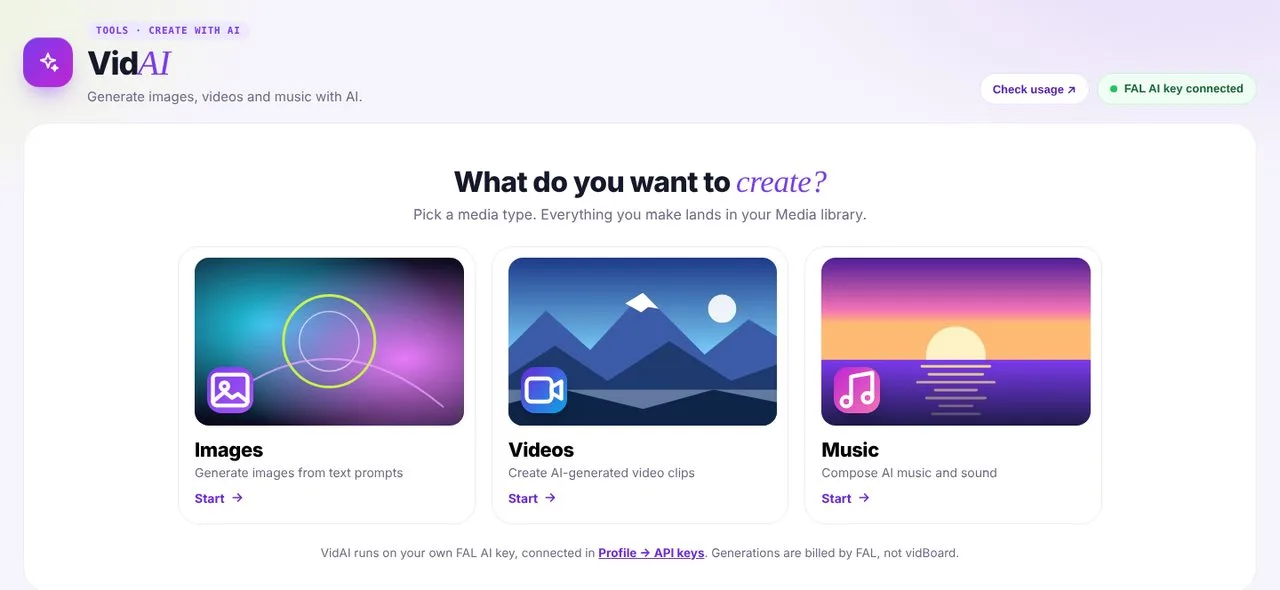
Images, video clips or music, all from a prompt.
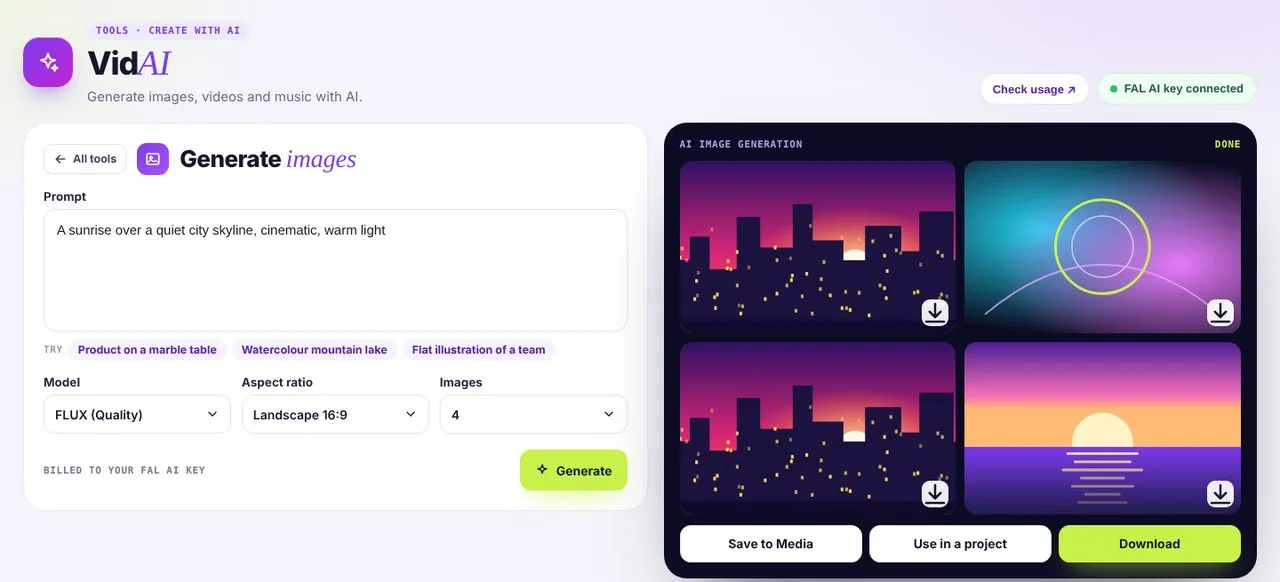
Pick a model, aspect ratio and how many to make.
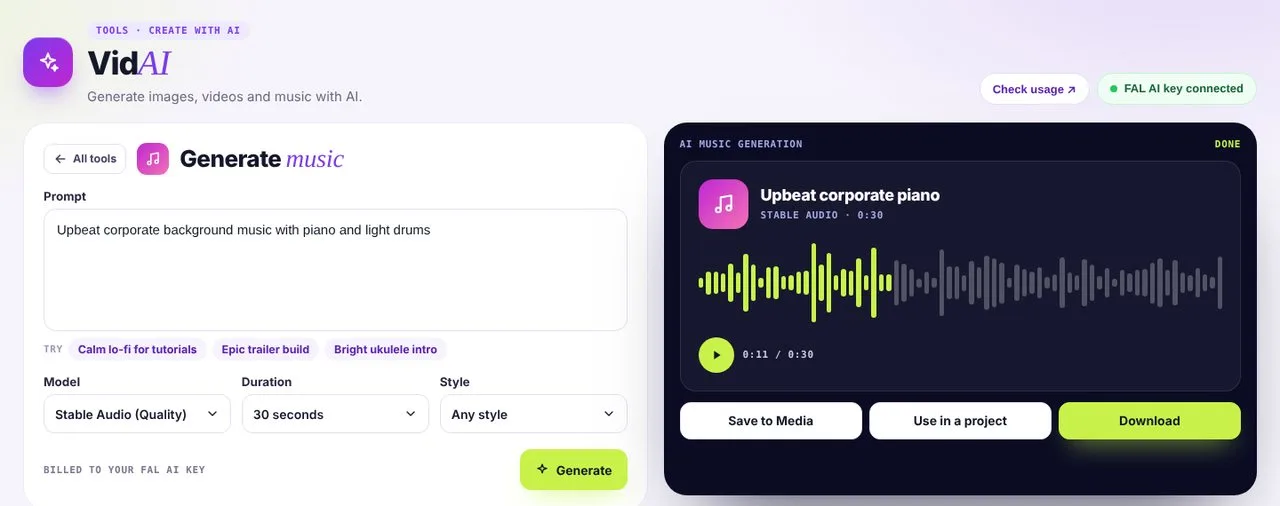
Original background tracks to drop into any video.
Short, original clips for B-roll, intros and transitions. Describe the scene, the camera move and the mood.
Covers, slide backgrounds and illustrations. Get several variations and pick the one that fits.
Background tracks matched to your mood, from calm lesson beds to upbeat launch themes.
Every VidAI result can be saved to Media, ready for any template, a Vidcut project or a YouTube thumbnail.
Cut away from the presenter to a clip that shows what they are describing.
Generate a striking image, then finish it in the YouTube Thumbnail Maker.
Calm background music that keeps learners focused without distracting.
A three-second hook clip before your vertical video gets to the point.
Original video clips, images and music, all from a written prompt.
Yes. Save any result to Media, or send it straight into a project with Use in a project.
A FAL AI key. Create one at fal.ai, then paste it in Profile, under API keys.
No. Connect your own FAL AI key and VidAI is free from vidBoard; you pay FAL for what you generate.
Yes. You have full rights to the videos you create in vidBoard. Clips made with your own FAL key also follow the terms of the AI model you choose.