INSIDE THE TOOL
Try YouTube Thumbnail MakerSee exactly what you'll use
Real screens from YouTube Thumbnail Maker inside vidBoard, from the first click to the finished file.
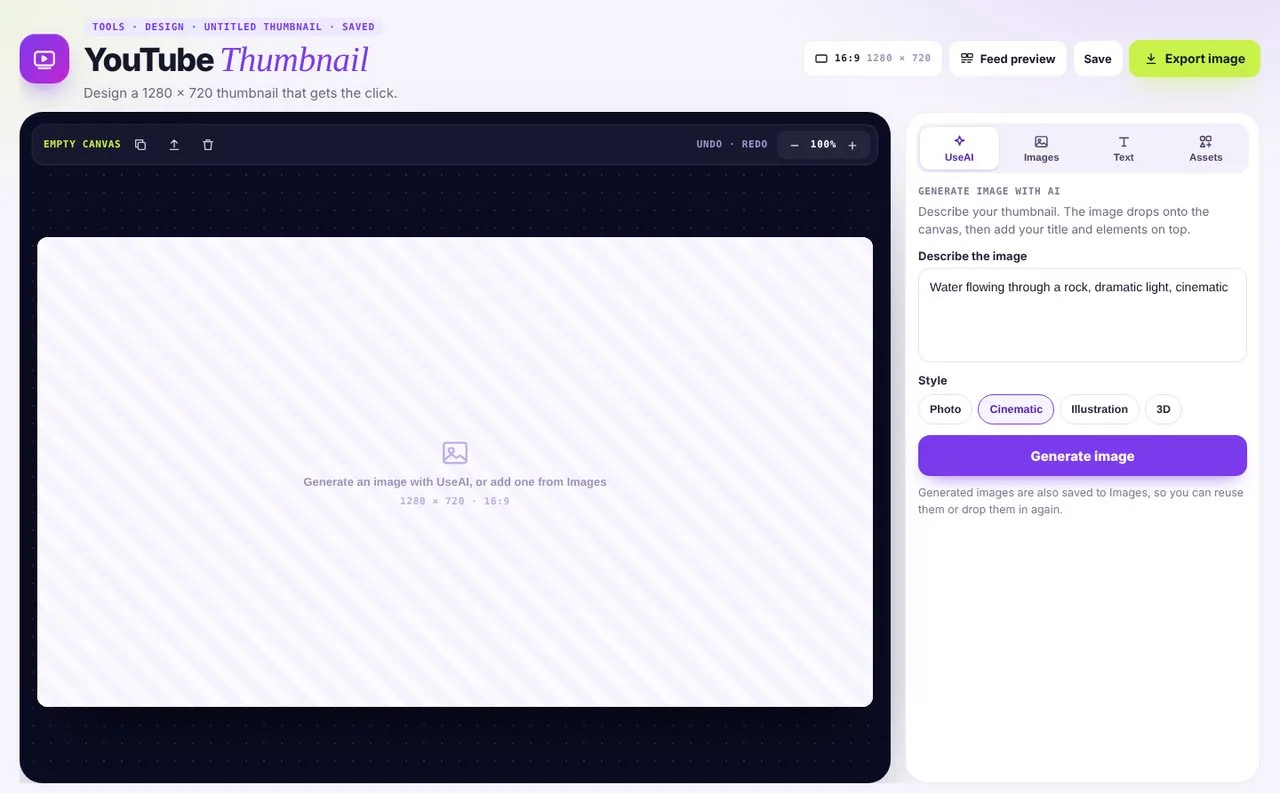 01Describe the image
Generate a background image from a prompt.
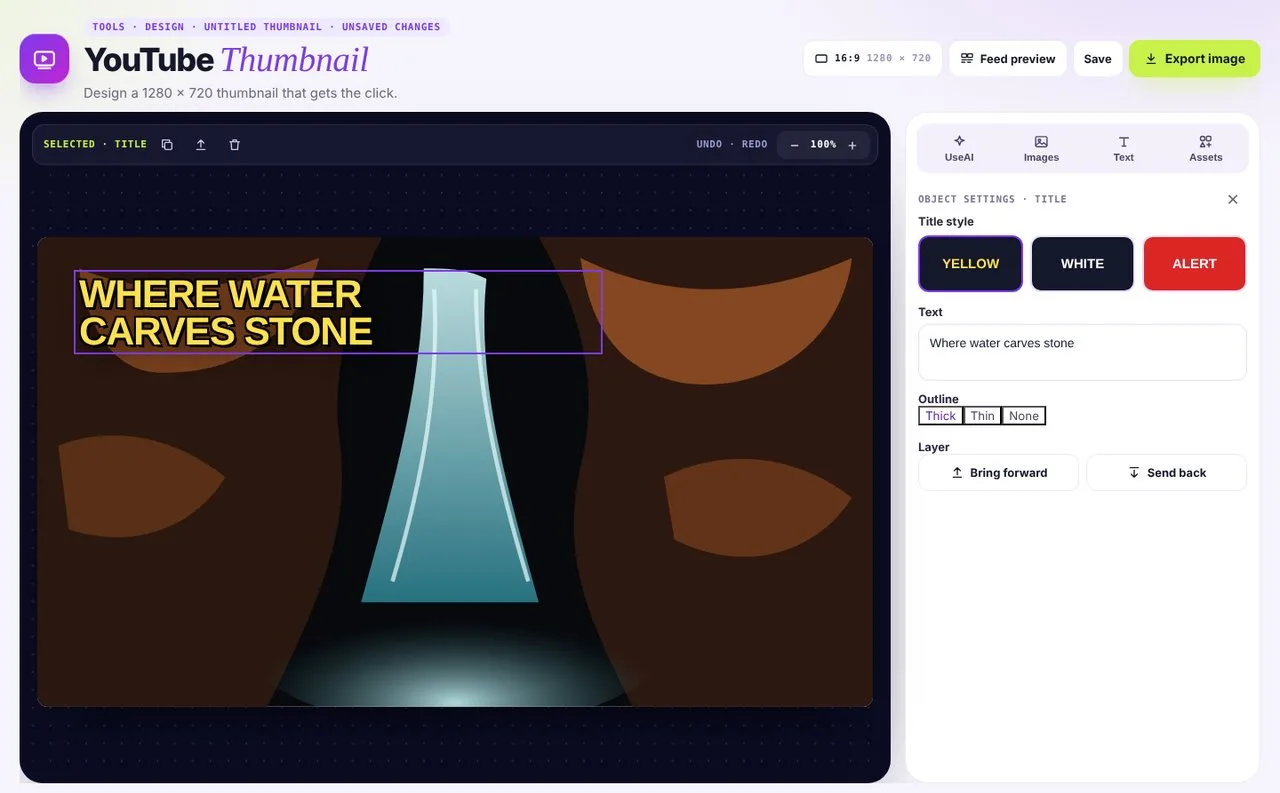 02Add the title
Bold text, arrows and badges built for YouTube.
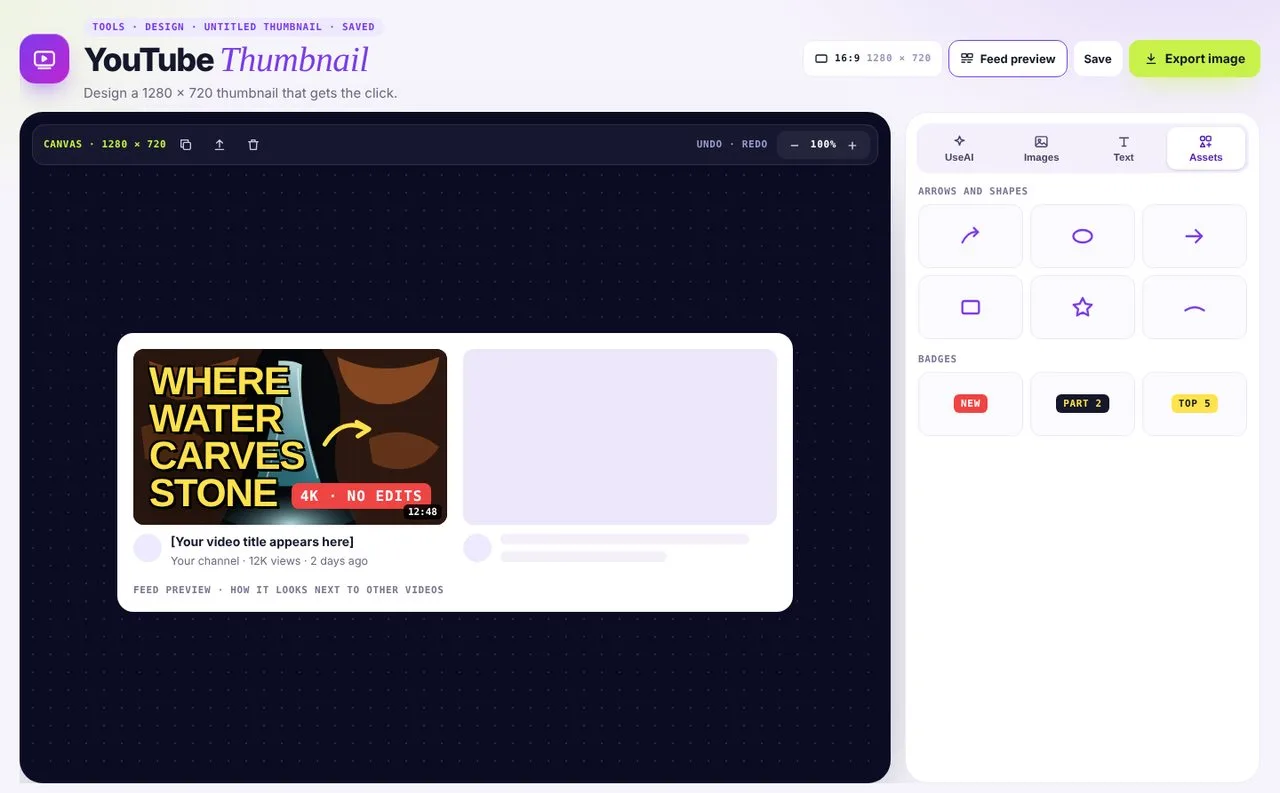 03Check it in the feed
See how it looks next to other videos before you export.
Everything a good thumbnail needs
- 01
You, cut out
Pull yourself out of any photo or video frame.
- 02
Big, readable text
Styles built to be legible at phone size.
- 03
Feed preview
See it next to your title before you publish.
Make the video as good as the thumbnail
Thumbnails work best with these tools.
Thumbnail questions
What size is the thumbnail?
1280 × 720 px, the size YouTube recommends.
Can I use my own photos?
Yes. Upload an image, pick from stock, or generate one with UseAI. Cut yourself out with Remove Background first.
Can I use my brand fonts and colours?
Yes. Your Brand Kit fonts and colours appear first in the lists.
What format do I download?
PNG or JPG. Every export is also saved to Media.