See exactly what you'll use
Real screens from Remove Background inside vidBoard, from the first click to the finished file.
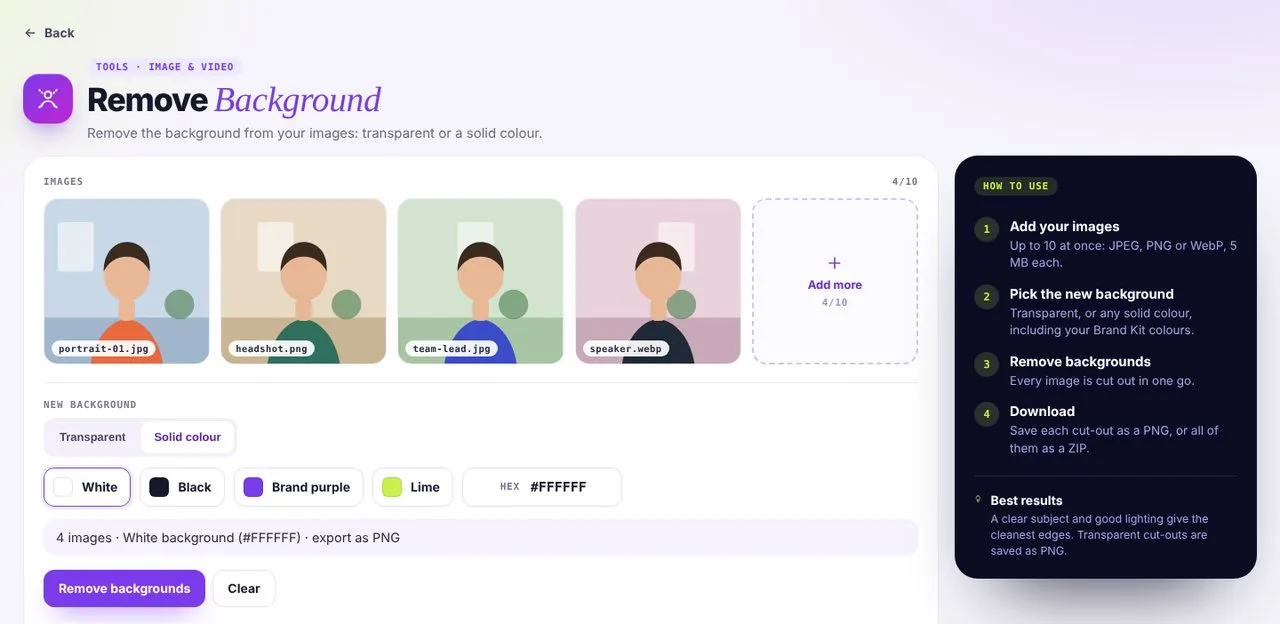 01Pick a background
Transparent, a colour or an image, for up to 10 images at a time.
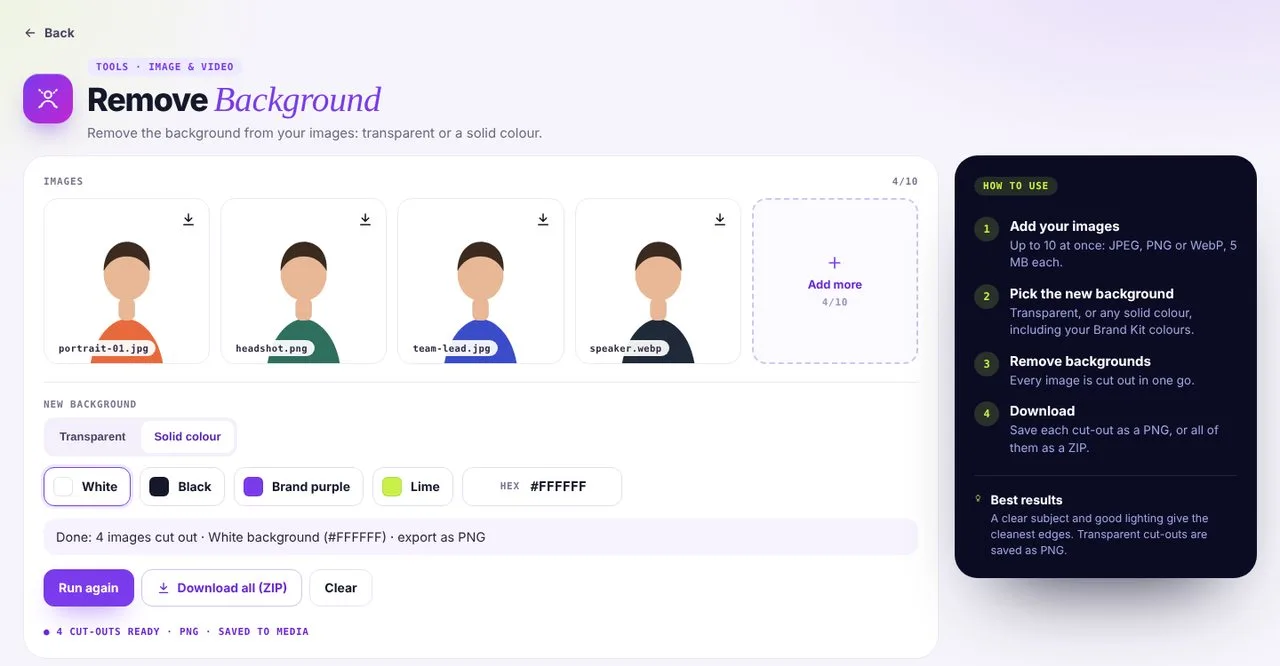 02Download cut-outs
Clean cut-outs, ready for thumbnails and slides.
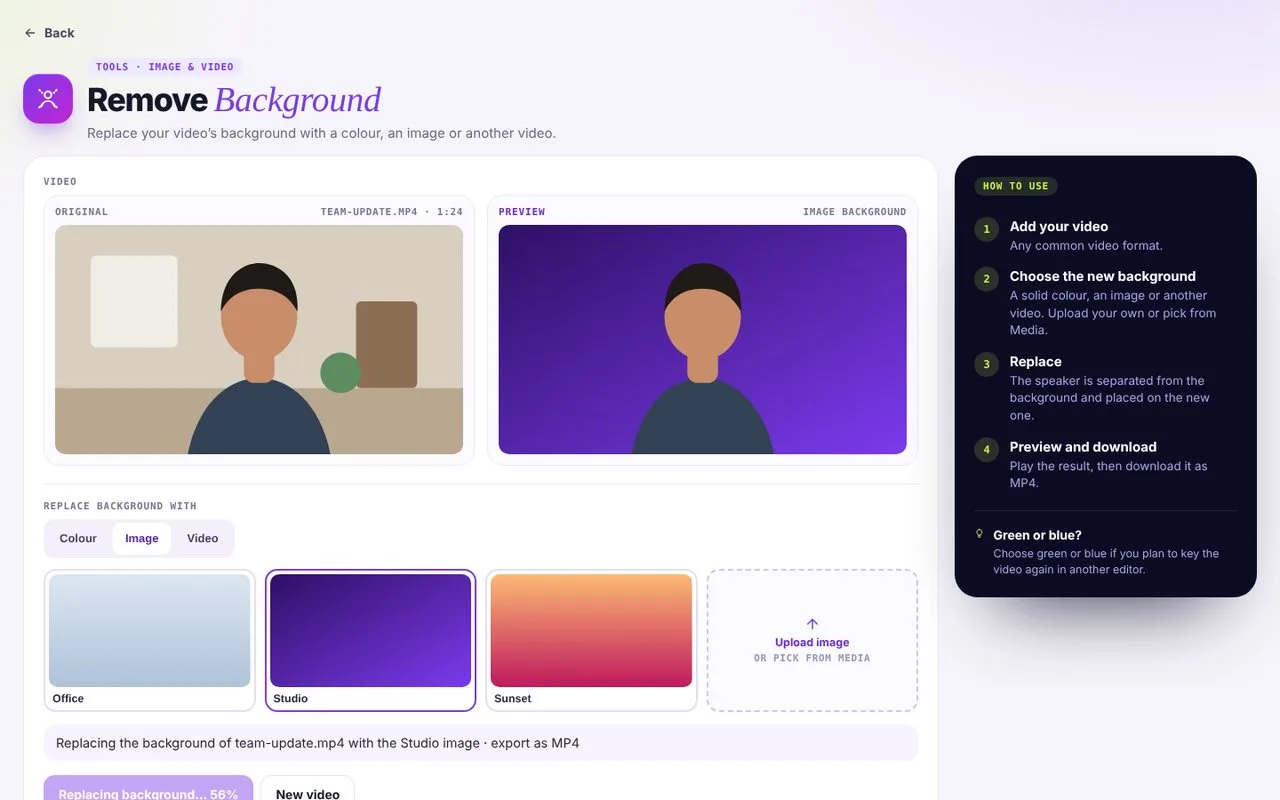 03Replace a video background
Swap a video background for a colour, an image or another video.
Swap the room for anything you like
- 01
A clean, transparent cut-out
Use the speaker on top of any layout or template.
- 02
Your brand behind you
Solid colours and gradients from your Brand Kit.
- 03
A whole new scene
Pair with VidAI to generate the perfect backdrop.
Put your new background to work
Remove Background pairs well with these tools.
Background questions
Does it work on videos and images?
Both. Remove the background from up to 10 images at a time (JPEG, PNG or WebP, up to 5 MB each), or replace a video’s background with a colour, an image or another video.
Do I need a green screen?
No. vidBoard separates the speaker from the background for you.
Can I export with a transparent background?
Yes. Transparent cut-outs download as PNG, one at a time or all together as a ZIP.