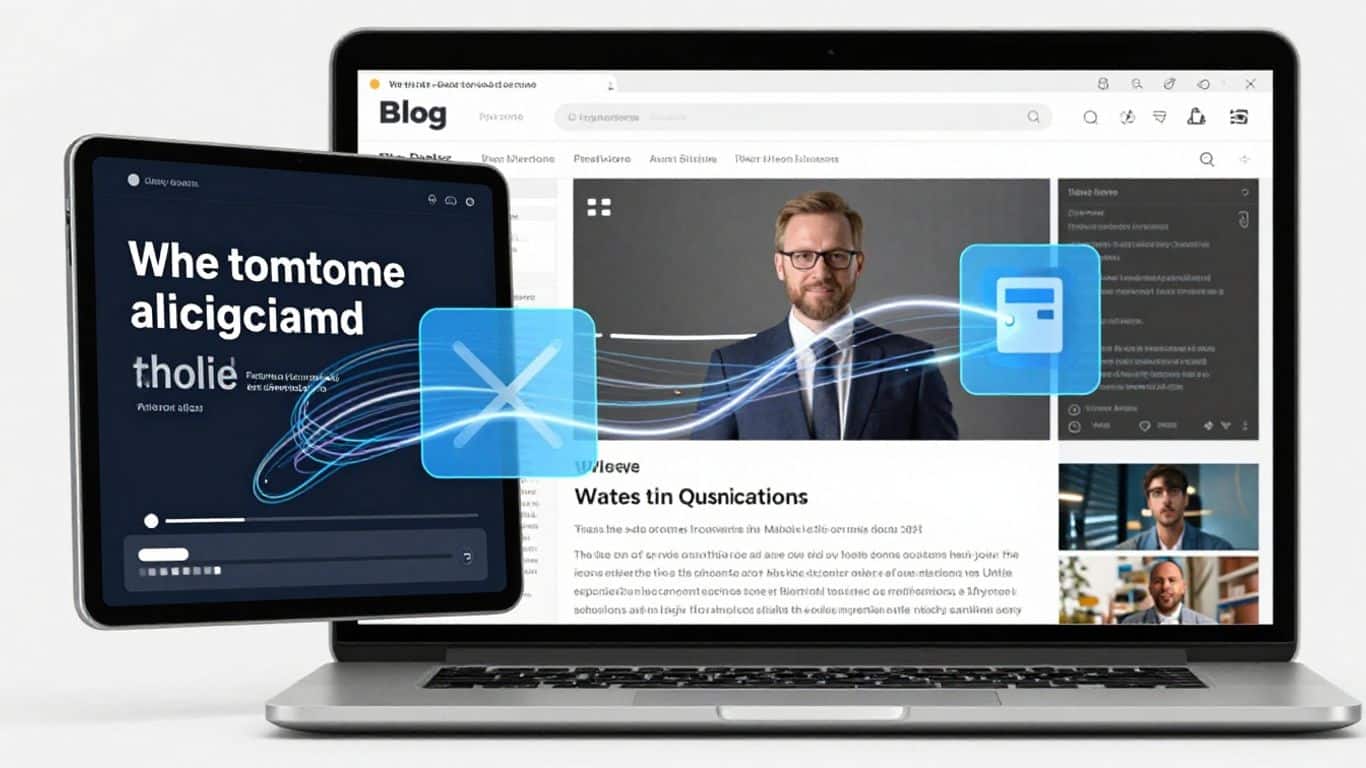
Paste a blog post, product page, news article, or any web link and vidBoard's AI instantly transforms it into a polished, publish-ready video. No filming. No editing. No experience needed.

Works with any public web page
vidBoard reads, understands, and structures your web content into scenes with avatars, voiceovers, visuals, and captions automatically.

Paste any URL and vidBoard's AI instantly reads the full page, extracts the key points, and writes a structured video script. No copy-pasting, no summarizing, no prompting required. The AI does all the heavy lifting in seconds.
Choose from 100+ AI avatars or use your custom avatar, pair it with your preferred voice in any language, and the finished video will look and sound exactly like your brand created it from scratch.

Download your video in any format or share directly. Repurpose one blog post into a LinkedIn post, a YouTube explainer, a social media reel, and an email campaign video without extra editing work.
Have 50 blog posts collecting dust? Convert them all into videos in a fraction of the time. vidBoard lets you process URLs in bulk so your entire content archive becomes a fresh, modern video library without any additional headcount.

Copy any public web page link and paste it into vidBoard. Blogs, articles, product pages, help docs — it works with all of them.

Pick your avatar, voice, language, format, and visual style. Or let vidBoard match your brand settings automatically.

Your video is ready in minutes. Download it, embed it, or push it directly to your preferred platforms and social channels.

Transform written blog content into videos that reach audiences who prefer visual formats across YouTube and social media.

Convert product pages into dynamic promotional videos that showcase benefits more compellingly than text alone.

Turn industry news and articles into short video summaries for your audience or team, delivered consistently and on-brand.

Turn FAQs and support articles into instructional videos that cut support tickets and improve the customer experience.
See exactly what changes when you use URL to Video instead of building videos manually.


Everything you need to know before converting your first URL into a video.
Any publicly accessible web page works, including blog posts, news articles, product pages, landing pages, help documentation, FAQs, and case studies. If a browser can read it, vidBoard can convert it.
Most videos are ready in under a few minutes. The AI processes the page, writes the script, assigns your avatar and voice, builds the scenes, and delivers a downloadable video without any manual steps from you.
Yes. The generated video is fully editable inside vidBoard's editor. You can adjust the script, swap the avatar, change the voice, reorder scenes, and update visuals before downloading the final version.
Yes. vidBoard supports content extraction and video generation in 125+ languages. You can also convert a page in one language and generate the video output in a completely different language.
Limits depend on your vidBoard plan. Free users get a set number of conversions per month, while paid plans support higher volumes including bulk batch processing of multiple URLs at once.
Stop letting great articles, product pages, and guides go unnoticed. Paste a URL and publish a professional video in minutes with no editing skills required.