INSIDE THE TOOL
Try Non Voice VideosSee exactly what you'll use
Real screens from Non Voice Videos inside vidBoard, from the first click to the finished file.
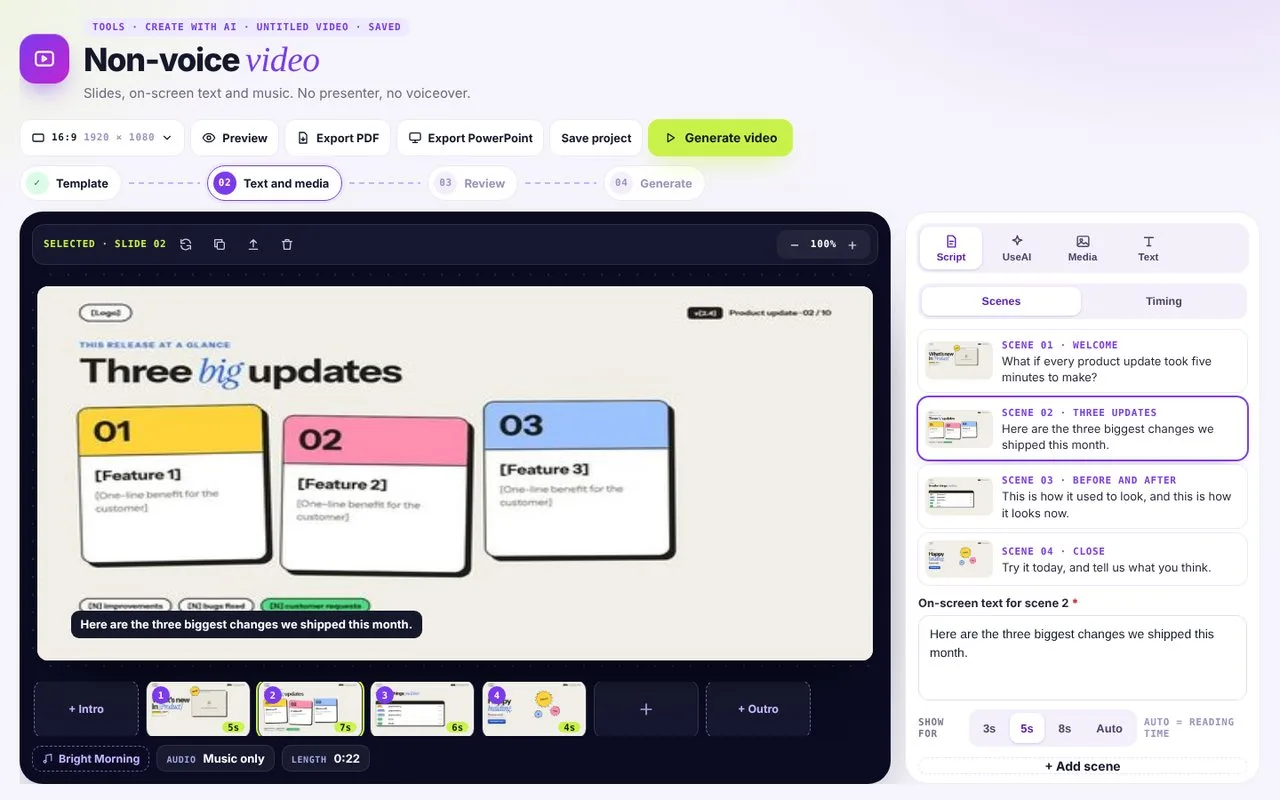 01Write on-screen text
With no voiceover, the words appear on the slides.
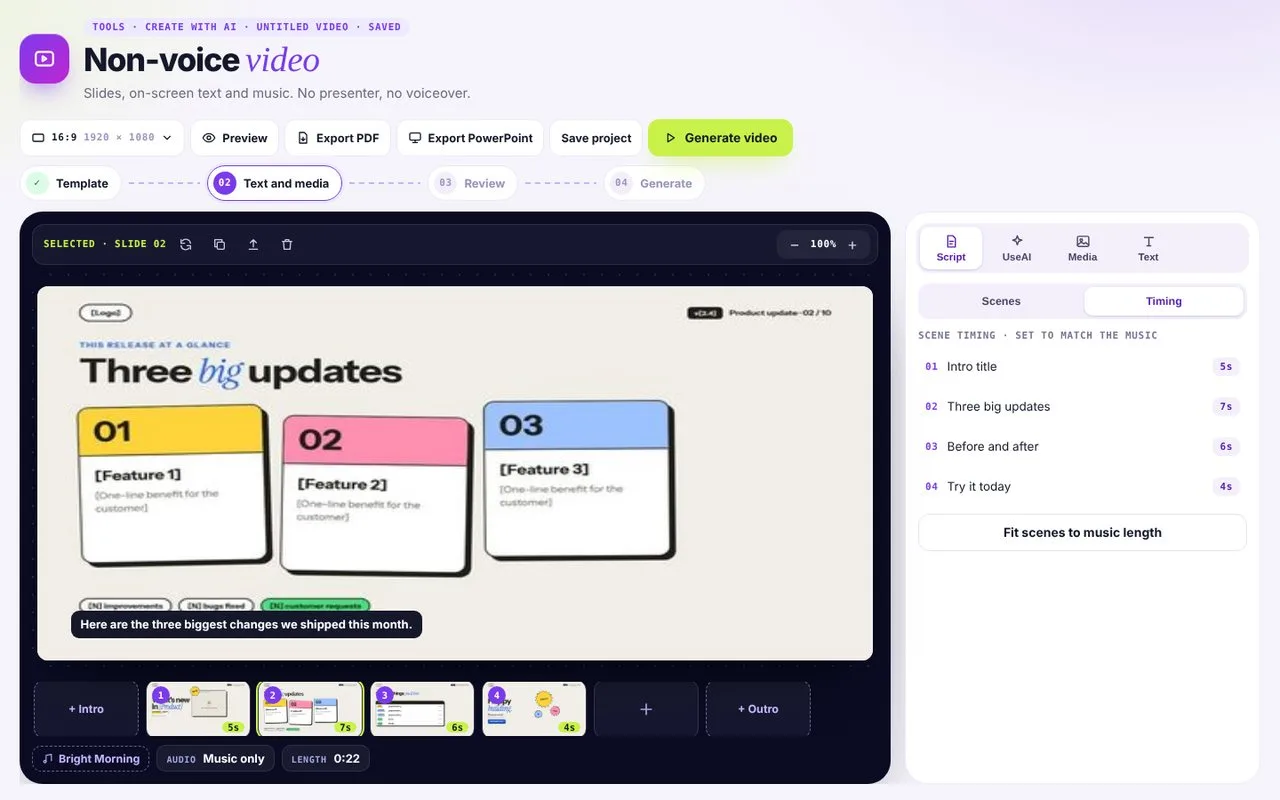 02Set the timing
Choose how long each scene shows, or fit them to the music.
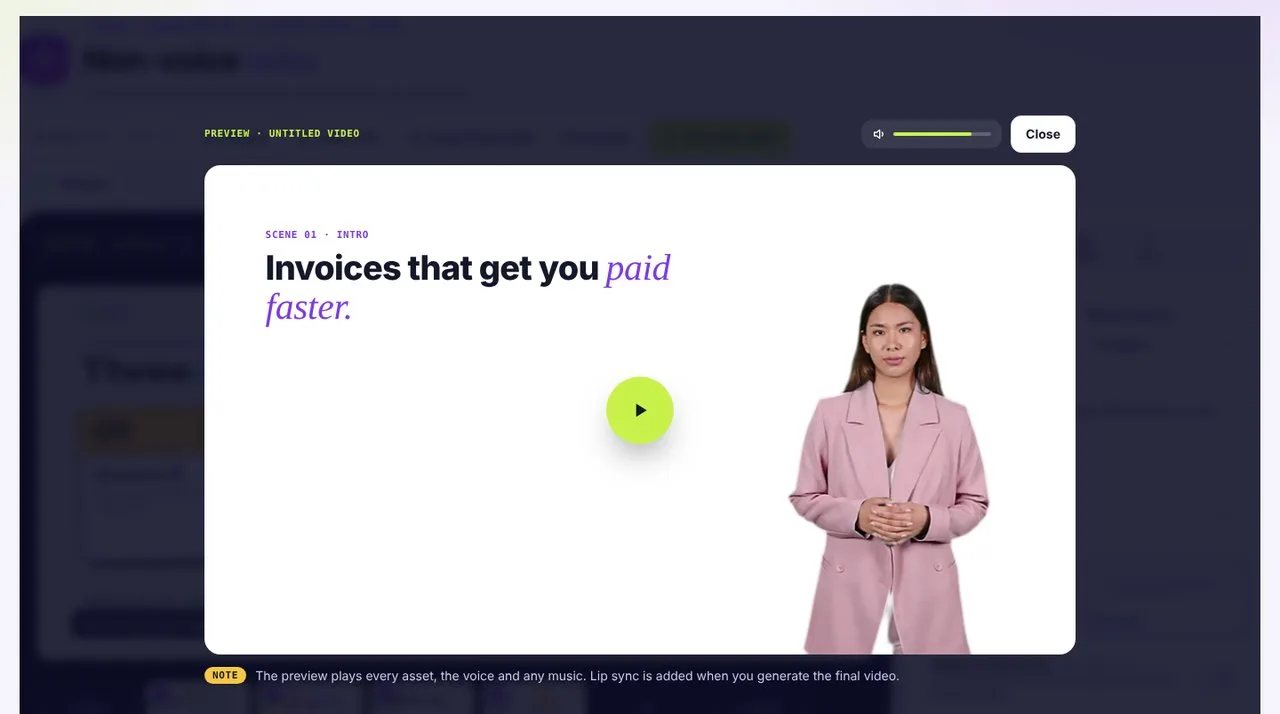 03Preview
Music-led videos that work with the sound off.
Built for sound-off feeds
- 01
Text that carries the story
Every key point appears on screen, timed to the music.
- 02
Music that sets the mood
Pick upbeat, calm or cinematic to match your message.
- 03
Ready for every feed
Export widescreen, square or vertical.
Non Voice questions
Can I add a voiceover later?
Yes. Switch to Non Avatar Videos or Just AI Voices.
Can I use my own music?
Yes. Pick a track from the Music library or upload your own.
Which sizes can I export?
Landscape 16:9, portrait 9:16 or square 1:1. You pick the canvas size when you start.
Are captions added?
Your on-screen text does the job, and you can add AI Subtitles if there is speech.