01
Your design, kept
Every slide stays exactly as you designed it, fonts and layout included.
Upload a PowerPoint deck of up to 10 slides. Your speaker notes become the narration, an AI presenter delivers it, and every slide becomes a scene of a finished video.
"We start the year from a position of real strength."
Real screens from Video from PPT inside vidBoard, from the first click to the finished file.
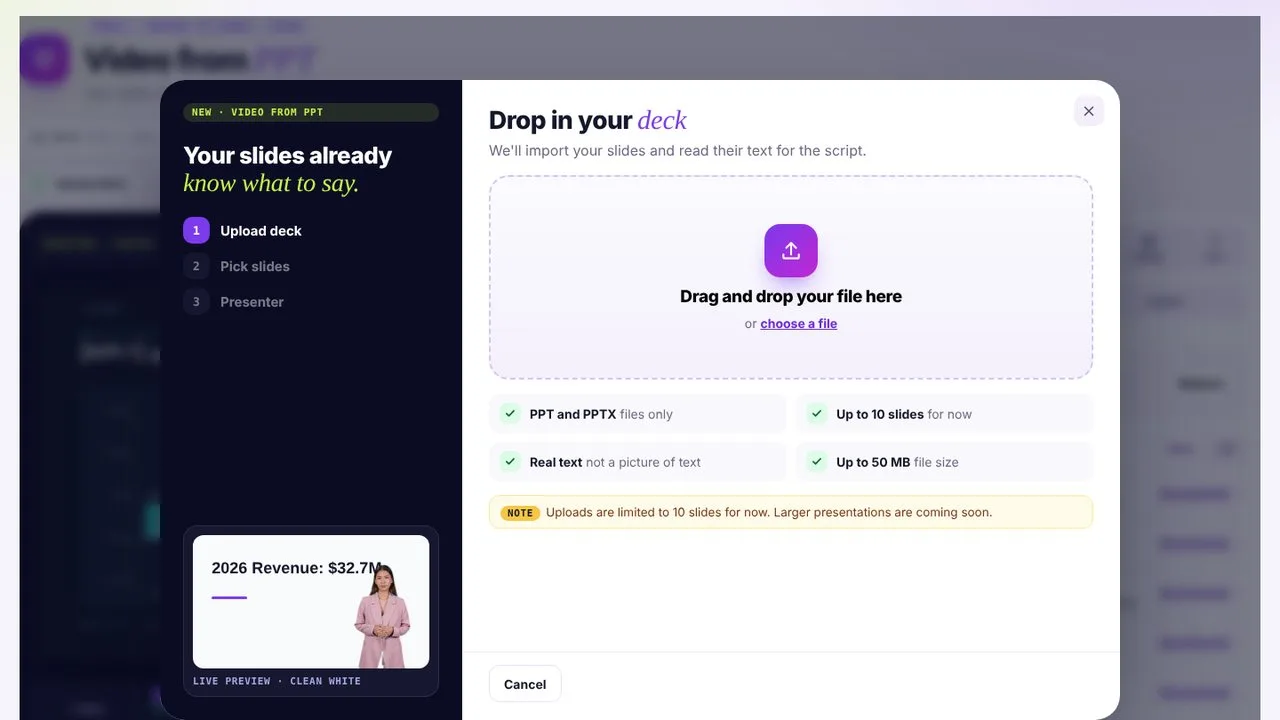
PPT or PPTX, up to 10 slides and 50 MB.
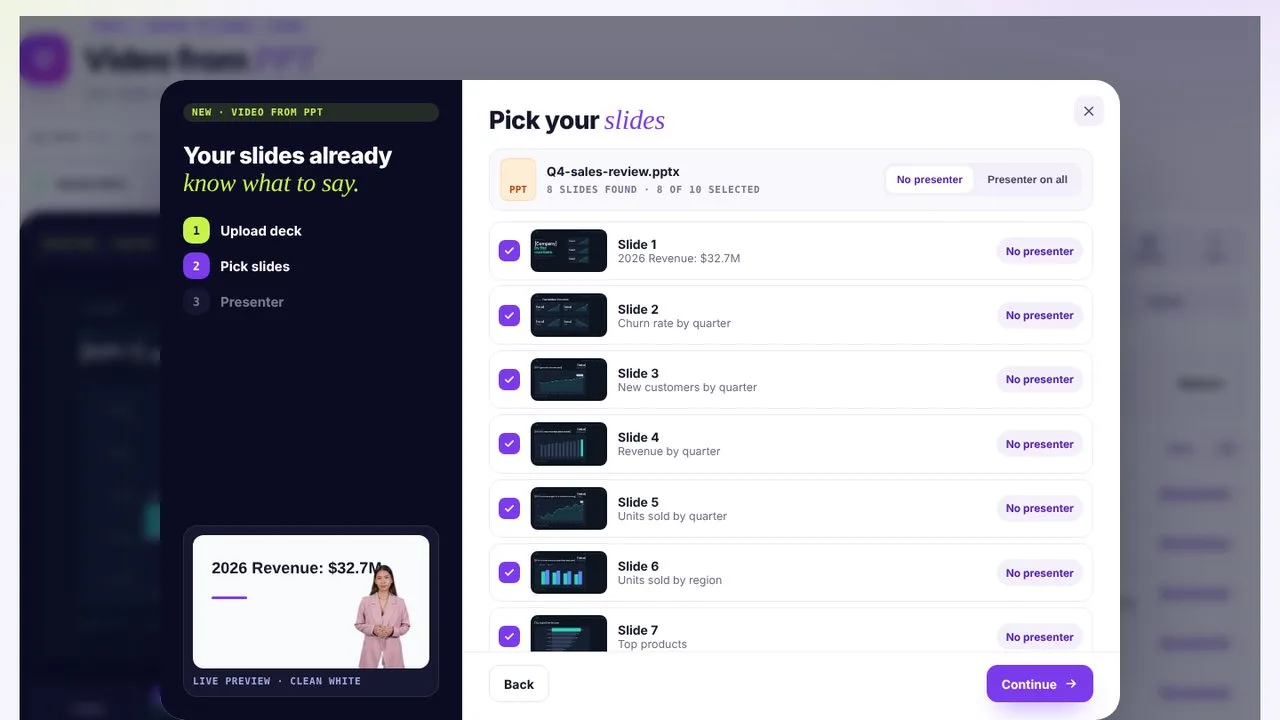
Tick the slides to keep and switch the presenter on or off per slide.
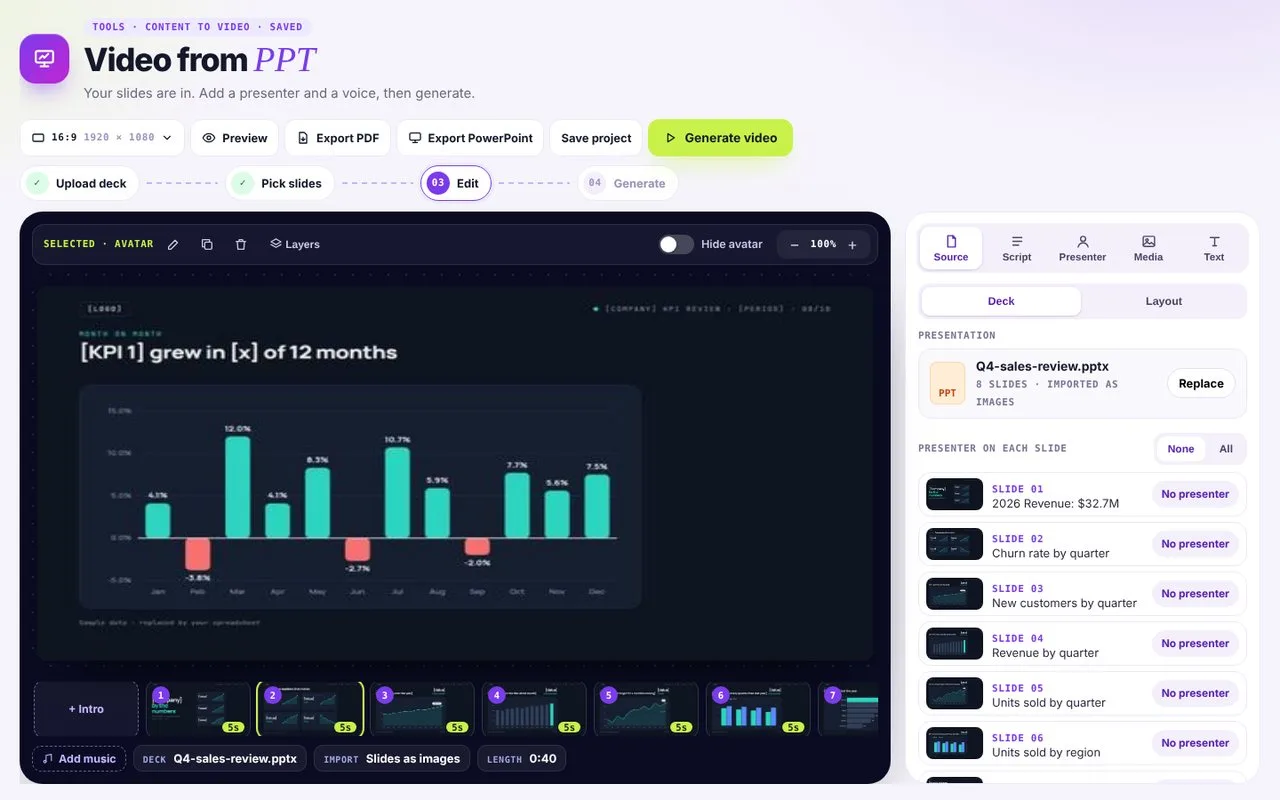
Your slides stay exactly as designed. vidBoard adds the presenter and narration.
Every slide stays exactly as you designed it, fonts and layout included.
Speaker notes turn into a narration script you can edit before rendering.
Add an AI presenter and voice, switch it on or off for each slide, or keep it voice-only.
Today your slides are imported as images, so they look exactly like your deck. Soon you'll be able to import them as editable slides and pour them into a vidBoard template.
PPT and PPTX files, up to 10 slides and 50 MB. Larger decks are coming soon. Export Keynote or Google Slides as PPTX first.
vidBoard can write a script from the slide content instead.
Yes. Every slide's script is editable.
Yes. Pick a voice in another language, or dub the finished video with AI Dubbing.