INSIDE THE TOOL
Try Image CompressorSee exactly what you'll use
Real screens from Image Compressor inside vidBoard, from the first click to the finished file.
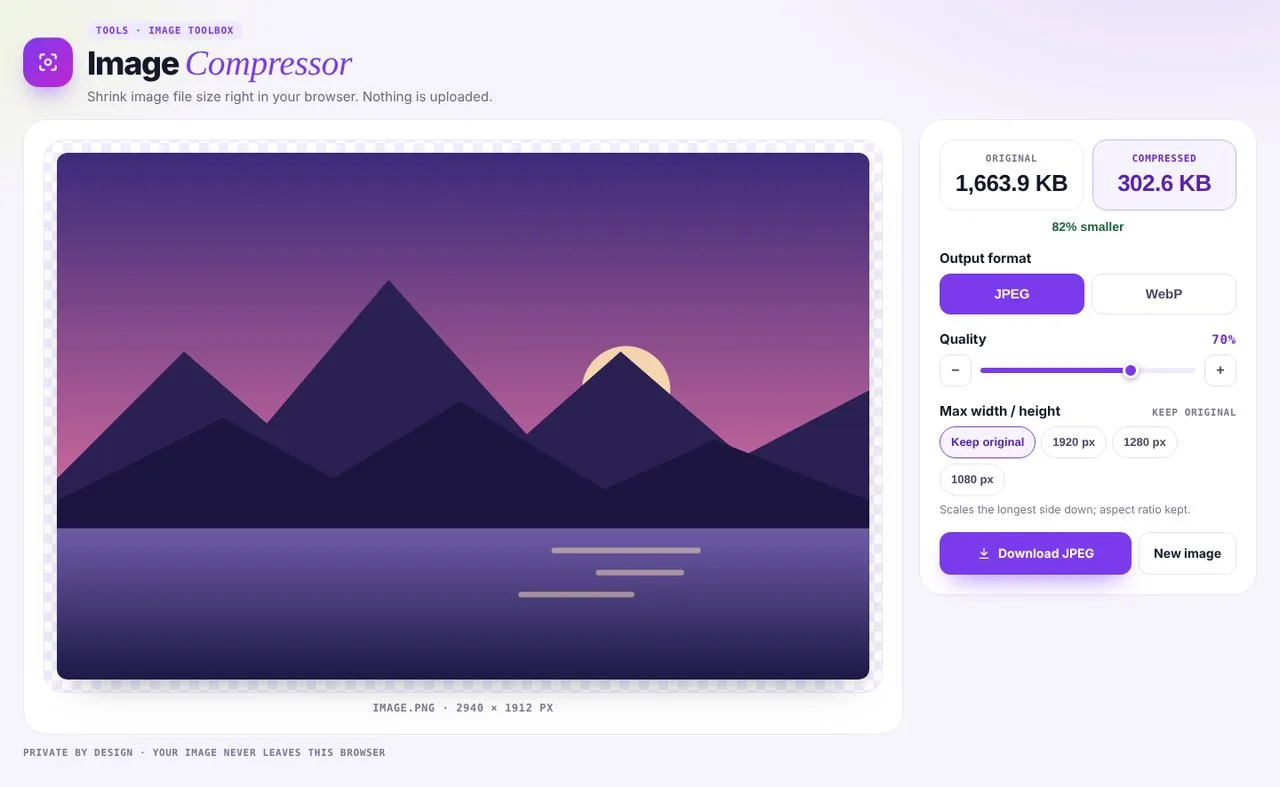 01Compress
See the before and after size straight away.
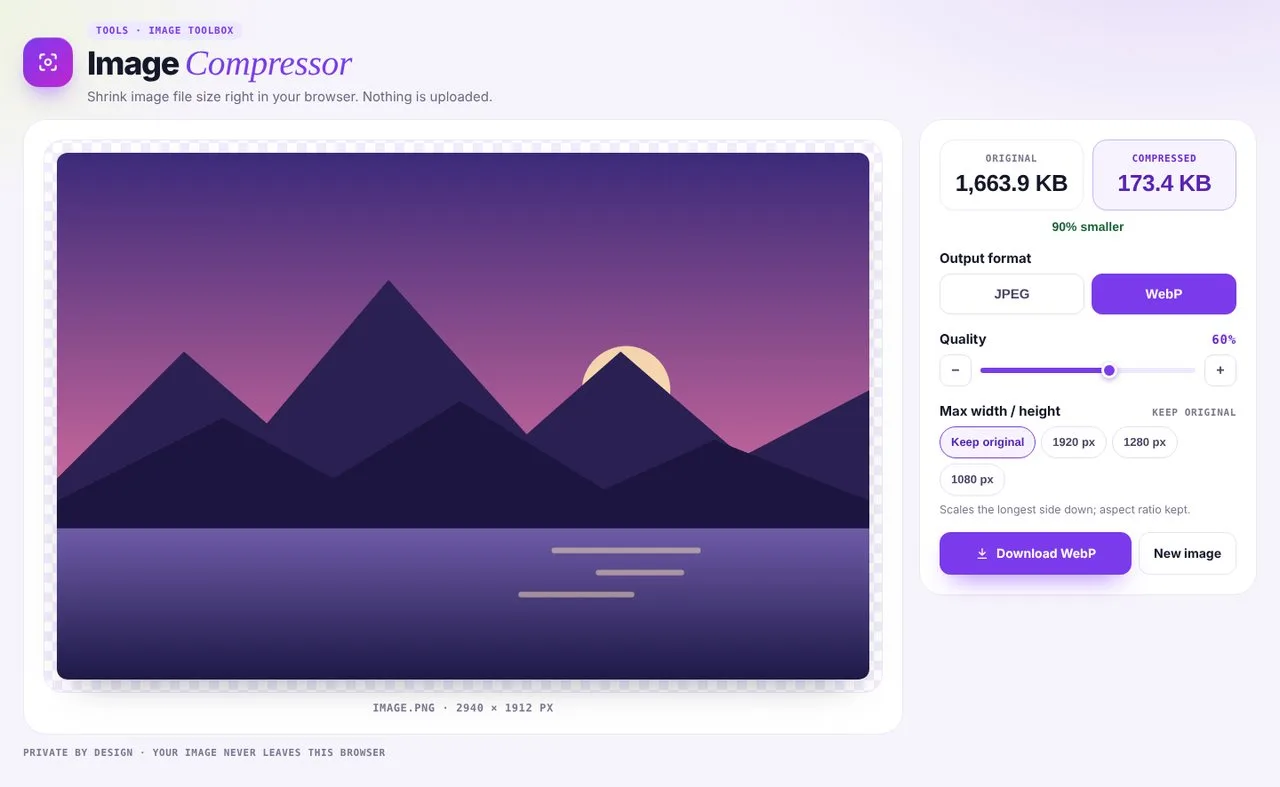 02Pick a format and quality
JPEG for photos, WebP for the smallest files, with a quality control.
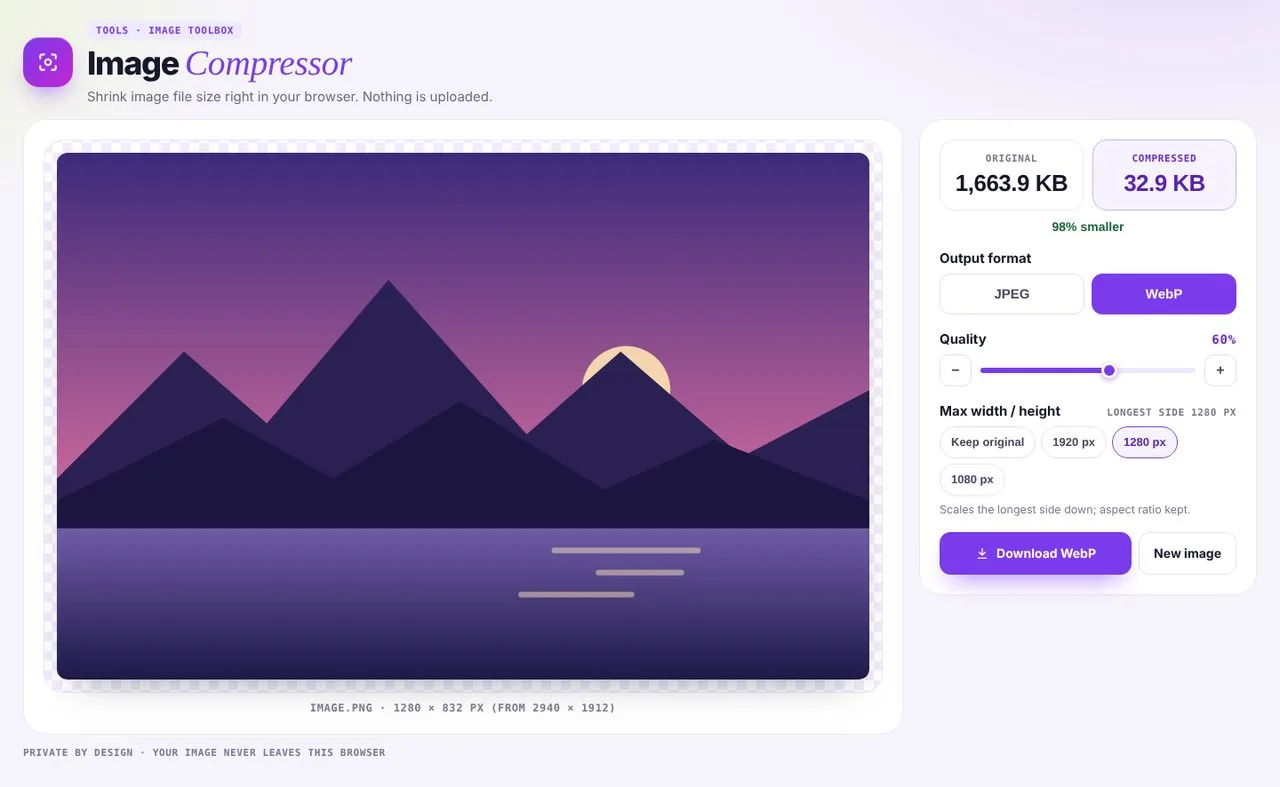 03Resize
Shrink the dimensions too, for the web or email.
Lighter images, faster everything
- 01
Faster pages
Smaller images load quicker and help your site rank.
- 02
Under every limit
Fit upload limits for email, LMS and social platforms.
- 03
You choose the balance
High quality, balanced, or as small as possible.
More image tools
Compress after you create.
Compressor questions
Which formats work?
Add a JPEG, PNG or WebP image. Download it as JPEG for photos, or WebP for the smallest files.
Can I compress several images at once?
One at a time for now. Compress an image, download it, then add the next.
Is my image uploaded?
No. Compression runs in your browser, so your image never leaves your device.