Trim to the frame
Split, trim and crop any clip, or freeze a frame, right on the timeline.
Real screens from Vidcut Editor inside vidBoard, from the first click to the finished file.
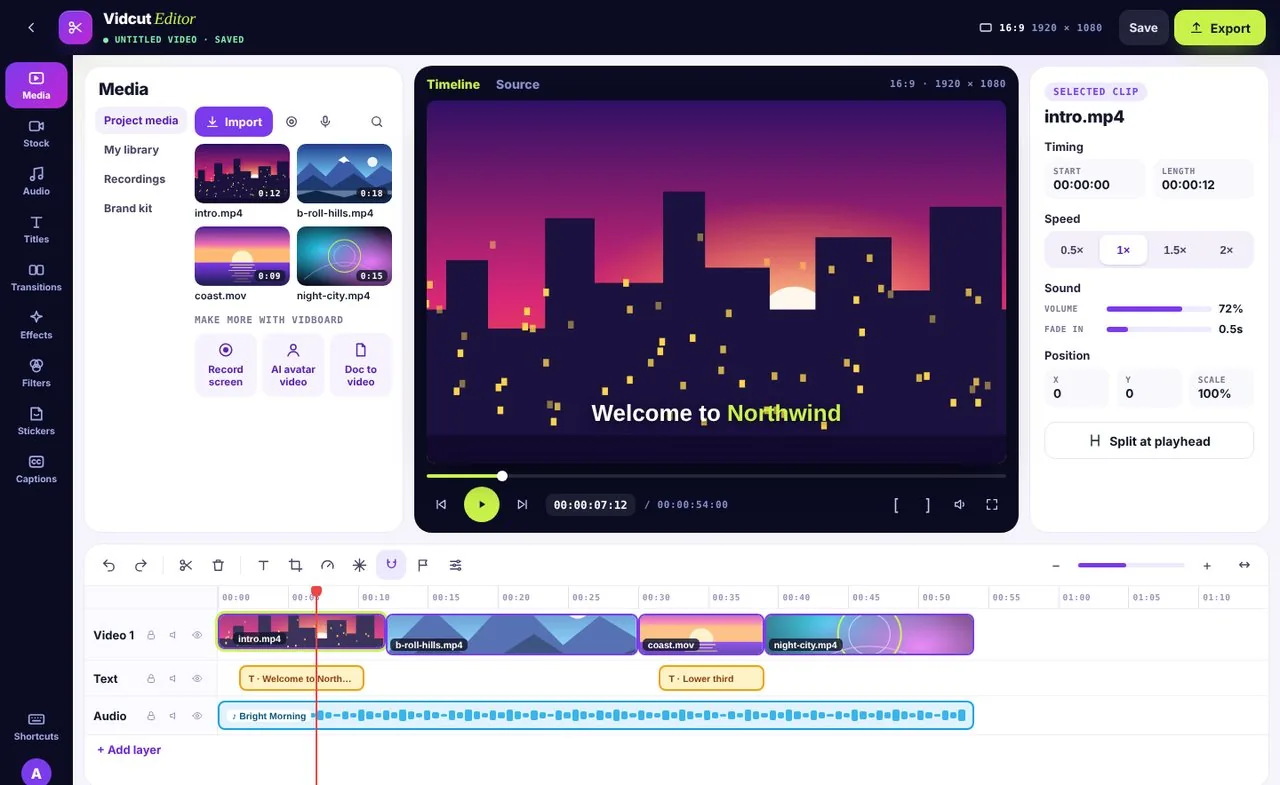
Clips land on the timeline, ready to arrange.
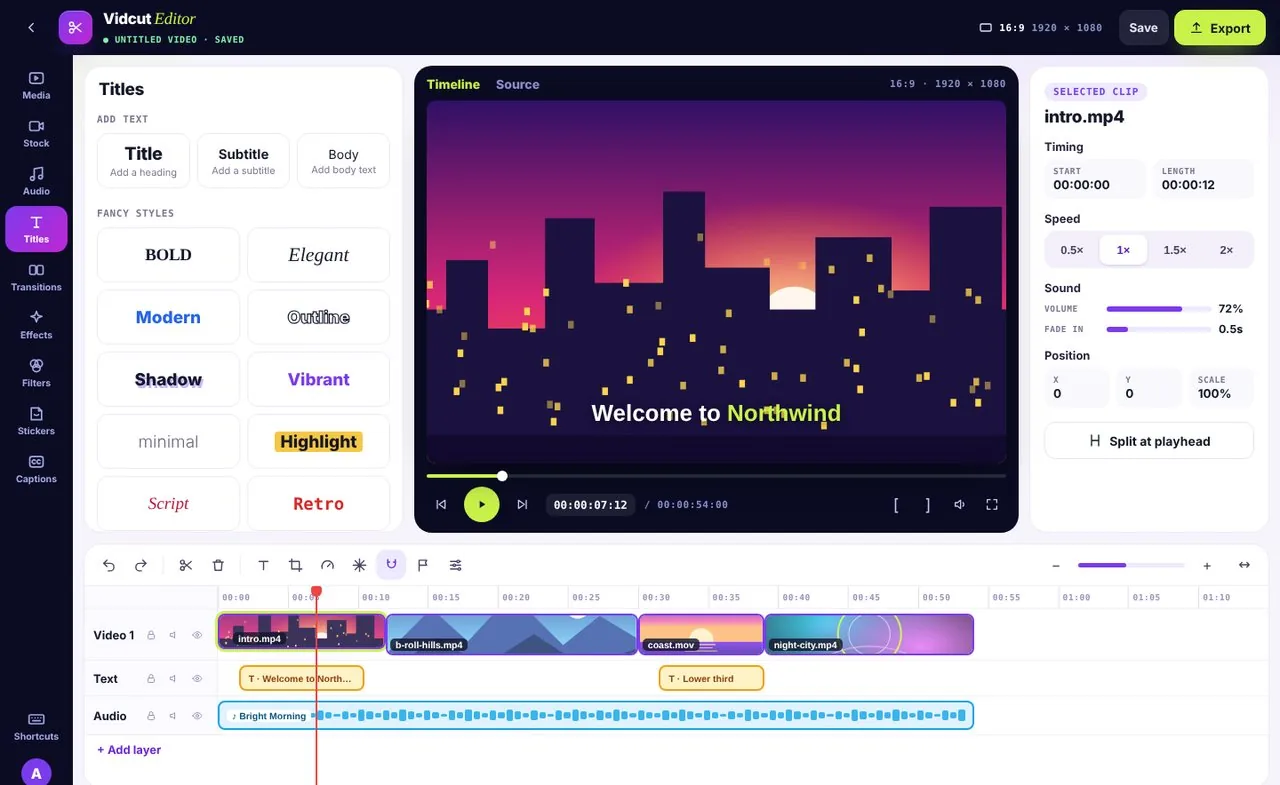
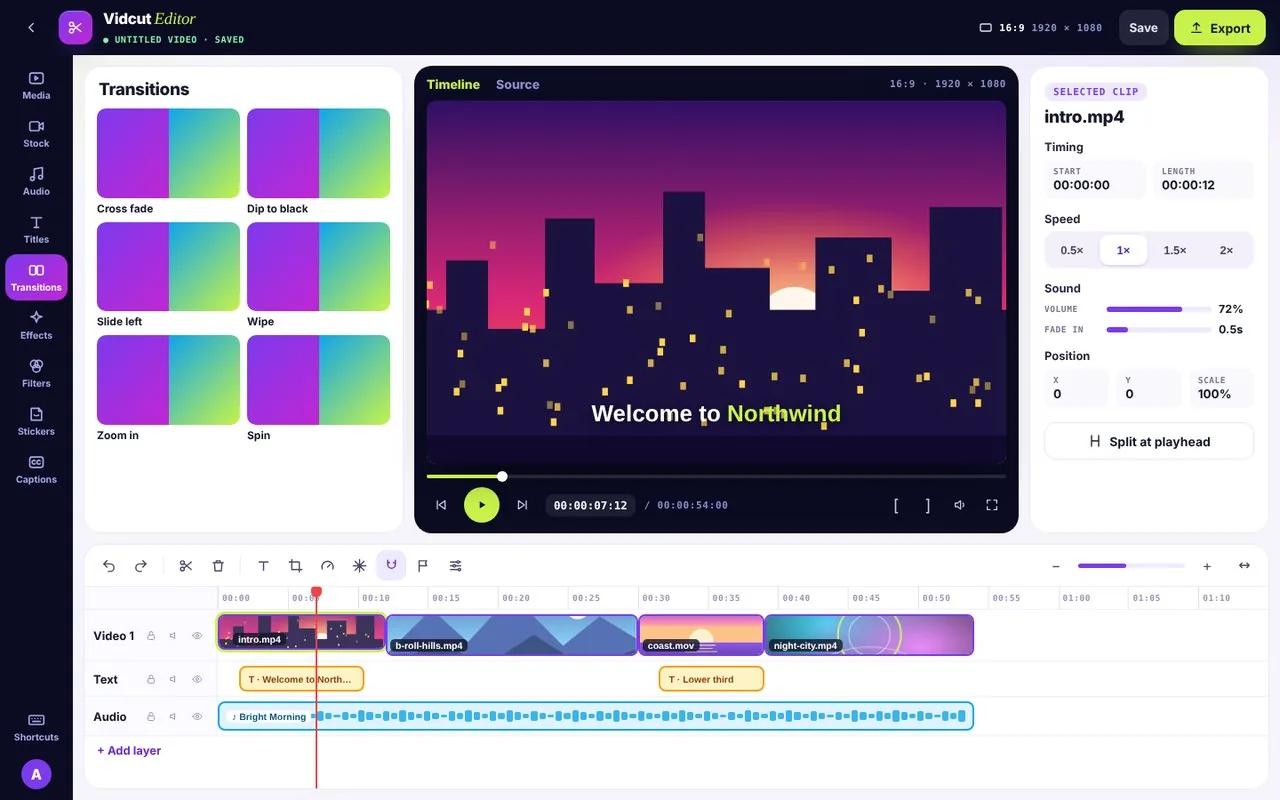
Text, transitions, effects, filters and stickers from the left rail.
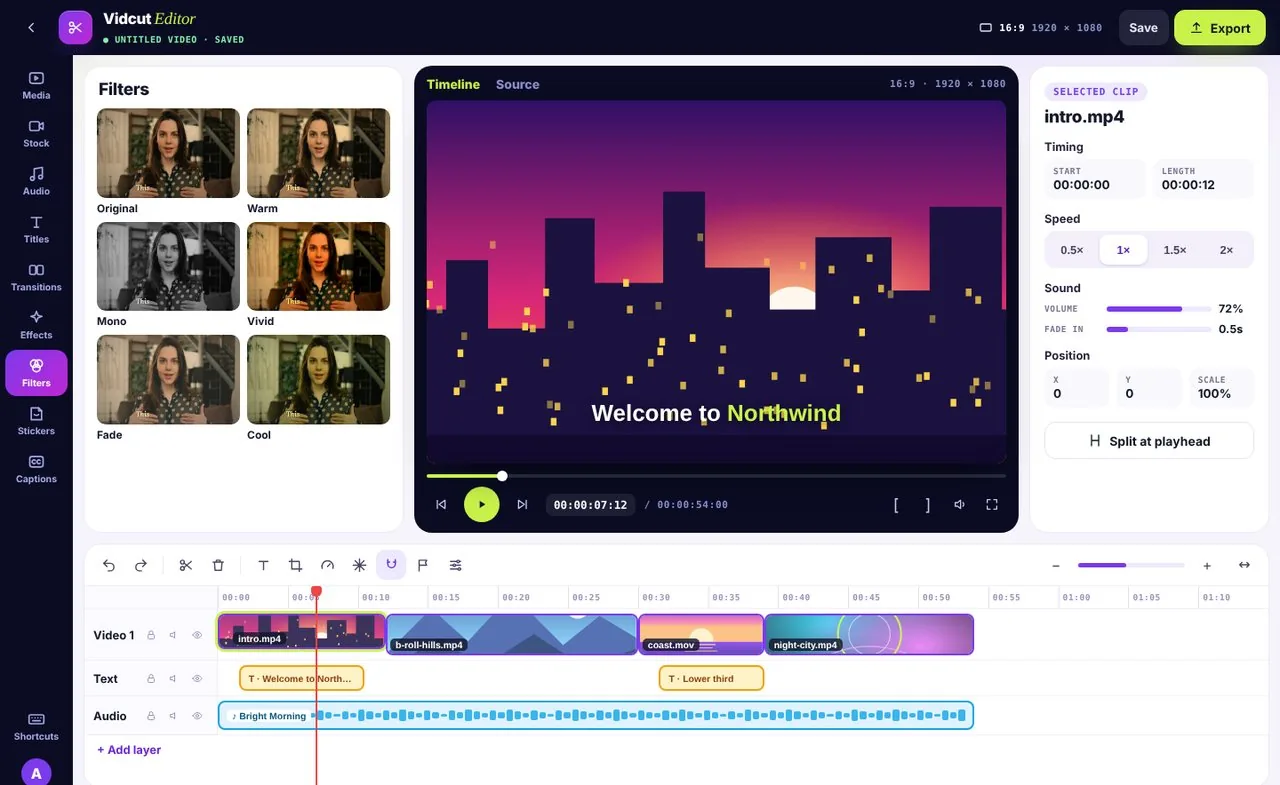
Filters and per-clip settings for timing, speed, sound and position.
Video, titles and sound sit on their own layers, so you can move one without breaking the others. Lock, mute or hide any layer while you work.
Park the red playhead anywhere and split the clip in one click.
Drag clips along the timeline and snap them neatly against each other.
Undo and redo every edit, so trying an idea costs nothing.
Split, trim and crop any clip, or freeze a frame, right on the timeline.
Play any clip from 0.5× to 2×, and set its volume and fade-in.
Add titles, transitions, effects, filters and stickers from the left rail.
Import MP4, MOV, WebM, MP3, WAV, PNG and JPG, or pull from stock and your recordings.
Record your screen or a voiceover straight into Media, then drop it on the timeline.
Add auto captions in any style and a soundtrack from the Audio library.
The Stock tab has videos and images you can drop straight onto the timeline. It draws on Pexels, Pixabay and Unsplash.
Yes. Import MP4, MOV or WebM video, MP3 or WAV audio and PNG or JPG images, or use your screen recordings from Media.
No. Vidcut Editor runs in your browser.
Yes. Record one from the Media panel, or bring in a voiceover you made with Just AI Voices or Clone Your Voice.