See exactly what you'll use
Real screens from AI Dubbing inside vidBoard, from the first click to the finished file.
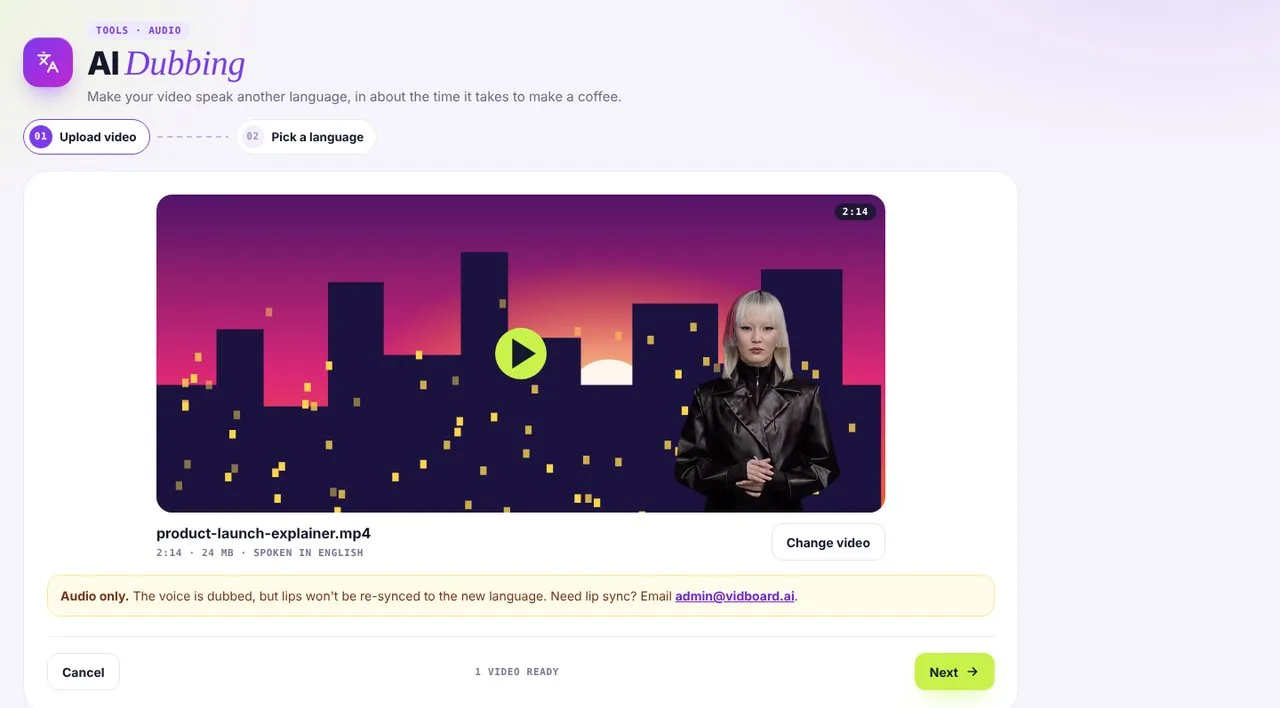 01Upload your video
MP4 or WebM, up to 30 MB and 5 minutes.
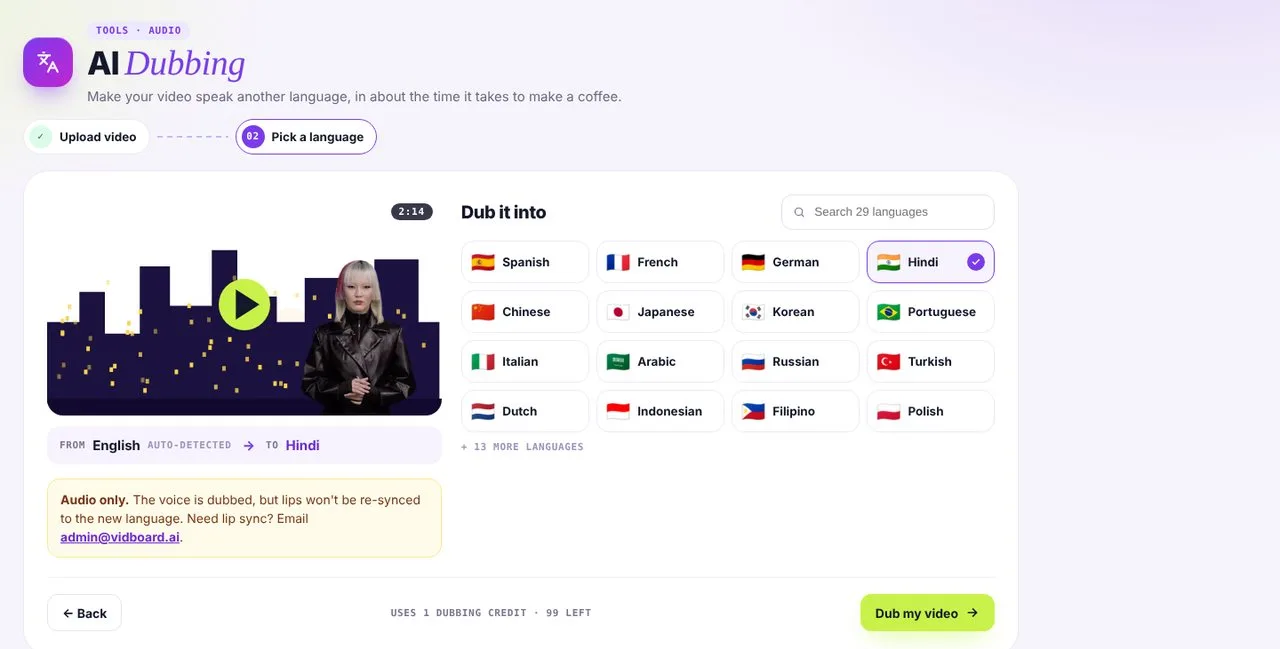 02Pick a language
See the whole language list at once, with search.
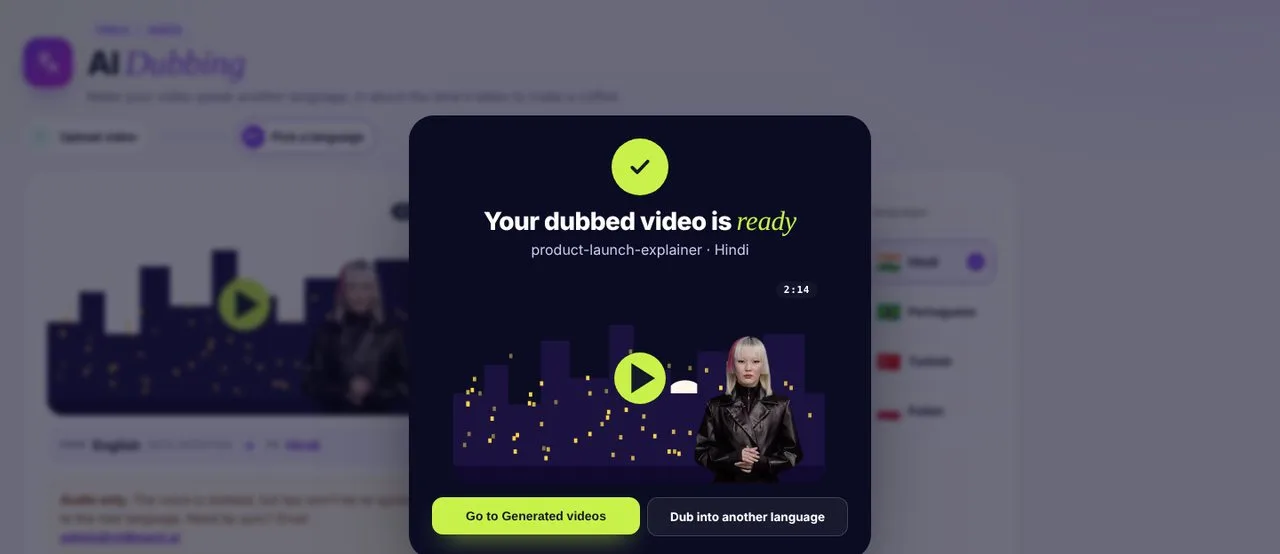 03Get the dubbed video
Ready in minutes and saved to Generated videos.
How a dub comes together
- 1
Transcribe
vidBoard writes down every word spoken in your video.
- 2
Translate
The script is translated, keeping your meaning and tone.
- 3
Re-voice
A natural AI voice, or your cloned voice, speaks the new script.
- 4
Sync and export
The new voice is mixed back into your video, ready to download. Lips aren't re-synced.
Speak to the world in its own words
Dub courses for new regions, product demos for new markets and training for global teams, in 29 languages.
Dubbing questions
Which videos can I dub?
Any MP4 or WebM video up to 30 MB and 5 minutes long.
Can it use my own voice?
Yes. Pair AI Dubbing with Clone Your Voice to speak other languages in your voice.
Can I edit the translation?
Not yet. You pick a language and vidBoard dubs the whole video in one go.
Are the lips synced?
No. AI Dubbing replaces the voice only, so lips aren't re-synced to the new language. If you need lip sync, email admin@vidboard.ai.