See exactly what you'll use
Real screens from Screen Recorder inside vidBoard, from the first click to the finished file.
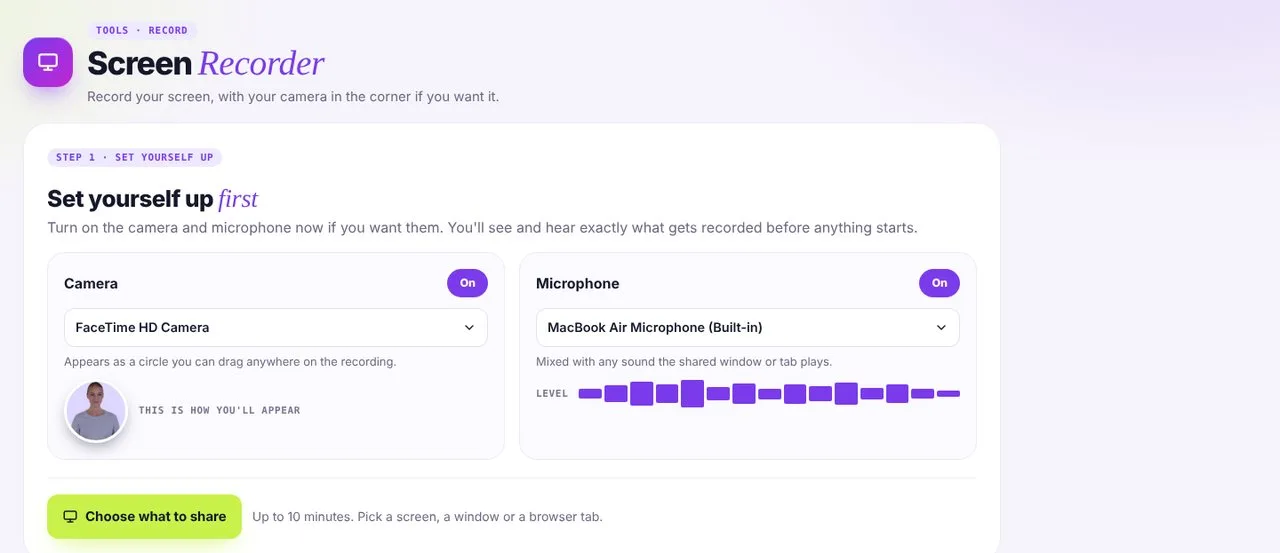 01Set yourself up
Turn your camera and microphone on or off and check them first.
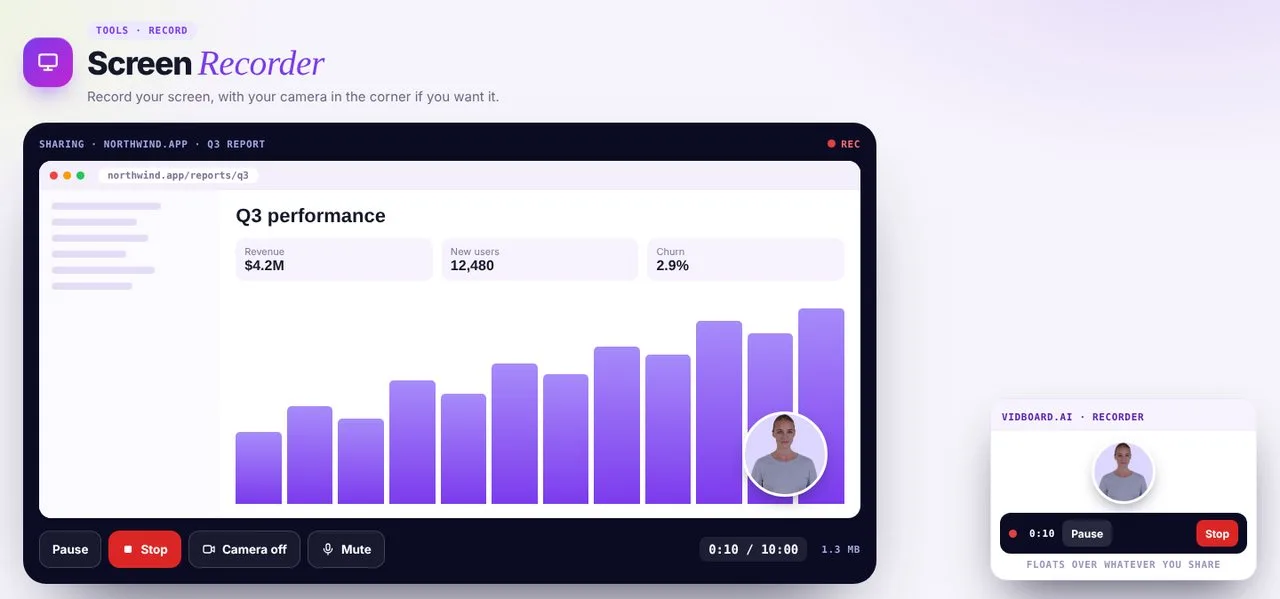 02Record
Up to 10 minutes, with your camera in a corner bubble.
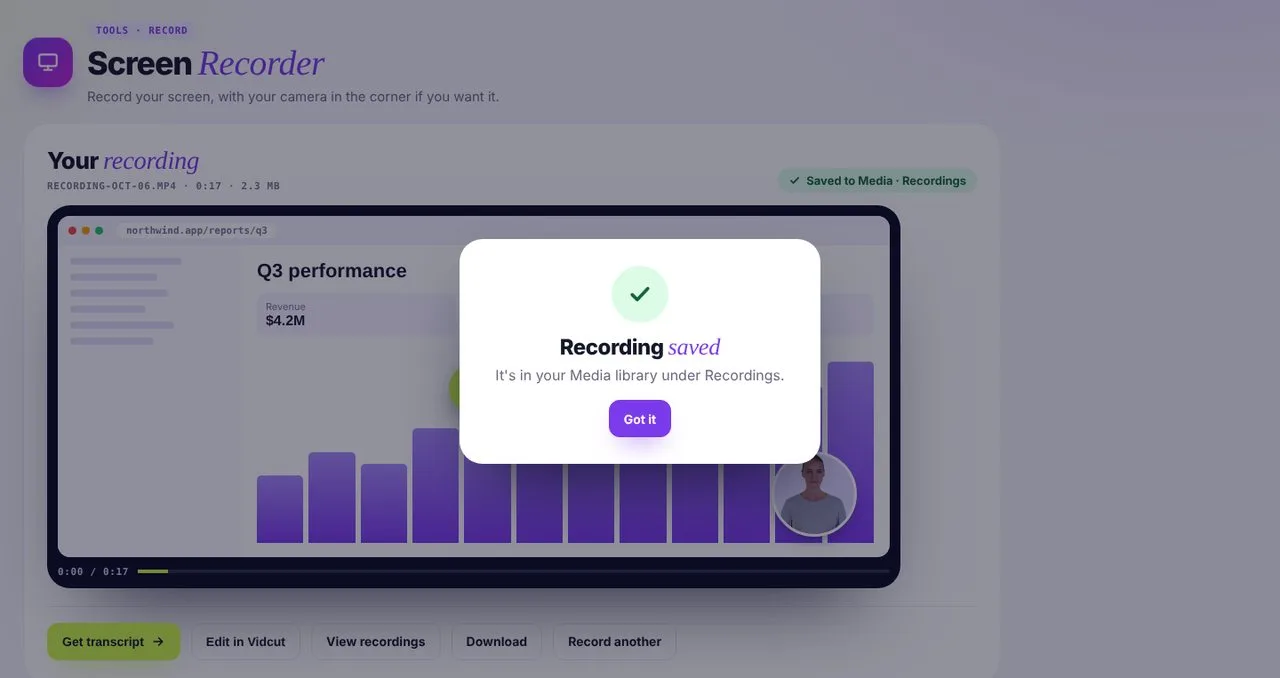 03Save and keep going
Saved to Media, then transcribe it or trim it in Vidcut.
Made for walkthroughs
- 01
Product demos
Walk customers through a feature, with your face in the corner.
- 02
Tutorials and lessons
Record a lesson on screen and add captions after.
- 03
Bug reports and feedback
Show the team exactly what you see.
Finish it in the same place
Your recording goes straight into the rest of vidBoard.
Recorder questions
Do I need to install anything?
No. It runs in your browser. You choose a screen, a window or a browser tab to share.
Can I record audio from my microphone?
Yes. Turn your microphone on and you'll see a live level meter. When you share a browser tab, you can include its audio too.
Is there a time limit?
Up to 10 minutes per recording.
Where do recordings go?
Into your Media library, under Recordings. From there, get a transcript or edit it in Vidcut Editor.