INSIDE THE TOOL
Try Video SuiteSee exactly what you'll use
Real screens from Video Suite inside vidBoard, from the first click to the finished file.
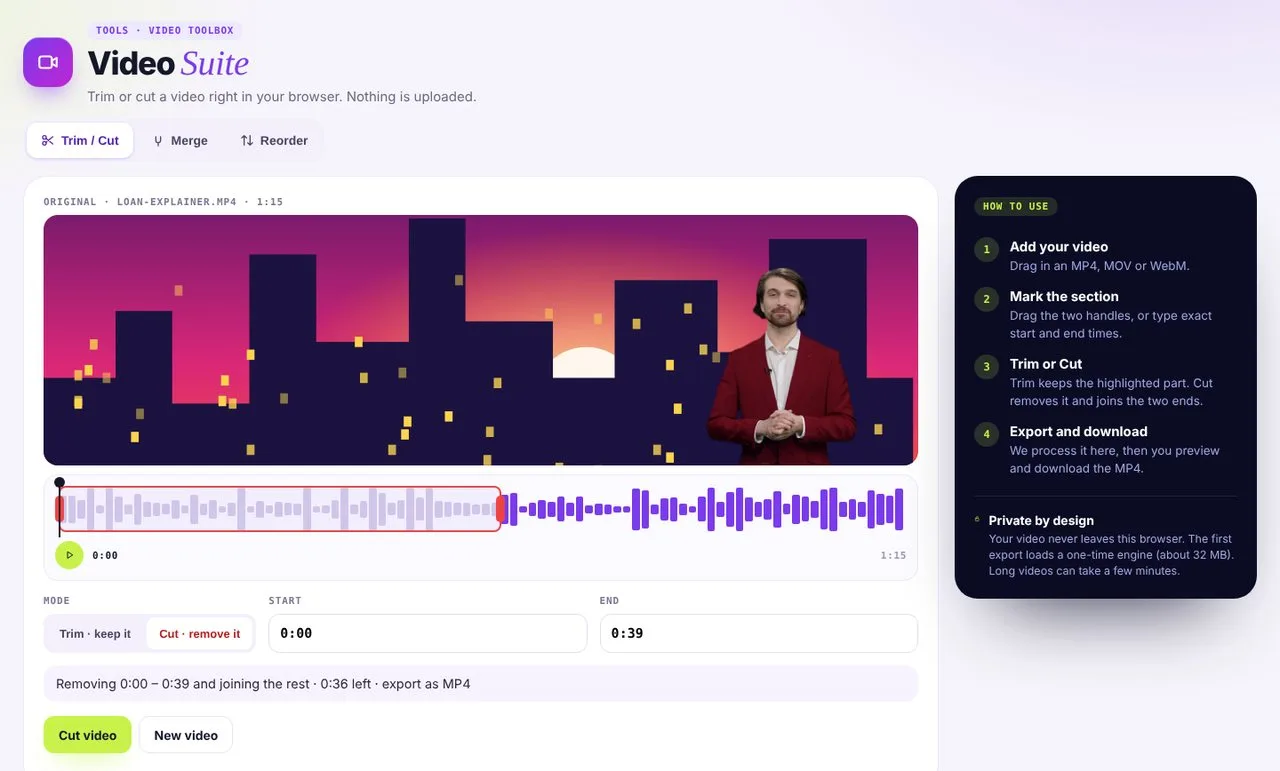 01Trim or cut
Keep a section, or remove it and join the rest.
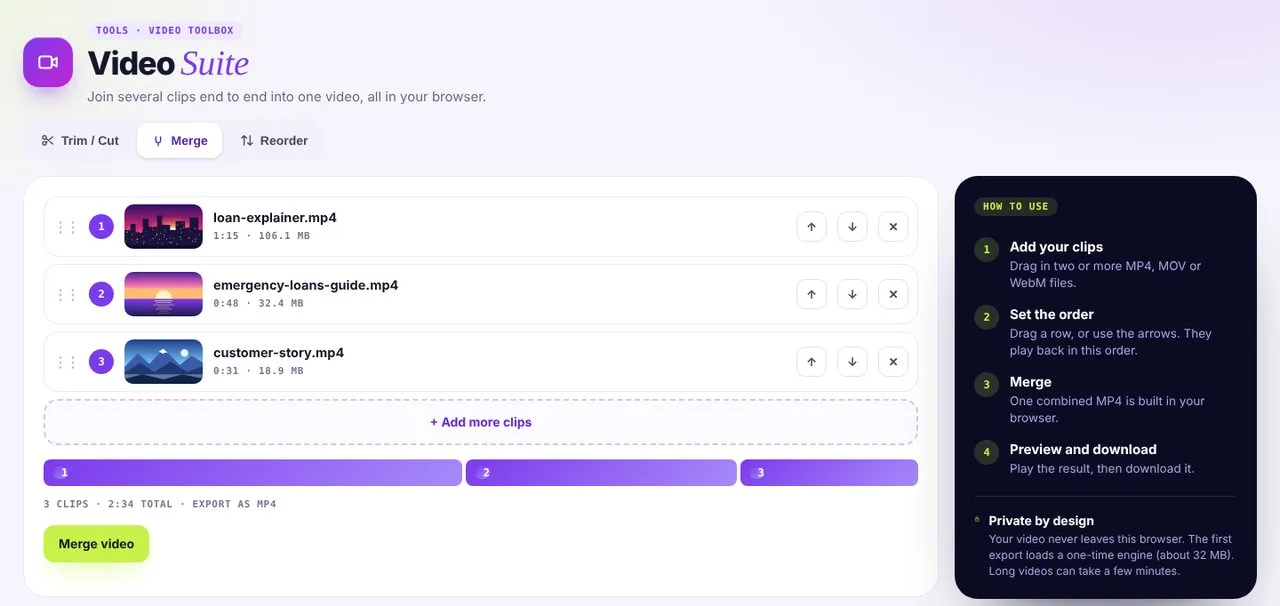 02Merge clips
Set the order and join clips into one MP4.
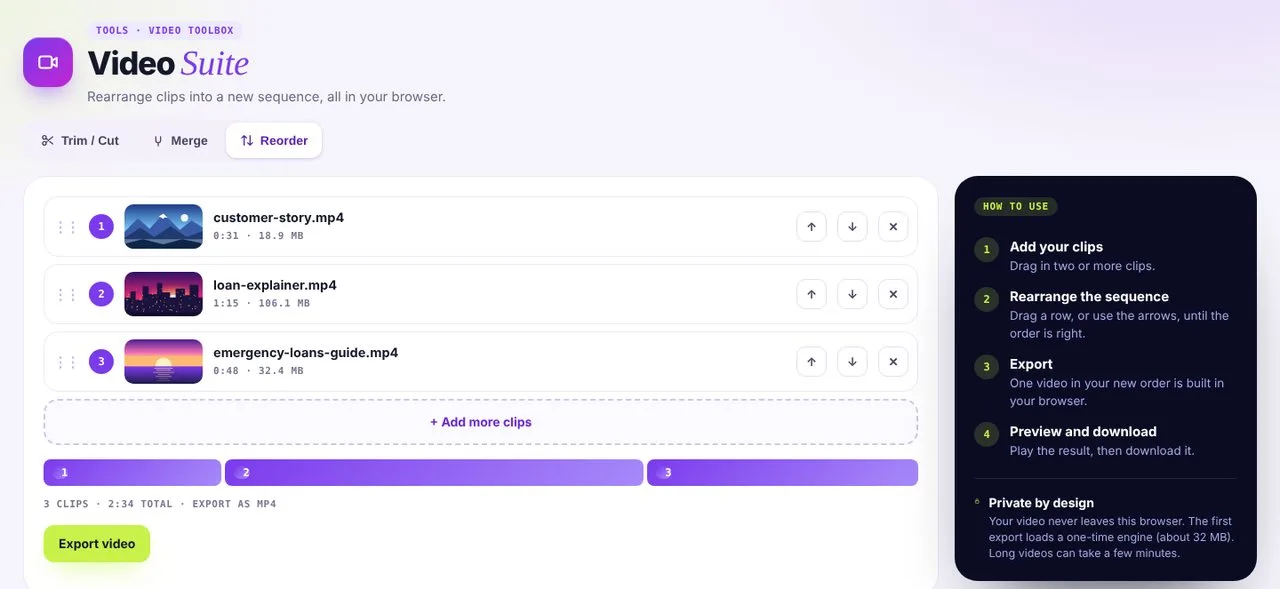 03Reorder
Rearrange clips into a new sequence.
Three tools, zero installs
- 01
Trim and cut
Keep the best part, drop the rest.
- 02
Merge
Stitch clips into a single video.
- 03
Reorder
Rearrange clips into the right sequence.
Need more than a quick edit?
Move on to the full tools when your video needs more.
Video Suite questions
Is my video uploaded?
No. Editing happens in your browser, so the file stays on your device.
Which formats work?
MP4, MOV and WebM.
Can I export in a different format?
Every export downloads as an MP4.