

A Berlin learning manager uploads a 45-slide onboarding deck to vidBoard, applies the company Brand Kit, and generates a narrated master video. From that single project she exports a landscape module for the LMS, a square variant for internal comms, and a vertical summary for a regional WhatsApp channel—then regenerates the deck in Spanish with translated captions and a local AI voice. That one editable master becomes the source for regionally tailored training, sales briefings and partner-ready collateral without rebuilding each asset from scratch.
Localization is not a one-off task; it’s a production multiplier
Enterprises that need consistent messaging across regions face repeated costs: recreating content, re-applying branding, and re-recording narration. vidBoard flips that workflow by treating an uploaded document, PowerPoint or link as the canonical source. The platform reads and preserves the actual facts and structure of your files, generates a narrated draft, and keeps every element editable—text, layout, timing, motion and voice. That editable master is the multiplier: once you have one project, you can translate, dub, re-orient and rebrand without starting over.
Two concrete capabilities make this multiplier practical. First, Brand Kit enforces colours, fonts and logos automatically across generated projects so every localized variant inherits corporate identity without manual finishing. Second, the platform supports multi-language voiceover, caption transcription in roughly 99 languages, caption translation and AI dubbing. Together these features replace dozens of bespoke production jobs with a repeatable, auditable pipeline.
Where a single master drives multiple enterprise outcomes
Localization adds value across several enterprise workflows. Here are four high-impact examples and how vidBoard’s live capabilities map to them.
- Global onboarding and compliance training. Course notes and slides already exist as documents and decks. Use Document→Video or PowerPoint→Video to create a narrated master. Apply voice cloning so the same trainer’s voice scales across modules, then translate captions and use AI dubbing for regional versions. The editable canvas means small updates—policy changes, an extra slide—are reflected across all language variants without a full re-shoot.
- Regional sales and product launches. Sales collateral and product pages become Link→Video or PPT→Video projects. From one master you can export landscape assets for field enablement, short vertical promos for regional social channels, and translated versions for local teams. Brand Kit and template-driven designs keep visuals consistent as content adapts to different markets.
- Partner and channel communications. Partners often need the same message with local examples or translated captions. Share an editable project or export language-specific MP4s and PDFs of slides. Per-slide regenerate allows you to fix one scene—replace a partner logo, adapt a statistic—and preserve the rest of the project across regions.
- Localized knowledge updates. Internal comms like quarterly updates or product notes change frequently. Because the source document or deck doubles as the production asset, updates are edits, not new productions. Caption translation and multilingual voices let distributed teams receive the same content in their preferred language while keeping a single, auditable master.
Operationalizing localization without multiplying workloads
Turning localization into a multiplier requires tooling that treats language and format variants as outputs of the same process, not separate projects. With vidBoard the steps are explicit and repeatable:
- Start from what you already have—upload a document, PowerPoint or paste a link. vidBoard parses the source into editable scenes, retaining real facts and figures.
- Apply Brand Kit and pick a template from the library so the visual system is consistent across all outputs and orientations (landscape, portrait, square).
- Generate the first draft with AI voiceover or a cloned voice. Edit any slide where the AI output needs human adjustments; use per-slide regenerate to avoid rebuilding the whole video.
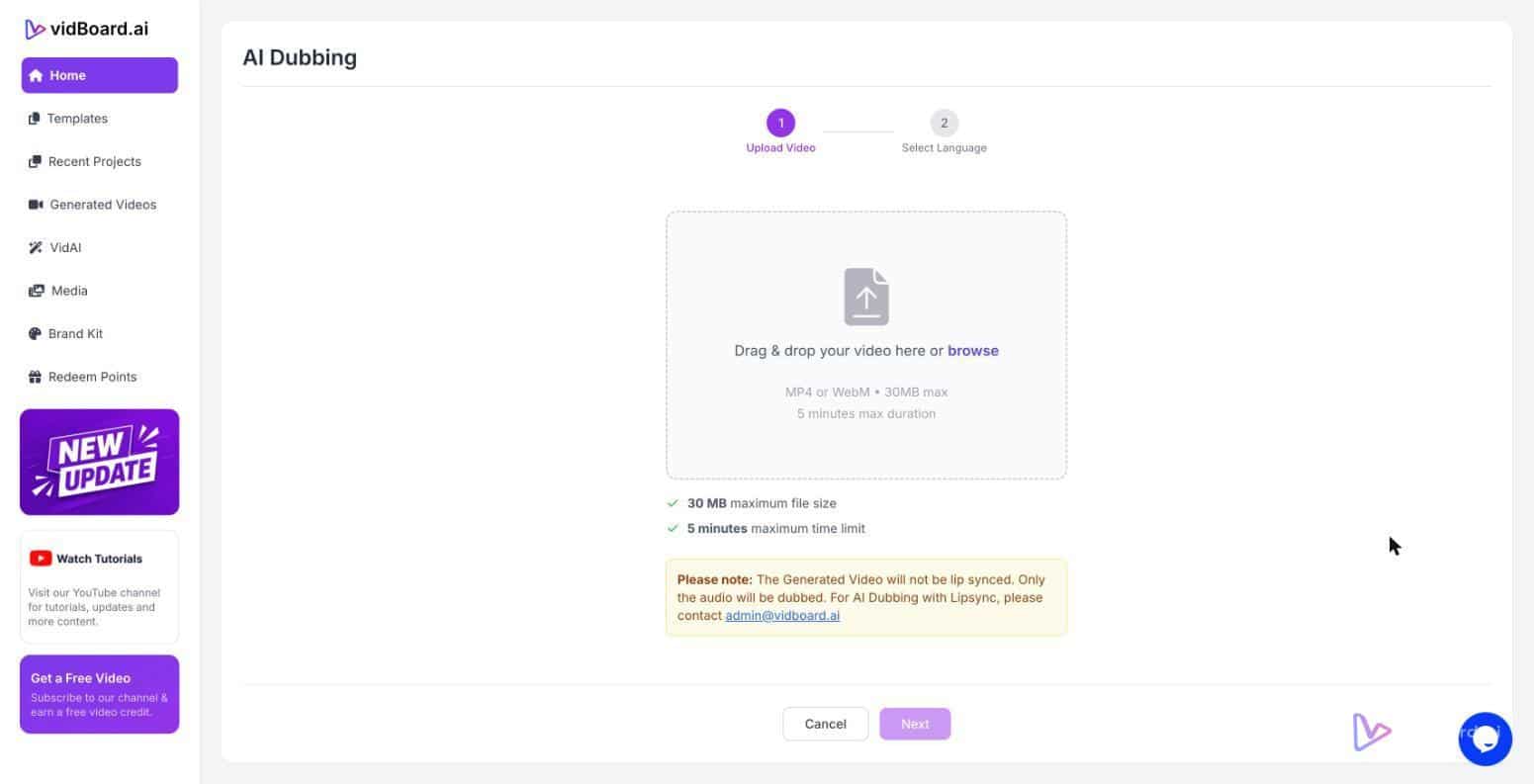
- Create language variants: translate captions, use AI dubbing or swap the voice to a local AI voice. Export MP4s, publish to YouTube, or produce project PDFs for distribution—each variant stems from the same master.
This workflow reduces duplication in two ways: design and content are applied once via Brand Kit and templates, and editorial changes propagate because the master remains editable. For teams that need volume—training catalogs, product pages, or publisher archives—the result is a pipeline rather than a series of one-offs.
For organisations choosing plans, note that the content-to-video engine (Document→Video, Link→Video, PowerPoint→Video) starts at the Creator tier, and Pro Studio adds features such as AI dubbing and digital-twin avatars when presenter-led local versions are required. The free plan and standalone tools (Audio Suite, Video Suite, Thumbnail Maker, AI Subtitles) also offer low-friction entry points for smaller localization tasks.
Localization and accessibility are not separate projects to be budgeted twice; they are outputs of a content-first production model. By keeping every generated video editable, applying brand rules automatically, and offering captioning, translation and multilingual voices, vidBoard turns one source into many regionally accurate, on-brand assets—without multiplying the production workload.