

You have a set of finished videos — training modules, product demos or conference talks — recorded in a single language and sitting on a drive or in a channel. They already carry the knowledge your organisation needs; the problem is reach. Localisation and accessibility can unlock those assets without reshooting: accurate transcripts, multilingual captions and AI dubbing turn a finished video into content that works for other languages and viewing preferences.
Why existing videos are the best place to start
Creating a new video in another language is costly. Recreating an existing asset is not. The source material — the script, the slides, the visuals — already exists and carries the factual content you want to preserve. Localisation today is less about inventing new material and more about converting finished work into versions that different audiences can actually use.
vidBoard’s localisation approach treats the finished video as a valid input. Two live features make that practical: an in-house subtitle workflow that produces editable transcripts and multilingual captions, and AI dubbing that re-voices a finished video in another language. That combination solves two common barriers at once: accessibility for viewers who rely on captions, and audience reach for viewers who prefer a local-language audio track.
A practical workflow: from finished file to multilingual asset
Turn an existing video into localised versions with a few deliberate steps. Each step matches a live vidBoard capability so you can repeat this at scale.
- 1. Transcribe with editable accuracy. Run the video through the AI subtitle engine to get an auto transcription with word-level timing. The transcript is editable before you commit it, which means domain terms, names and acronyms stay correct.
- 2. Create captions and style them for accessibility. Use caption presets, placement control and word-by-word karaoke highlighting where helpful. Captions can be burned into the final MP4 so every viewer sees them regardless of player settings.
- 3. Translate the captions. Caption translation runs within the same workflow. The platform supports roughly 99 languages for transcription and provides translation of those captions so you can produce multiple language tracks from a single transcript.
- 4. Decide between dubbed audio or subtitles. For markets that expect local audio, use AI dubbing to re-voice the finished video in the target language. For audiences who prefer on-screen text (for noisy environments or learners who read faster), export the translated captions. Both options can coexist: a dubbed audio track plus burned-in or selectable captions.
- 5. Polish the language output where needed. Edit the translated transcript, adjust timing and preview the dubbing voice. vidBoard provides multi-language AI voiceover options and lets you upload a human recording when you prefer a real read.
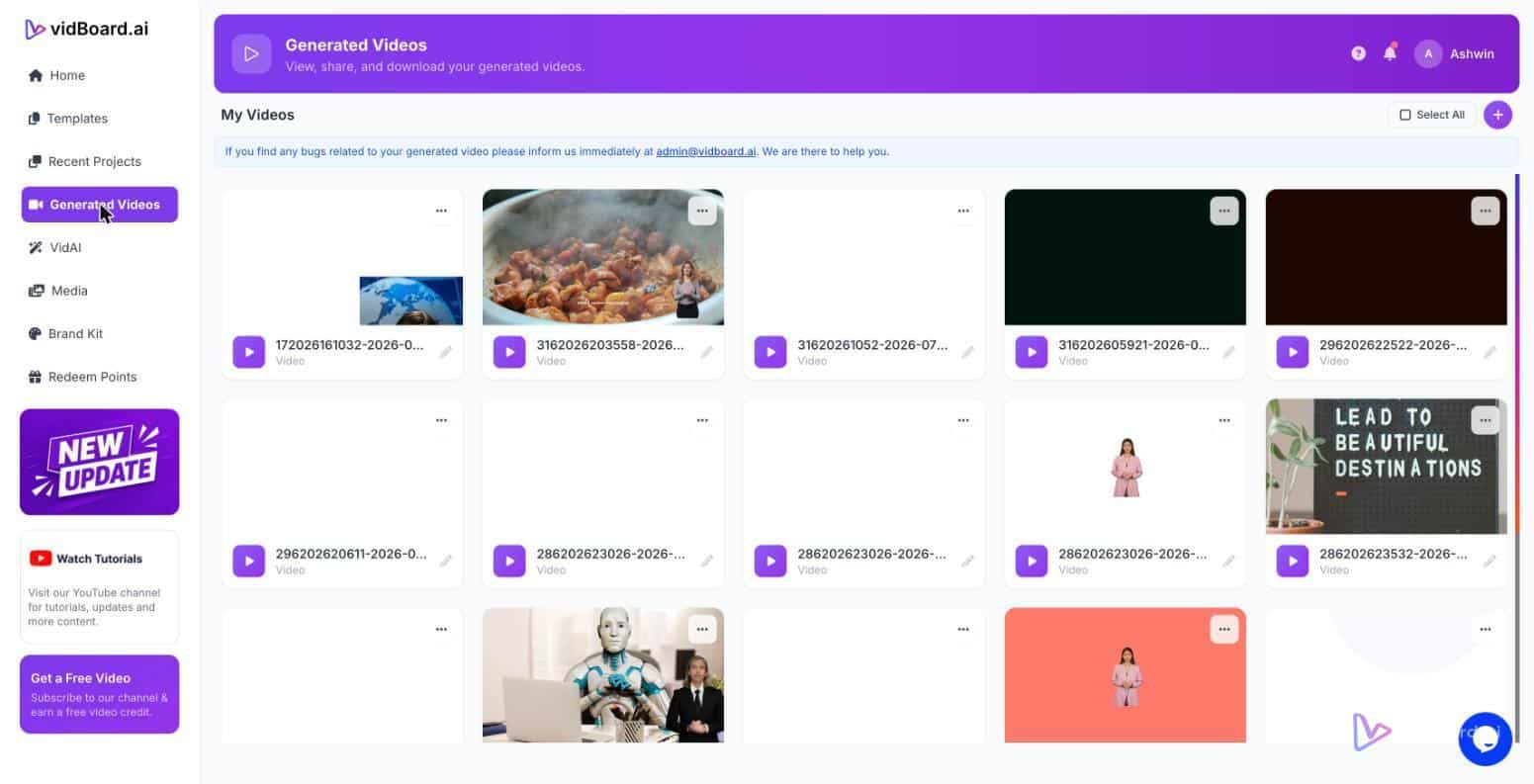
- 6. Export and publish. Deliver the final MP4 or publish directly to YouTube from the finished-video screen. The same file can be exported in landscape, portrait or square crops if you want social variants of the localised asset.
Because the transcript is editable and timings are precise, the process avoids the common failure modes of automatic localisation: mis-transcribed numbers and names, badly aligned captions, or dubbing that fails to match the original pacing. Those human fixes happen early in the workflow and spare rework downstream.
Which vidBoard tools remove the usual friction
Three live features are worth highlighting because they directly reduce cost and time:
- AI Subtitles (standalone flow). You can add subtitles to an existing video without opening the full editor. That lowers the barrier to entry: teams can subtitle legacy assets quickly and decide which ones to fully localise later.
- Editable transcript and caption translation. Automatic output is a starting point, not a final product. Edit the transcript to preserve domain accuracy, then translate captions inside the same workflow so the translated text respects the original structure and timing.
- AI dubbing for finished videos. Re-voice a completed video in another language without rearranging the visuals. The original timing and scene cuts are preserved while the target-language audio is generated and matched to the file.
Supplementary tools — the Audio Suite and Video Suite — let you trim, merge and mix tracks when a localisation needs basic audio clean-up or a scene-level edit before export. That means you rarely need a separate DAW or NLE for straightforward localisation tasks.
Finally, localisation is not only about language. Subtitles improve accessibility for hearing-impaired viewers and for people who rely on captions in noisy contexts. Providing translated captions and dubbed tracks from the same master file multiplies the value of the original production: one finished video becomes several usable assets across markets and platforms.
Localising an existing library is a practical, repeatable process. With editable transcription, caption translation and AI dubbing available as live tools, organisations can turn archived knowledge into reachable, accessible video without reshoots — and keep the facts, names and numbers the original creators intended.