

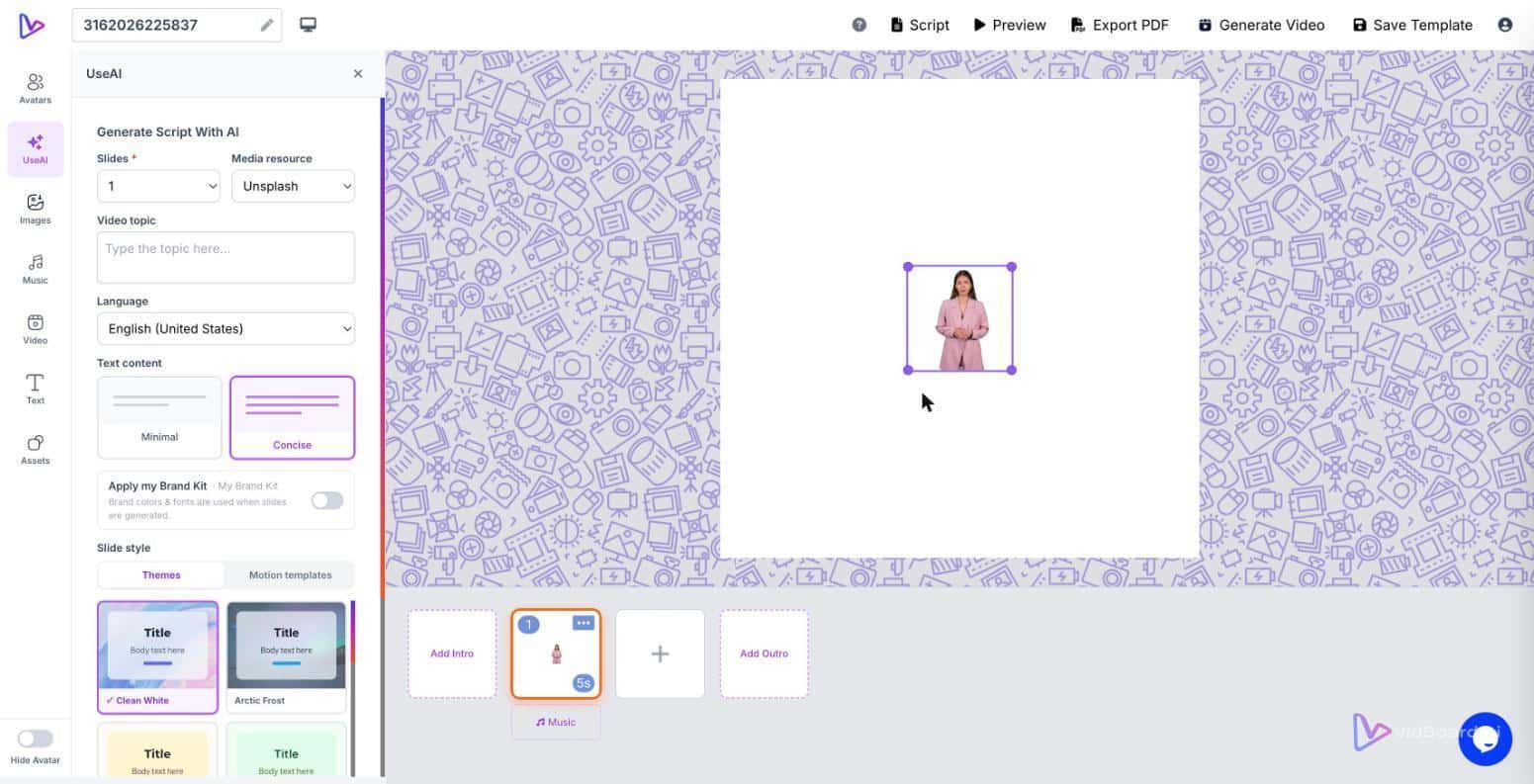
When an L&D team turns an onboarding manual into video, they must choose how the information will be delivered: a visible presenter—an AI avatar or a digital twin—or a faceless, voice-led explainer with captions. That choice changes how viewers receive the message: visible delivery can build continuity and trust for a new hire, while a caption-first social short may work better without a presenter. At vidBoard we treat avatars as a deliberate format decision, not the default.
When a visible presenter earns its keep
Use an avatar when the human presence carries meaning beyond the words on screen. There are three recurring contexts where a talking presenter improves attention, clarity and perceived accountability:
- Onboarding and internal announcements. New employees expect a human voice and face for welcome messages, role expectations and policy changes. An avatar or a cloned voice can provide a consistent instructor across modules, so every new hire meets the same presenter without scheduling shoots.
- Instruction that requires trust or authority. Safety briefings, compliance walkthroughs and trainer-led demonstrations benefit from a visible presence. A presenter frames the message as instruction rather than background information, which helps learners treat the content as mandatory or high-priority.
- Presenter-led course content. For educators and course creators who position a specific instructor as part of the course brand, a digital twin or a repeated avatar preserves that relationship across many modules—without rebooking studio time for each lesson.
vidBoard supports these needs directly: photo and motion avatars, digital-twin creation and voice cloning are live features, and Brand Kit applies consistent fonts, colours and logos to every generated project. Because every output stays editable, teams can tune timing, motion and voice after generation to get the presenter’s delivery right for tone and pace.
When a presenter adds unnecessary complexity
Not every video benefits from a visible face. There are clear cases where an avatar introduces cost, production overhead or stylistic mismatch:
- High-volume article-to-video pipelines. Publishers turning hundreds of posts into short explainers often prioritise speed, consistency and scale. Link→Video workflows, automated captions and faceless visual treatments deliver more volume for less friction.
- Data-dense explainers. When the message is charts, numbers or step-by-step screens, the viewer’s focus should be on visuals and timing rather than a presenter’s gestures. Templates that emphasise typography, motion and big stats are a simpler way to communicate.
- Short social clips where immediacy matters. Vertical promo clips and micro-content often need to be fast and bold; a presenter can slow the edit or need additional editing to read well at 15 seconds.
vidBoard equally supports non-voice and faceless formats, multi-orientation outputs and fast template fills, so teams can produce faceless explainers or silent visual content when that is the right choice.
How to decide: four practical criteria
Choose the delivery format by asking four simple questions about your project. These map directly to vidBoard features so the choice becomes operational, not theoretical.
- Who needs to trust the messenger? If trust, authority or continuity matters—new hires, compliance training, instructor-branded courses—an avatar or voice clone is appropriate. Use Brand Kit plus a cloned voice or digital twin to keep the experience consistent across modules.
- How important is speed and volume? For high-volume pipelines—blog archives, news articles, recurring reports—faceless, caption-first videos scale faster. Use Link→Video, templates and AI subtitles to automate production without a presenter bottleneck.
- Does the content require focused visuals? If charts, code, or a sequence of on-screen steps are the core message, prioritise layout, per-object timing and clear typography instead of a presenter overlay.
- Will you need localisation or many variants? If you must publish in multiple languages or orientations, avatars remain an option (AI dubbing and multi-language voices are supported), but faceless formats often simplify repurposing. vidBoard’s caption translation and AI dubbing remove much of the friction either way.
Answering these lets you align the creative choice with project constraints. Because vidBoard treats AI output as an editable first draft, teams can generate multiple variants from the same source document—presenter-led, voice-led and vertical promo—then choose what to publish.
Format choice as a production rule
Making avatars a deliberate decision changes how organisations run video pipelines. Instead of defaulting to one delivery style, you create a rulebook: onboarding equals presenter-led with a cloned voice; blog-to-video is faceless and caption-forward; social clips are short, bold and visual. vidBoard is built around that pattern: content-first generation (documents, decks, links or scripts) plus editable outcomes, Brand Kit enforcement and multi-orientation export turn one source file into whatever formats your audience needs.
In short, an AI avatar improves the message when visible delivery serves a clear communication purpose—trust, authority, continuity or instructor identity. When it does not, faceless explainers, subtitles and rapid template fills are the right path. The best workflow is the one that treats format as a strategic choice and uses the toolset—avatars, voice cloning, subtitles, templates—where it actually advances the message.