

You have a 12‑slide product onboarding deck used in the UK and a single week to publish versions for France, Brazil and Japan — no reshoots, no travel, and multiple reviewers across legal, product and marketing. Which parts of the video should you translate first: the on‑screen text, the spoken narration, or just add translated captions? The answer depends on audience expectations, review risk and budget; vidBoard supplies the layered options to match each choice.
Translate the deck when visual text matters
Translate the slide text when the information on screen carries meaning that viewers must read or reference: product names, legal disclaimers, step‑by‑step instructions, pricing tables or any content reviewers expect to see exactly as written. vidBoard’s PowerPoint → Video and Document → Video flows keep slide text editable after generation, which means you can regenerate a deck in another language or translate individual slides and keep layout and motion intact. Brand Kit applies your fonts, colours and logos automatically so translated slides remain on‑brand without a manual finishing pass.
Practical trade‑offs: translating the deck yields the highest clarity and lowest downstream support questions, but it requires more review time (copy QA) and, often, manual layout fixes for longer phrases. Use per‑slide regenerate to iterate: translate a slide, check layout, then regenerate that slide only if visuals need rework — you don’t have to rebuild the whole project.
Localize the audio when tone and accessibility matter
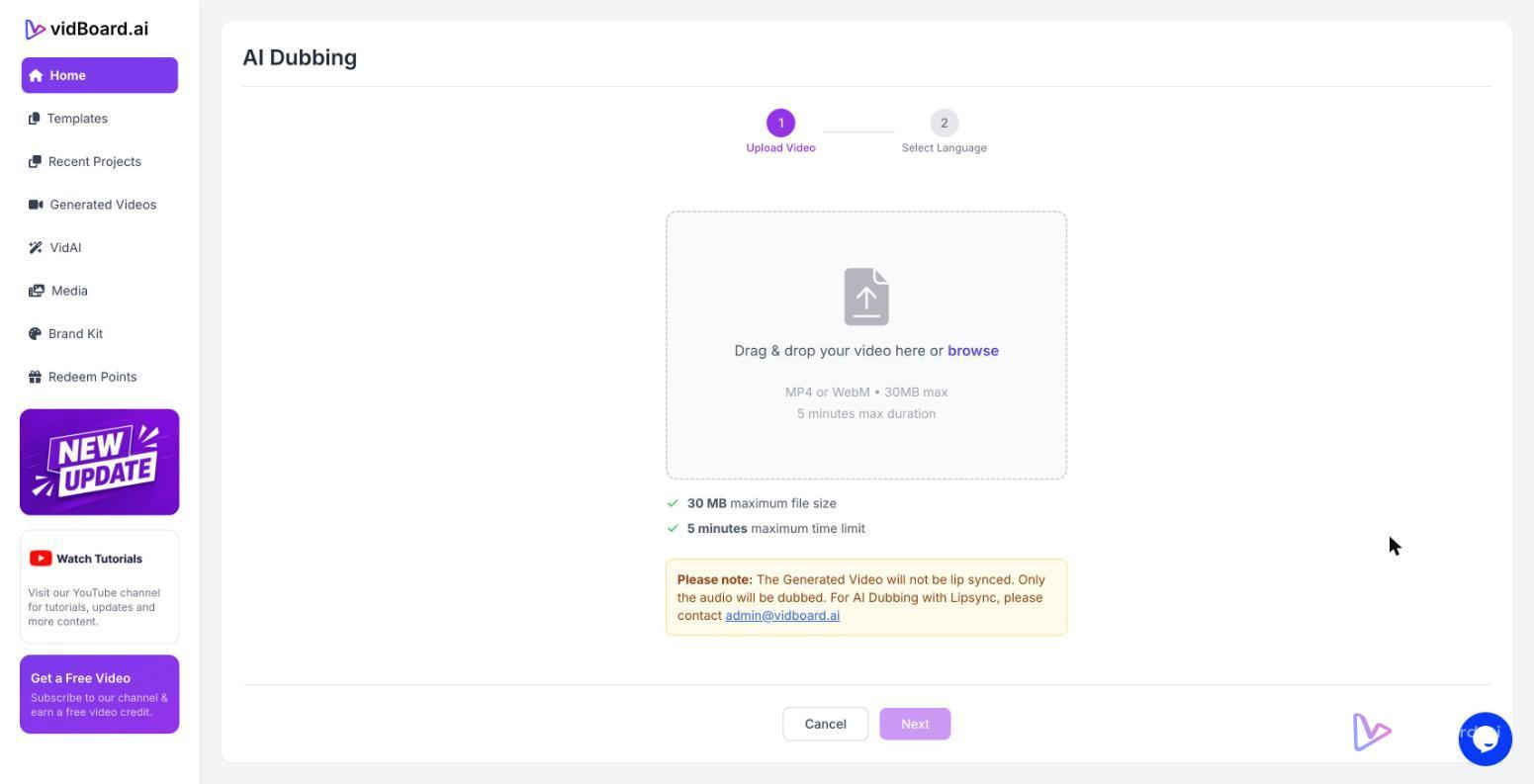
Choose localized narration when you need the message to feel native — presenter tone, idiom and timing matter, or when audiences expect a spoken delivery rather than reading captions. vidBoard supports multilingual AI voiceover across a large voice library, AI dubbing to re‑voice a finished video in another language, and voice cloning or uploaded human voiceovers if brand consistency is required across a course or campaign. For instructor‑led e‑learning, voice cloning keeps one trainer’s voice across modules without reshooting; for marketing, a localized AI voice can match regional expectations more closely than captions alone.
Consider review risk and budget: full narration localization increases QA steps (proofing audio and timing) and may slightly extend production, but it delivers better comprehension and accessibility for audiences who rely on audio. If you use avatars or a digital twin, remember these are optional: vidBoard supports both speaker‑led and faceless formats, so match the delivery to audience expectations rather than defaulting to a talking head.
Caption‑first: fastest, cheapest, and traceable
When time, cost or regulatory review cycles make full translation impractical, start with captions. vidBoard’s AI Subtitles workflow offers auto transcription in roughly 99 languages, editable transcripts with word‑level timing, and caption translation. Captions can be burned into the final MP4, and the platform’s caption presets and placement controls make them readable across landscape, portrait and square outputs.
Caption translation is the most audit‑friendly quick win: reviewers can scan translated text, product teams avoid reworking layouts, and social channels that autoplay without sound still convey the message. Use captions when the spoken audio is supplementary, when budgets are limited, or when you need rapid multi‑market publishing.
Decision framework: match intent, risk and channel
Apply this checklist before you start localising:
- Audience expectation: If viewers need to read precise details (legal, pricing, instructions) → translate the deck. If tone and comprehension are critical (training, brand messaging) → localize narration.
- Review and compliance: High legal/regulatory risk → translate on‑screen text first so reviewers can validate exact wording. Low risk → captions may suffice.
- Budget and speed: Tight budget or rapid turnaround across many markets → caption translation is fastest. Moderate budget → AI dubbing or voice cloning for key markets. Higher budget and strategic markets → translate deck + professional voice where needed.
- Channel and format: Short social clips and vertical formats often rely on captions; long form courses and YouTube uploads benefit more from localized narration and translated slides. vidBoard produces landscape, portrait and square variants from one project, so pick the localization depth per output rather than repeating the work.
In practice, most teams mix approaches: translate the deck for e‑learning and core product collateral, localize narration for primary markets, and publish captioned variants for broad, rapid distribution. vidBoard’s combination of editable slide generation, AI voice options, AI dubbing and a standalone AI Subtitles workflow supports that layered strategy without forcing a single path. That lets you match the localisation investment to the audience need — and keep every version on‑brand and editable as updates arrive.