Voice, Avatars & Brand Consistency Across Your Video Library
A learning manager uploads a company SOP and, without filming, produces a narrated module that uses a cloned instructor voice, the organisation’s Brand Kit and a motion template — and then reuses that same voice across onboarding, compliance and refresher videos. That single practical workflow is what creates recognisable voice at scale: the source content becomes a repeatable, editable video asset rather than a one-off production.
Choose the right voice and format for the message
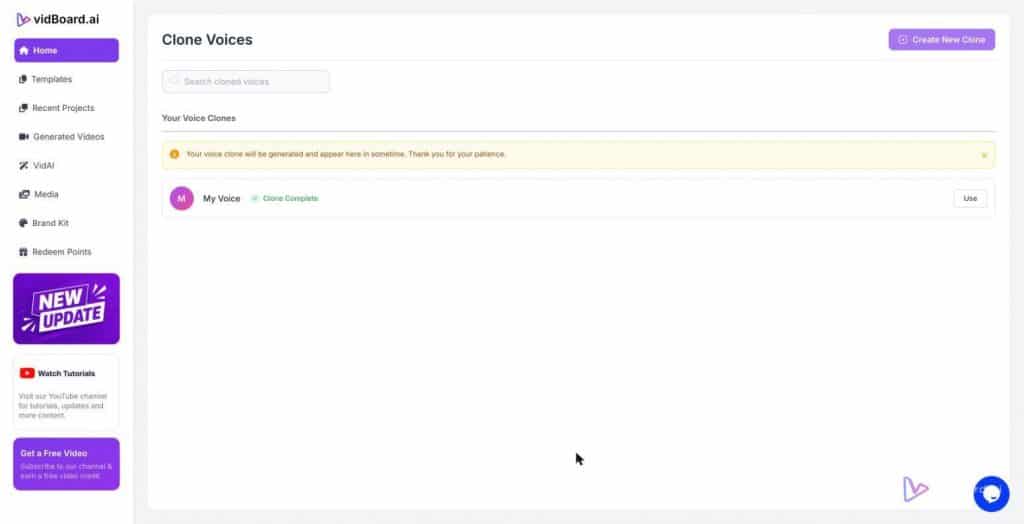
Voice technology gives you options; the choice you make is the first control point for brand recognition. vidBoard supports multiple approaches: multi-language AI voiceover from providers on different plans, voice cloning (one cloned voice on Creator, two on Pro Studio), uploaded human recordings, AI avatars and non-voice videos. Each is appropriate to a different use case.
- Cloned voice for continuity. Use voice cloning when you want a single instructor presence across a course catalogue or series of product explainers. A cloned voice keeps intonation, pacing and identity consistent without scheduling new recordings.
- TTS library for scale and localisation. AI voiceover is useful where you need many languages or many short videos quickly. Combine it with caption translation and AI dubbing to preserve brand tone across regions — vidBoard supports subtitle transcription in roughly 99 languages and AI dubbing for finished videos.
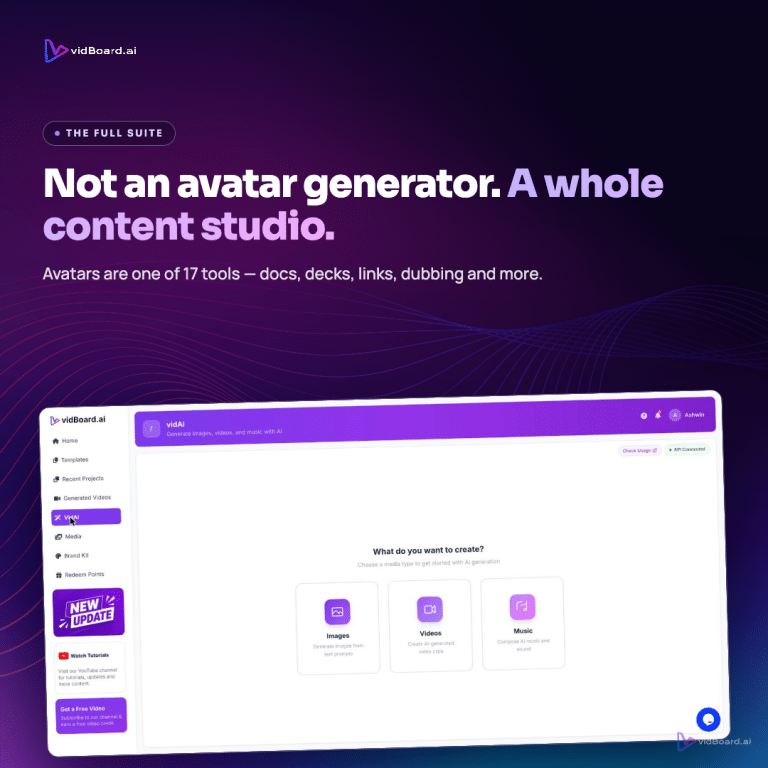
- Avatars when presence matters. Photo or motion avatars and digital twins are available when a human-style presenter strengthens a message; they sit alongside faceless explainers and silent visuals, not instead of them.
The core rule: match voice and format to the communication need. A compliance module often benefits from the steady familiarity of a cloned trainer voice. A social promo may work better with an energetic TTS variant and a vertical layout. vidBoard’s three orientations (landscape, portrait, square) let you produce all three from the same project, so you can keep the voice while changing the format for platform fit.
Apply templates and the Brand Kit so the voice sits inside a single visual identity
Audio alone does not create recognisability; it must live inside consistent visual rules. vidBoard’s Brand Kit stores colours, fonts and logos and applies them automatically to videos generated from documents, links and PowerPoints. The template library (~129 designs, including ~51 motion templates) provides repeatable visual scaffolding so every video looks like it comes from the same organisation.
When you combine three elements — voice, template and Brand Kit — you get a production rule rather than a design task. Practically this looks like:
- Create a ‘master’ template for the programme (one motion template or imported layout).
- Apply the Brand Kit once so colours and typography are consistent across all generated projects.
- Assign the chosen voice (cloned or TTS) and use the same pacing and script style templates.
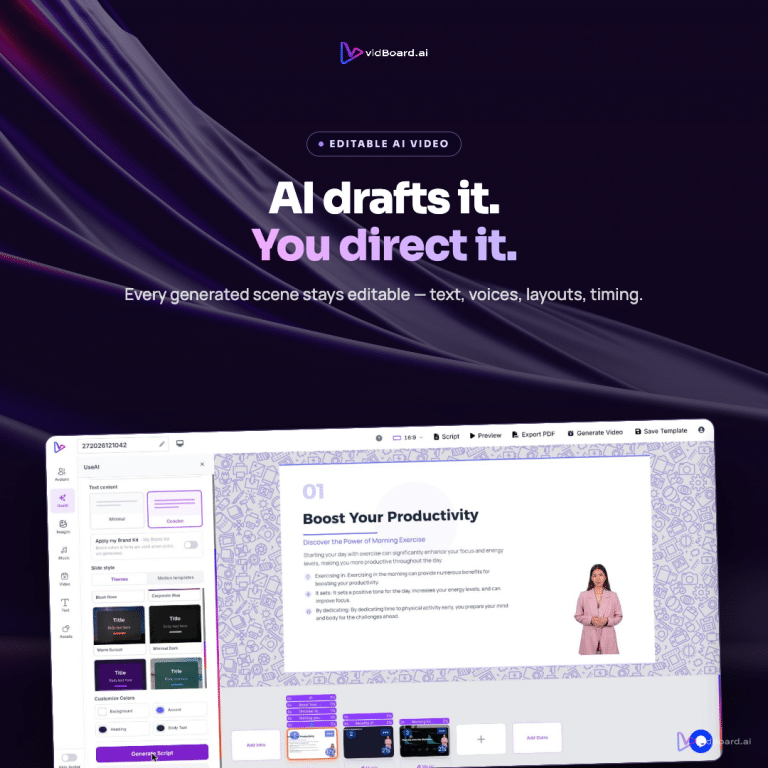
Because vidBoard leaves generated output editable, you do not have to accept the first draft as final. Per-slide editing and per-slide regenerate let teams refine tone or visuals on a single scene without rebuilding the whole video. That preserves scalability while keeping final control.
Governance: how to keep a large library consistent and auditable
Consistency across hundreds of videos requires rules and a workflow that enforce them. vidBoard provides three practical levers you can use as governance mechanisms:
- Account-level limits as a policy tool. Plan features give natural boundaries: Creator includes one voice clone, Pro Studio two. Use those limits as policy anchors — for example, one canonical cloned voice per trainer or programme rather than many ad‑hoc clones.
- Templates and Brand Kit as guardrails. Store approved templates and the Brand Kit centrally, then require that generated projects start from those assets. When the design system is embedded in the generation step, brand compliance becomes part of production rather than a manual review.
- Editability and per-slide control for review workflows. Keep the video editable so compliance or legal reviewers can change a single slide, subtitle or line of narration without asking for a reshoot. Caption presets, editable transcripts and word-level timing make transcript review and correction straightforward.
For localisation and audit trails, the subtitle and dubbing features matter. Auto transcription with editable transcripts (about 99 languages) plus caption translation and AI dubbing let you produce regionally adapted versions while keeping the same visual and vocal identity. Export options (MP4, YouTube publishing and PDF slides) mean a finished asset and a written record exist side by side.
Putting the pieces together: a practical checklist
To turn these capabilities into a recognisable content voice across a library, follow a short checklist anchored in vidBoard’s features:
- Define the canonical voice strategy: cloned voice, TTS family, or uploaded human voice.
- Build one or more programme templates from the ~129 designs and lock them as the project starting point.
- Upload or set the Brand Kit so colours, fonts and logos apply automatically to generated projects.
- Standardise scripts: agree on narration length, phrasing, and pause points so TTS and clones read consistently.
- Use per-slide regenerate and editable transcripts to keep control during review without redoing the whole project.
- Localise with captions and AI dubbing where needed, keeping the voice and visual rules the same.
When teams follow these steps, the result is a library where audiences recognise not just the logo, but the voice and the pacing. That recognisability is what turns one-off videos into a dependable communications channel: the same instructor, the same tone, the same visual grammar — across platforms and languages.