

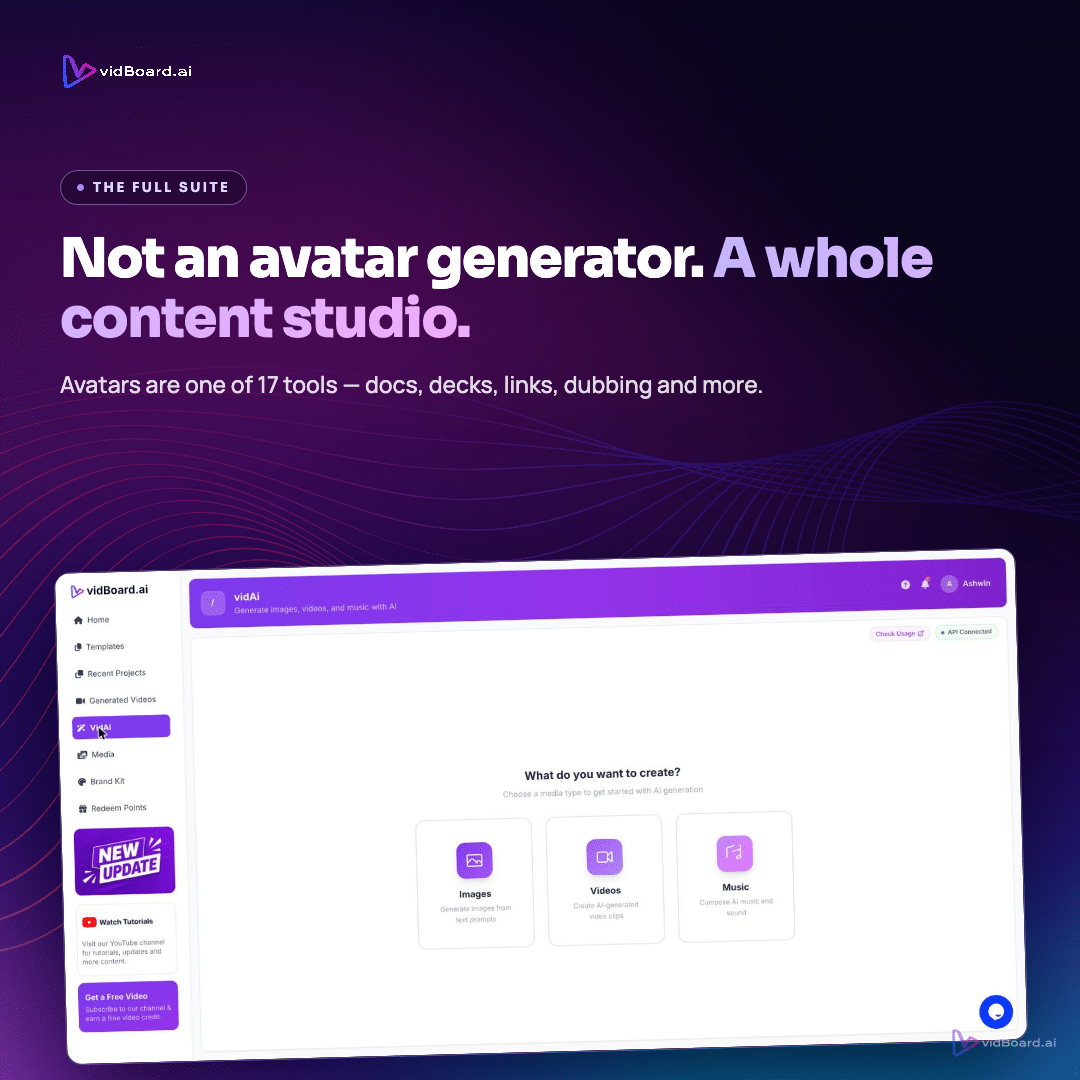
Drop a PDF or paste a blog link into vidBoard and the platform reads the source, keeps the real facts, splits the material into scenes, writes narration and proposes visuals — all inside an editable canvas. From that single starting point you can produce a faceless explainer built from motion templates and data widgets, or you can add an AI avatar and a cloned voice where a human presence helps the message. The point is not that avatars are unavailable — they are — but that choosing an avatar should be a deliberate decision, not a default.
When faceless explainers are the stronger choice
Faceless explainers win when the strength of the message lies in clear structure, data, or fast skimmability. vidBoard is built to start with existing source material — documents, slides or links — and translate them into a structured, narrated video draft. For use cases like e-learning, course modules, explainer articles and product pages, that content-first approach means the platform preserves the real facts and turns them into slide-based scenes with matching visuals rather than forcing a presenter template on top.
Practically, faceless formats are a better match when:
- The content contains dense facts or step-by-step instructions (for example, onboarding manuals, SOPs or technical help). vidBoard keeps actual names and numbers from uploaded documents and turns them into slides and narration you can edit.
- You need variants for multiple platforms. One vidBoard project produces landscape, portrait and square layouts that adapt rather than merely crop — useful when the same piece of content must drive a YouTube lesson, a short-form promo and a social post.
- Localization and scalability matter. Subtitles, caption translation and AI dubbing let you republish the same faceless explainer in many languages without re-shooting. The in-house subtitle workflow supports roughly 99 languages for transcription and editable captions before burning them into the final video.
Faceless explainers also lower production friction. You do not need to recruit a presenter or arrange a recording: choose an AI voice, upload a recorded voiceover, or keep the piece silent. The editor keeps every element editable — text, timing, motion — so the AI draft is a starting point, not a finished product. Templates and a design system (around ~129 designs across three orientations) give motion-led, on-brand options that work without a human on screen.
When presenter-led videos and avatars add value
AI avatars and presenter-led formats are valuable when a human presence changes how the message is received. vidBoard’s avatars, voice cloning and digital-twin capabilities are explicitly available for scenarios where a consistent instructor or a trusted face increases engagement: instructor-led training, CEO updates, customer testimonials or high-stakes product demos that benefit from a human anchor.
Choose an avatar when:
- The goal is to build rapport or convey authority through a familiar face and voice — for example, a recurring course instructor or a company spokesperson across a series of updates.
- Brand or personality is the message. A cloned voice or a consistent presenter can carry tone and cadence across many modules or marketing pieces.
- You want a single visual identity across a catalogue of content. vidBoard supports photo and motion avatars, plus digital twin creation on plans that include it, so teams can reuse the same presenter without further filming.
That said, presenter delivery is one tool among many. The platform deliberately supports faceless, voice-led, silent and avatar formats — the format should follow the communication need, not the other way around.
How to choose the right format in vidBoard
Make the decision with four simple filters: message, audience, scale, and editability.
- Message. If clarity, data or procedural accuracy is paramount, a faceless explainer with clear text, motion, and captions will usually outperform a presenter. If emotional connection, authority or personality is central, a presenter-led clip can add the necessary human signal.
- Audience. Learners and professional audiences often expect concise, scannable content with captions and precise wording; publishers and marketing teams frequently want shareable, platform-specific cuts. vidBoard’s document→video, link→video and PPT→video flows were designed for these kinds of source-first needs.
- Scale and localisation. When you are converting a backlog of documents or articles into hundreds of videos, faceless formats scale faster and localise more easily: the Brand Kit applies colours, fonts and logos automatically across generated projects, and subtitles and dubbing let you localise without reconvening talent.
- Editability. Keep control. vidBoard treats AI output as a first draft: text, images, timing, motion and voice remain editable. If you expect to tweak per-slide content frequently, pick the format that makes those edits simplest. Per-slide regenerate lets you fix one slide without rebuilding the whole project.
One practical workflow used across teams is hybrid: generate a master video from a document or deck, keep the content faceless for the core lesson, then create a short avatar-led intro or closing scene for personality and branding. Because vidBoard outputs slides and a timeline you can edit, assembling that hybrid is straightforward: swap a slide template, add an avatar scene, or change the voice — all inside the same project.
Choosing between faceless and presenter-led formats is not a binary debate about whether avatars are available. vidBoard includes avatars, voice cloning and AI dubbing as capabilities precisely so creators can match format to message. The real question for any project is which format makes the content easiest to understand, reuse and localise — and in many of the platform’s strongest fits (e-learning, course creation, article-to-video conversion), faceless explainers are the right starting point.
Start from the content you already have. The next step is a format choice informed by the message, not by hype about what AI can do on camera.