Why editable AI output beats locked video generation
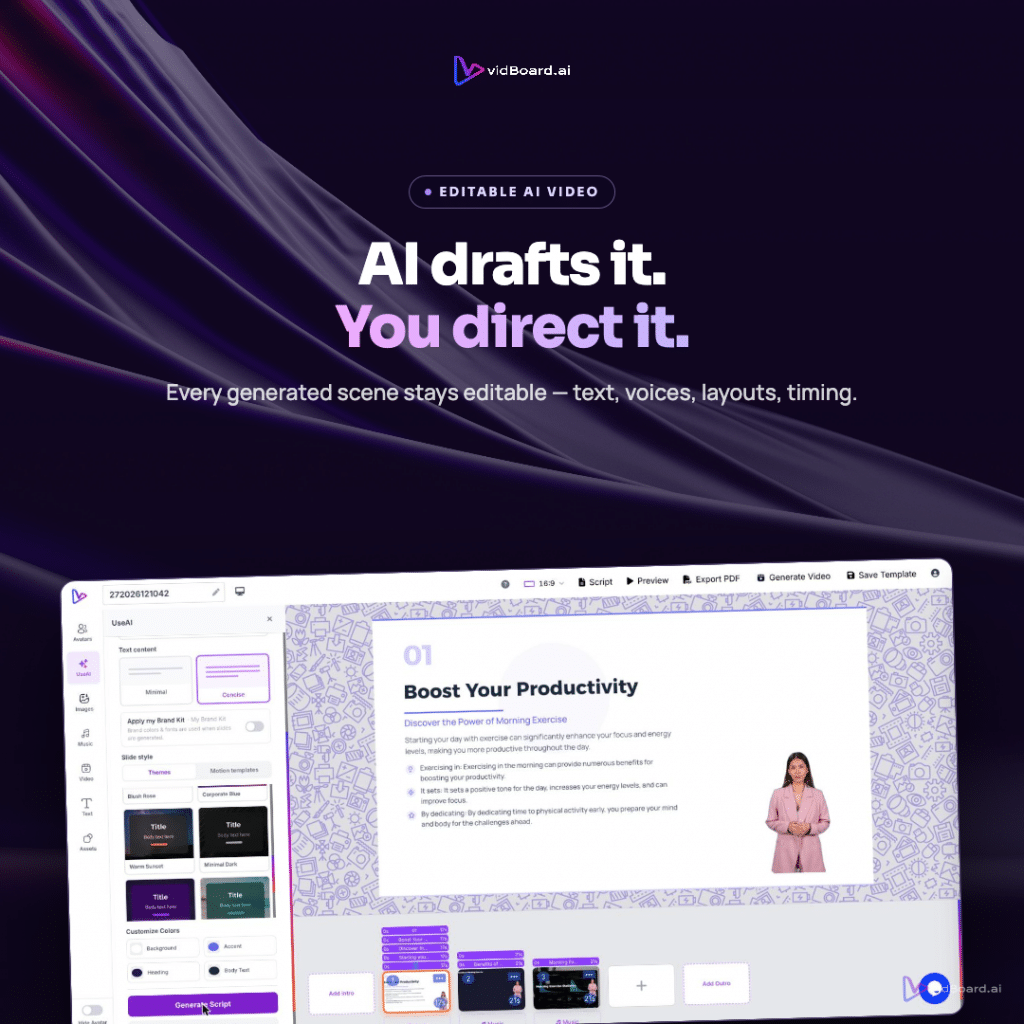
You upload a PowerPoint or drop a PDF into vidBoard and the platform parses your slides and text into editable objects: text, shapes and images remain selectable, the system writes and speaks a narration, and a draft video appears on the canvas. That draft is not the end of the job — it is the starting point. Being able to change a line of copy, swap an image, adjust timing, or apply a Brand Kit after generation is the practical difference between an editable production workflow and a finished-but-fixed file.
Why editable output matters
Locked, one-shot generators tempt with speed but they force a trade-off: you get a video quickly, and you lose control. For teams that need accuracy, brand consistency and reuse, that trade-off is costly. When a platform leaves every element editable after generation, it preserves three things that matter in production: factual fidelity, brand integrity and iteration speed.
Factual fidelity. vidBoard’s Document → Video and Link → Video flows read your actual documents and web pages and carry forward the real facts, names and numbers you supplied. When text stays editable after generation you can verify and correct any phrasing or numeric detail without redoing the whole video.
Brand integrity. A separate finishing step to force brand settings onto a locked video scales poorly. vidBoard’s Brand Kit applies colours, fonts and logos automatically to videos generated from documents, links and presentations, so generated drafts already follow brand rules; because text, layout and assets remain editable you can refine the result without undoing brand work.
Iteration speed. Treating AI output as a first draft lets teams move from concept to polish in fewer, predictable steps. Change one slide, regenerate only that slide, or swap voices and layouts — no need to recreate the whole project from scratch. That lowers friction for review cycles and keeps work moving.
What real control looks like in vidBoard
Control is not a marketing slogan; it is a set of concrete editor capabilities that remain available after the AI creates a draft. vidBoard keeps the following elements editable, so teams never have to accept a locked output:
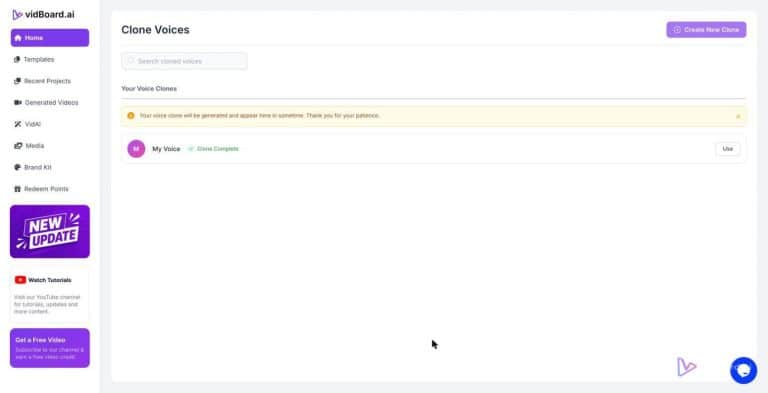
- Text and narration — edit written narration, replace auto-generated lines, upload your own voiceover or use voice cloning so a single trainer’s voice can stay consistent across projects.
- Images and media — swap photos and video backgrounds from the built-in stock integrations or your personal media library; background removal works for images and video as part of refinement.
- Layout and design — every parsed PowerPoint slide becomes editable objects (text, shapes, images), and templates or themes can be switched after generation.
- Timing and motion — per-object timing on a timeline, entrance and exit animations, continuous motion effects and scene transitions are adjustable so pacing is under your control.
- Per-slide regeneration — dislike one slide? Regenerate just that one and keep the rest of the project intact.
- Brand and orientation — Brand Kit applies automatically; projects produce landscape, portrait and square layouts from the same source without destructive cropping.
- Localization — editable transcripts, AI Subtitles across roughly 99 languages, caption translation and AI dubbing let you refine translations and voice choices rather than trusting a single automatic pass.
The AI writes the first draft. You keep the final say.
These controls are not theoretical. They are the practical tools that change how projects are reviewed, approved and repurposed.
How teams use post-generation control to scale production
Editable output changes the economics and workflows of content production. Rather than filming or remaking every asset, teams convert existing knowledge into an editable master and then adapt it for distribution:
- Course conversion at scale — learning teams use Document → Video or PowerPoint → Video to turn course notes and decks into narrated modules. Editable elements let subject-matter experts correct terminology, while voice cloning and Brand Kit preserve a consistent instructor and visual identity across hundreds of lessons.
- Publisher and explainer workflows — Link → Video converts an article into a draft explainer. Editors can then tweak the script, swap visuals pulled from the source, adjust pacing and add captions before publishing.
- Marketing and multi-format publishing — one project generates landscape, portrait and square outputs; teams edit each orientation for platform fit rather than recreating content for every channel.
- Agency and client work — keep a Brand Kit per client, produce a draft from client material, then make targeted edits for approval without losing the underlying structure or narration.
That workflow is exactly the strategic argument behind vidBoard: a creator’s documents already contain the next hundred videos, and editable AI output is the mechanism that turns a backlog into a library without breaking brand, accuracy or review processes.
Locked generation can be fast for one-off experiments, but for teams that need repeatability, reviewability and reuse it becomes a bottleneck. When AI output stays editable — text, images, timing, motion, voice and branding — the platform becomes a production system rather than a generator. That distinction is why editable output, not output that arrives finished and immovable, should be the primary differentiator in choosing a modern video creation workflow.