When silence works: why non-voice videos matter for your content mix
A marketing team has a folder of written product pages, a Brand Kit, and a tight deadline for social. They don’t have time to script, book a voiceover, or film anyone. What they need is a short, on‑brand visual piece that works without audio — an asset that still reads on mute, looks polished in vertical and square, and can be reused across channels.
Non‑voice is a format choice, not a fallback
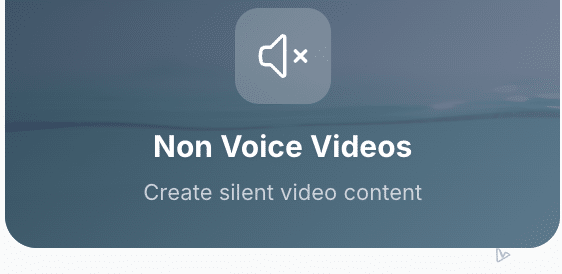
vidBoard treats silence as an intentional format. Non‑voice videos are a live capability: the platform can output silent visual pieces when narration is not wanted. That matters because not every message needs a spoken track — some communications are better served by bold typography, motion, and imagery that convey the key point at a glance.
This is different from removing audio after the fact. With a non‑voice workflow you begin by composing a text‑led visual narrative: scene timing, per‑object entrance and exit, motion templates and matched music (when needed) are all designed around a mute viewing experience. The result is a finished video that reads without sound rather than a talking head with the volume turned down.
How vidBoard makes silent, text‑led videos practical
Three product decisions in vidBoard make non‑voice production fast and reliable.
- Content‑first starts: You can begin from a document, PowerPoint, link or script. That existing text becomes the raw material for each scene, so producing a text‑led visual video is a matter of AI structuring your words into slides and suggested copy — no recording session required.
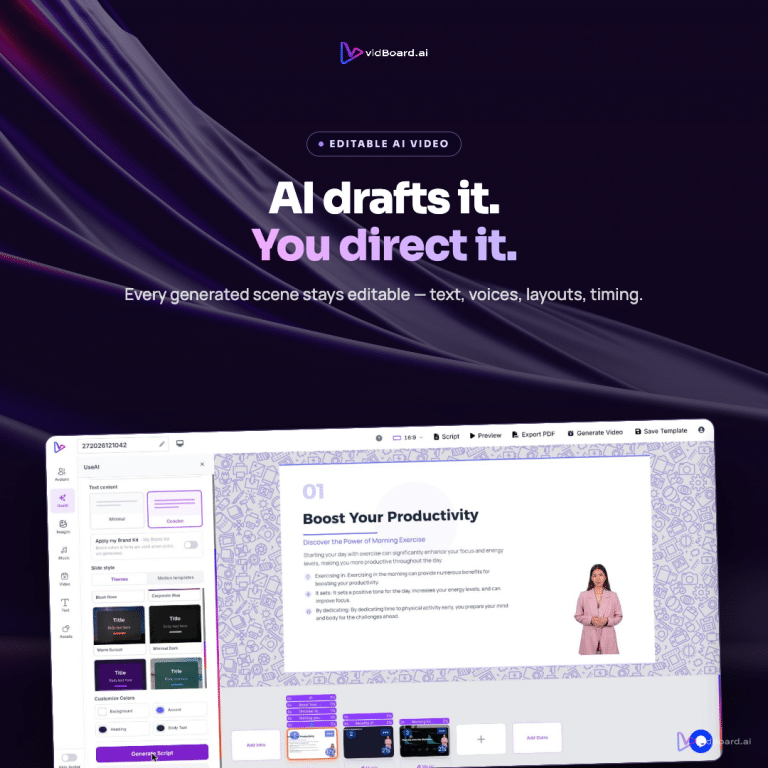
- Editable, presentation‑style canvas: Generated output stays fully editable. Text, layout, timing and motion remain under your control, and you can regenerate a single slide if one frame doesn’t work. That makes iteration fast: replace a headline, nudge a motion curve, and export again without rebuilding the project.
- Design and brand at scale: vidBoard’s Brand Kit applies colours, fonts and logos automatically to generated projects, and the template library (~129 designs across three orientations) gives you motion‑aware layouts that read on mute. Because orientations adapt layouts rather than crop them, the same project can ship as landscape, vertical and square with designs tuned to each format.
Where silent videos win and how to use them
Silent or text‑led formats are not a one‑size answer, but they are the right tool in clear, repeatable scenarios that vidBoard supports well:
- Short social promos: Vertical and square outputs are produced from the same project, letting you repurpose one silent edit across Reels, Shorts and in‑feed posts without re‑recording audio. Motion templates and headline treatments ensure the message lands even without sound.
- Faceless explainers and product highlights: When the message is factual or visual — features, steps, or a quick tour — strong typography, on‑screen icons and staged motion can communicate the same facts a voiceover would, with less friction and faster iteration.
- Volume production and repurposing: Because document→video, link→video and PPT→video start from existing content, a backlog of written assets can become a library of silent clips that stay on‑brand via the Brand Kit. Per‑slide regenerate means you can update a stat or a headline without redoing the whole batch.
And when you do want captions, subtitles and translated text, vidBoard’s in‑house subtitle workflow is live: editable transcripts, word‑level timing and caption translation are available to add readable text layers or burned‑in subtitles as needed.
Practical notes for teams
Non‑voice output is a deliberate production choice. Treat it as such by starting with the input you already have — a blog, deck or product page — and asking two questions: what is the single headline the viewer must take away, and which visual assets already support that point? vidBoard’s media search across stock libraries and the VidAI panel can fill gaps, while per‑object timing and motion turn static copy into readable moments.
One operational detail to keep in mind: non‑voice video output is a supported capability inside vidBoard. Use it alongside Brand Kit, templates and the three adaptable orientations to build a consistent, silent content stream that scales. Where voice or avatars add value, those options are available too — vidBoard’s strength is choosing the right format for the message and keeping the whole project editable after generation.
Silent videos are not the absence of craft; they are a different kind of craft. When you start from what you already wrote and let design, timing and clear text do the work, you get shareable, on‑brand clips that perform where audio isn’t an option — and you get them faster than filming and recording every time.